

You know that sinking feeling when you open your bank statement and see a dozen charges for $12.99, $29.99, and $59.99? That’s the “subscription fatigue” hitting you. We are living in an era where companies are trying to rent us our own productivity. They want you to pay a monthly fee just to remove a background from a photo or sign a PDF.
But here’s the secret the big software giants don’t want you to know: You don’t have to pay for most of it.
There is a parallel economy on the web—a “dark horse” ecosystem of tools that are so powerful, so fast, and so free that using them feels like you’re getting away with something. These aren’t just “free trials.” These are enterprise-grade utilities built by developers who believe in an open web.
I’ve spent weeks auditing the internet to find the best of the best. I’m not talking about health or fitness apps; I’m talking about pure, unadulterated leverage for your work, your wallet, and your privacy.
Here are the 15 websites that give you an asymmetric advantage in 2025.
The “Agentic” AI (Your Digital Employees)
The old way of using computers was passive: you typed, it processed. The new way is agentic: these tools do the thinking for you.
1. Perplexity AI: The End of “Googling”
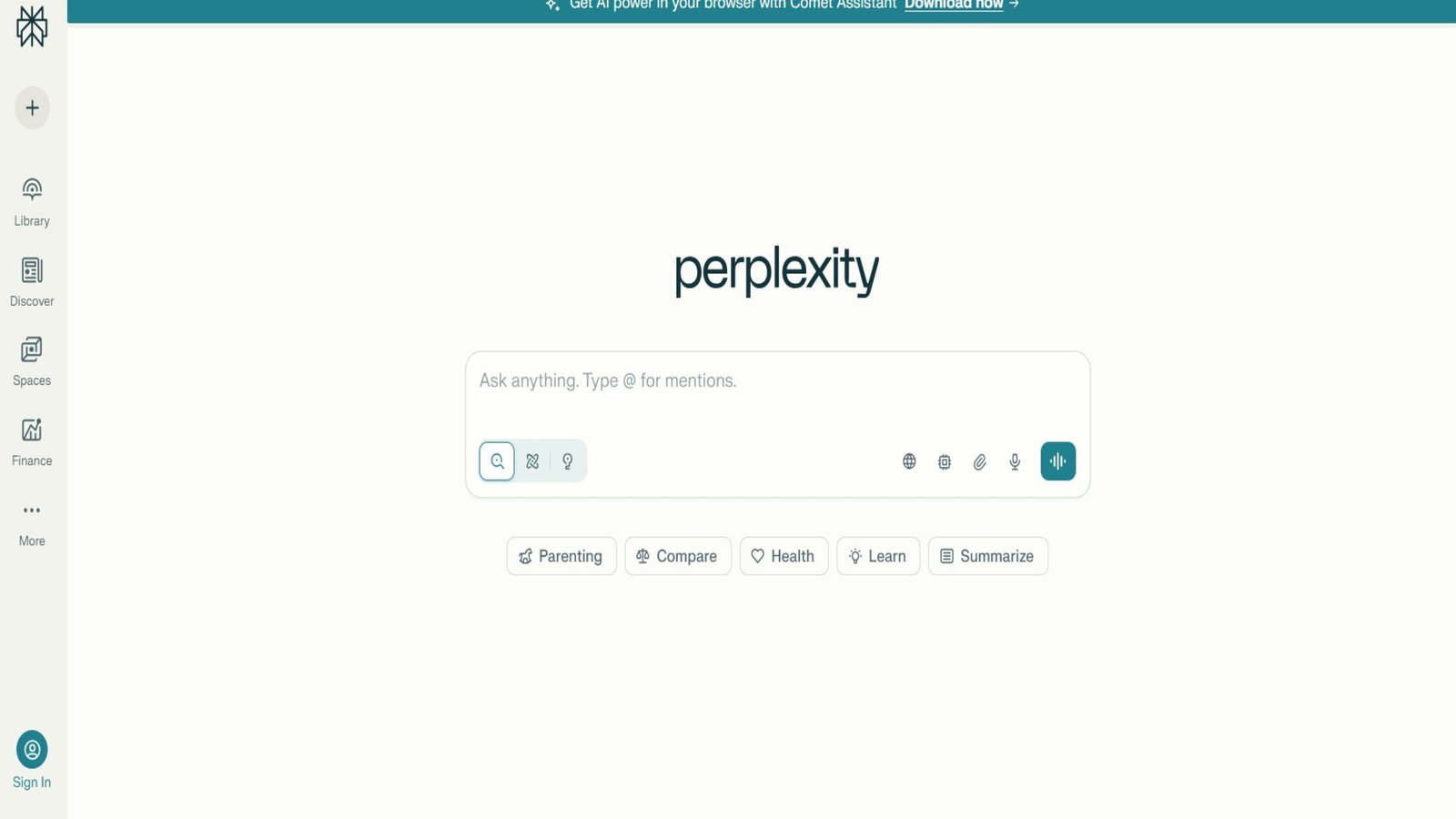
Let’s be honest: Google has become a cluttered mess of SEO-spam and ads. Finding a straight answer feels like digging through trash.
Perplexity isn’t a search engine; it’s an answer engine. When you ask it a question, it doesn’t give you links. It reads the internet for you, synthesizes the answer, and—this is the critical part—cites its sources with little footnotes.
- Why it feels illegal: It feels like you have a team of research assistants working at light speed.
- The 2025 Stat: As of May 2025, Perplexity is processing 780 million queries a month. Users are spending an average of 23 minutes per session on the site. Think about that—people aren’t just searching; they’re working there.
- Pro Tip: Use the “Focus” button. You can tell it to search only academic papers or only Reddit threads. It cuts through the noise instantly.
2. Otter.ai: The Meeting Killer
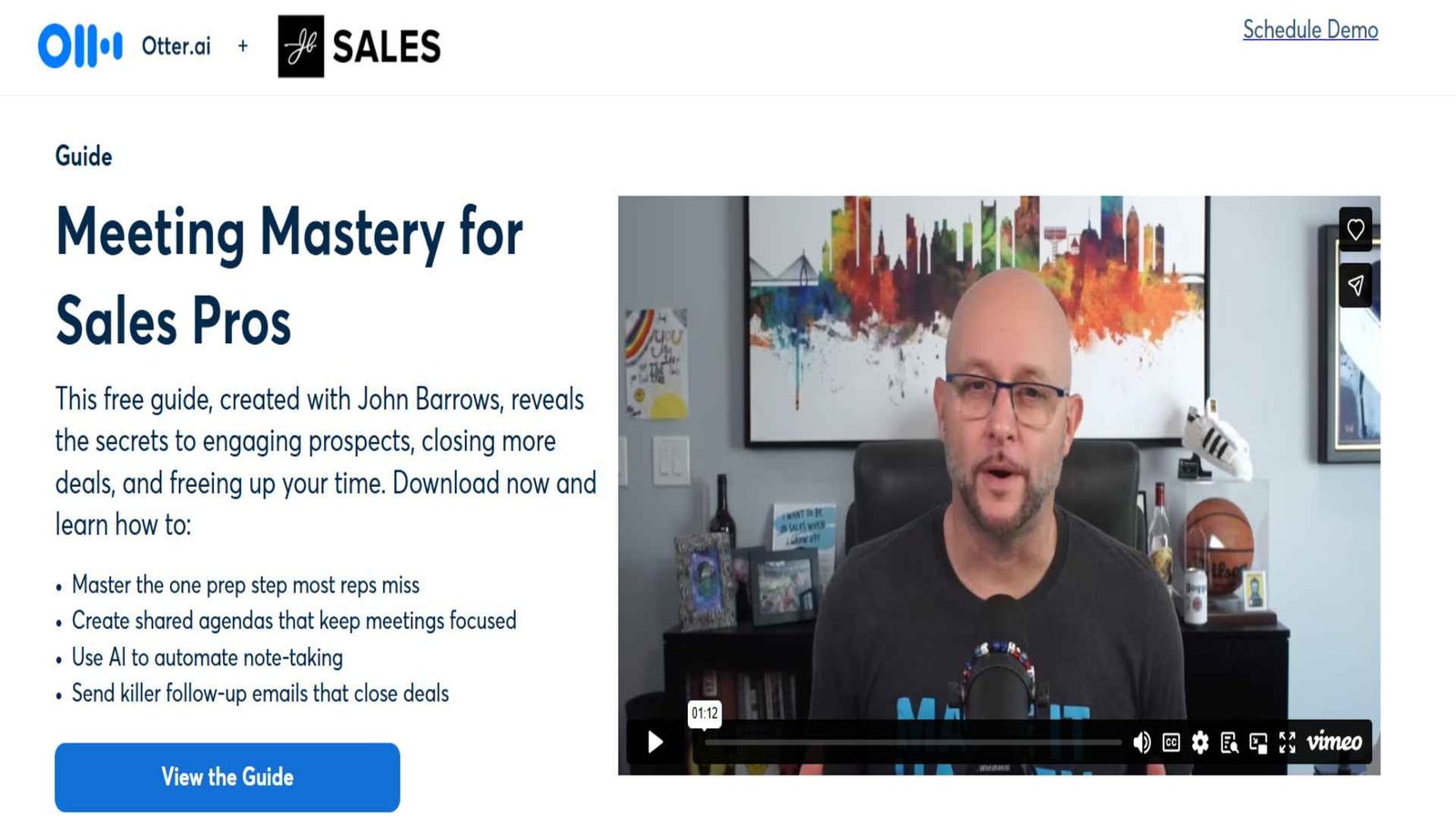
We’ve all sat through meetings where we zoned out for 20 minutes and missed the one action item assigned to us. Otter.ai fixes that. It’s not just a transcription tool; it’s a “Meeting Intelligence Agent.”
- The Killer Feature: “OtterPilot.” You can actually double-book yourself. Send Otter to a Zoom meeting you can’t attend. It will join, record, transcribe, and—get this—email you a summary of key decisions afterwards.
- The Tech: It uses “Speaker Diarization” (a fancy term for distinguishing who is talking). Even if people talk over each other, Otter separates them with about 90-95% accuracy.
- The ROI: Data shows professionals save about 4 hours a week using tools like this. That’s half a workday reclaimed.
3. Formula Bot: The Spreadsheet Alchemist
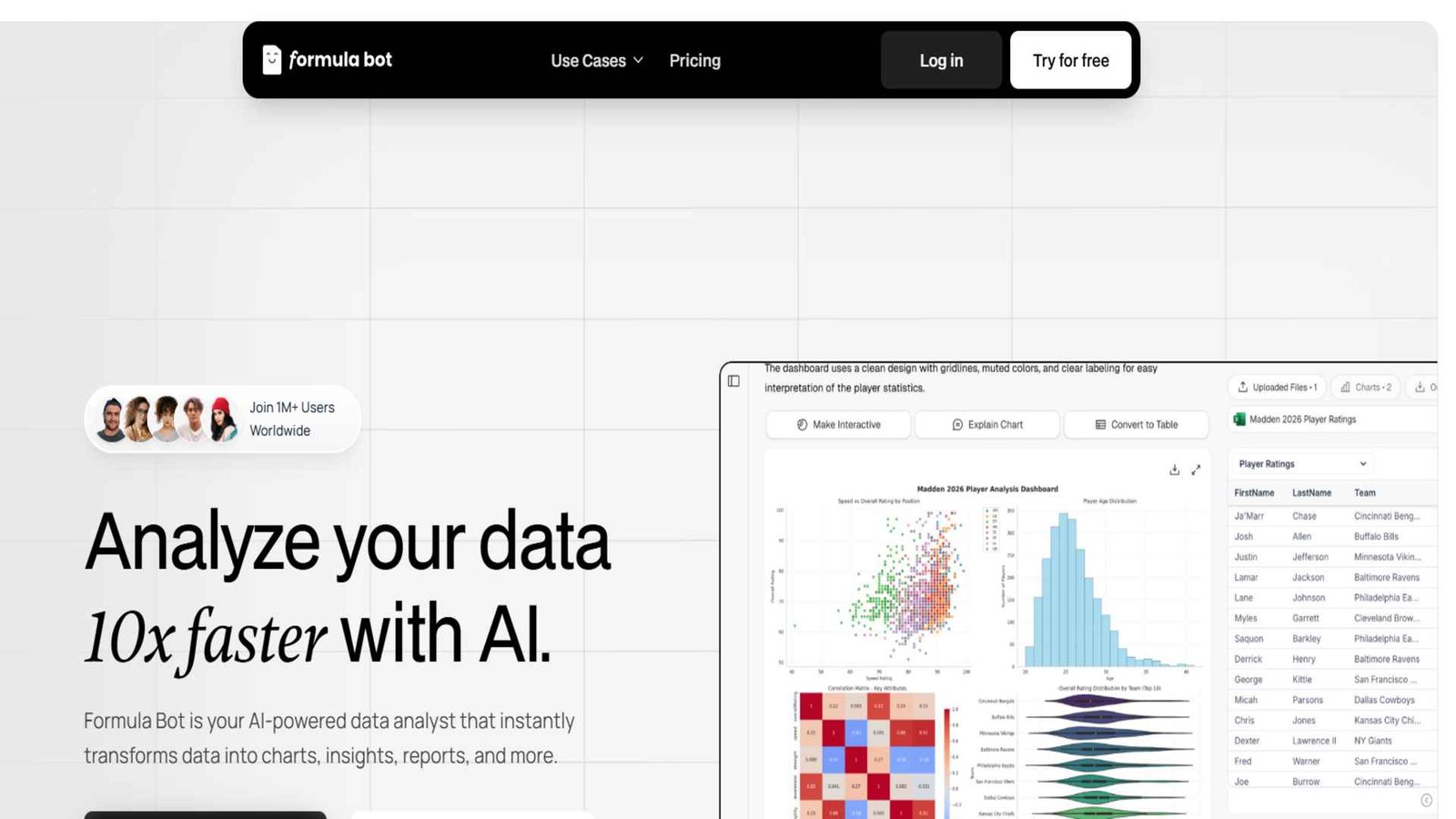
Excel is the backbone of the business world, but memorizing formulas like =INDEX(MATCH()) is a nightmare. Formula Bot speaks your language.
- How it works: You type: “Calculate the average of Column A, but only if Column B says ‘Q4’ and Column C is greater than $500.”
- What it gives you:
=AVERAGEIFS(A:A, B:B, "Q4", C:C, ">500") - Why it matters: It democratizes data science. You don’t need to be a wizard anymore; you just need to know what you want. In 2025, it now supports SQL and Regex, too, meaning you can write database queries without knowing a line of code.
🎨 The Creative Suite
Adobe’s Worst Nightmare
Photopea
The CloneRemove.bg
Magic EraserCarrd
One-Page WonderFor years, creative work has been gated behind expensive Creative Cloud subscriptions. These tools tear those gates down.
4. Photopea: The Photoshop Clone
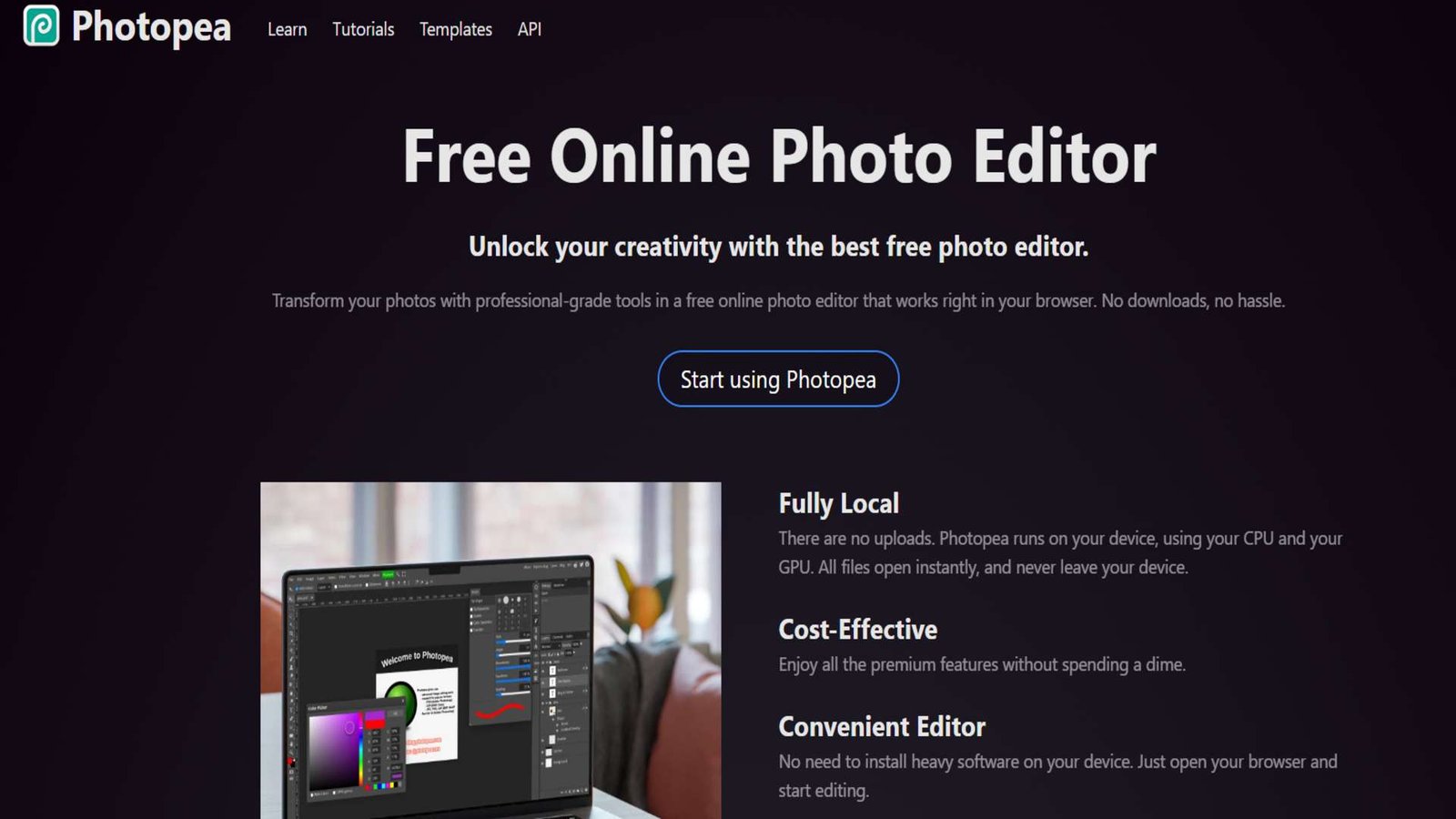
I still can’t believe this site exists. It is, for all intents and purposes, Adobe Photoshop running in your browser.
- The Secret Sauce: It uses WebAssembly. This allows your browser to run heavy code locally on your computer. When you load Photopea, you can actually turn off your Wi-Fi, and it will keep working perfectly. Your photos never leave your device (huge for privacy).
- Compatibility: It opens PSD, AI, XD, Sketch, and RAW files. It supports layers, masks, smart objects—everything.
- The Guy Behind It: It’s built by one guy, Ivan Kutskir. He’s successfully actively fighting the subscription model single-handedly.
5. Remove.bg: The Magic Eraser
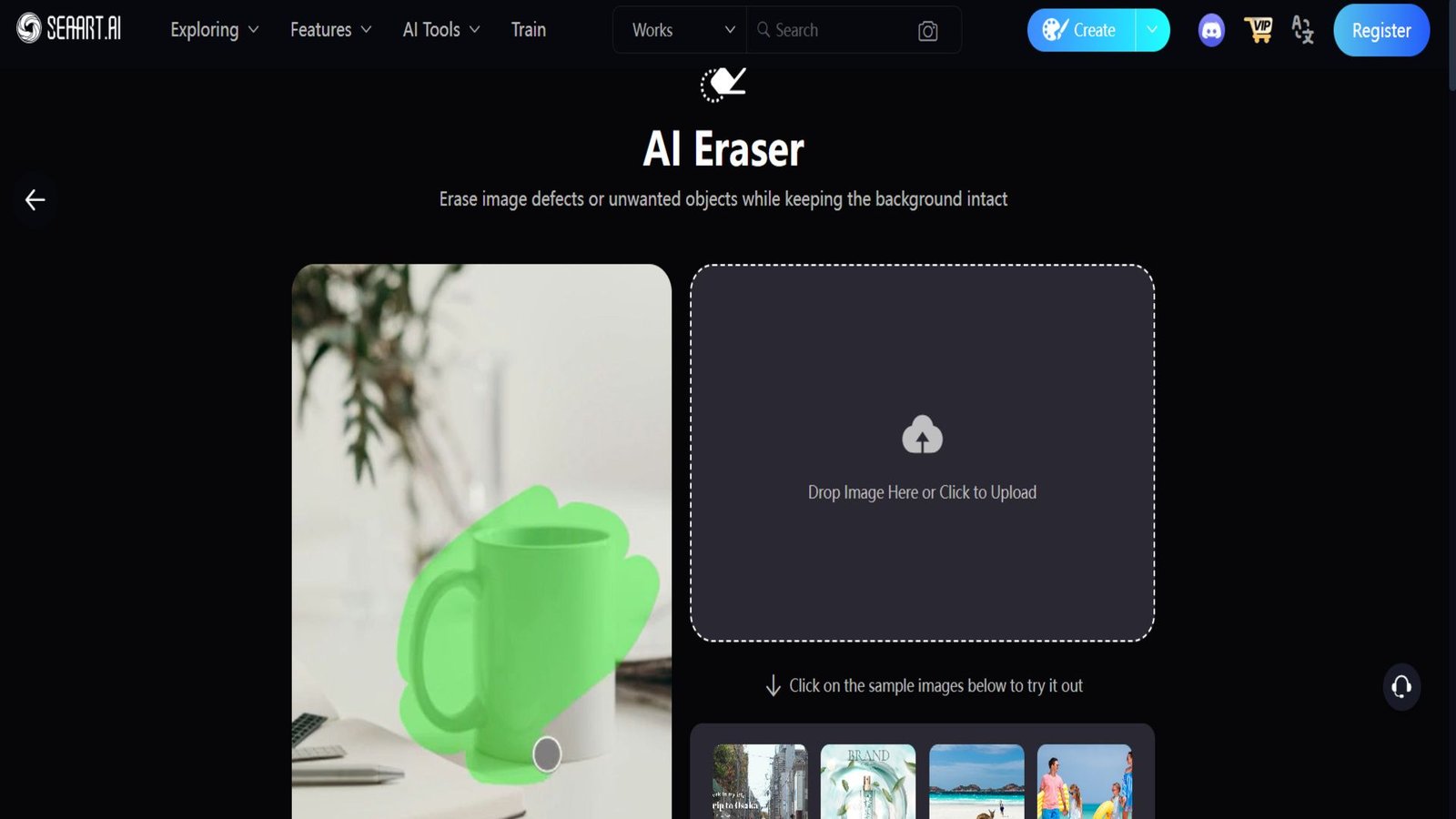
Removing backgrounds used to take 20 minutes with the “Pen Tool.” Remove.bg does it in 5 seconds.
- The Tech: It solves the “Hair Problem.” Most background removers look fake because they chop off hair or fur. Remove.bg uses neural networks trained specifically on these fuzzy edges.
- The “Illegal” Feeling: It feels like cheating. Drag an image in, and poof, the background is gone.
- Use Case: If you need to make a professional headshot from a casual photo, or create product images for eBay/Amazon, this saves hours.
6. Carrd: The One-Page Wonder
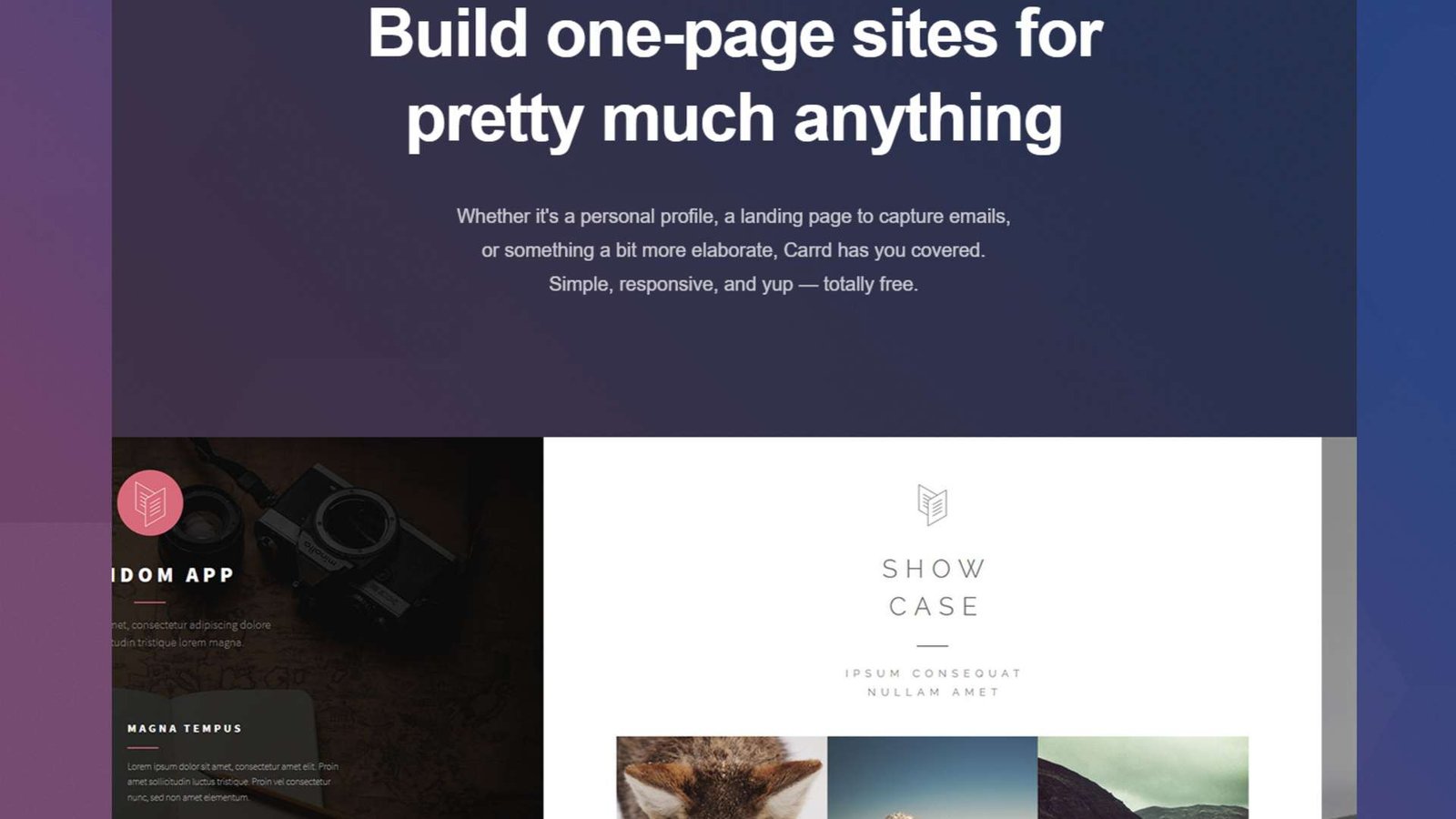
Websites have become too complicated. WordPress is bloated; Wix is expensive. Carrd is the antidote. It builds one-page websites.
- Why it wins: It restricts you. By forcing you to stick to one page, it makes your design look clean and mobile-responsive by default.
- The Price: You can build a pro-level site for free. Even their top-tier “Pro” plan is something like $19 per year. Compare that to Squarespace charging $20 a month. It’s effectively free real estate on the web.
Ghost Protocol (Privacy & Security)
The internet is a surveillance machine. These tools are your shield.
7. Wormhole: The James Bond File Transfer
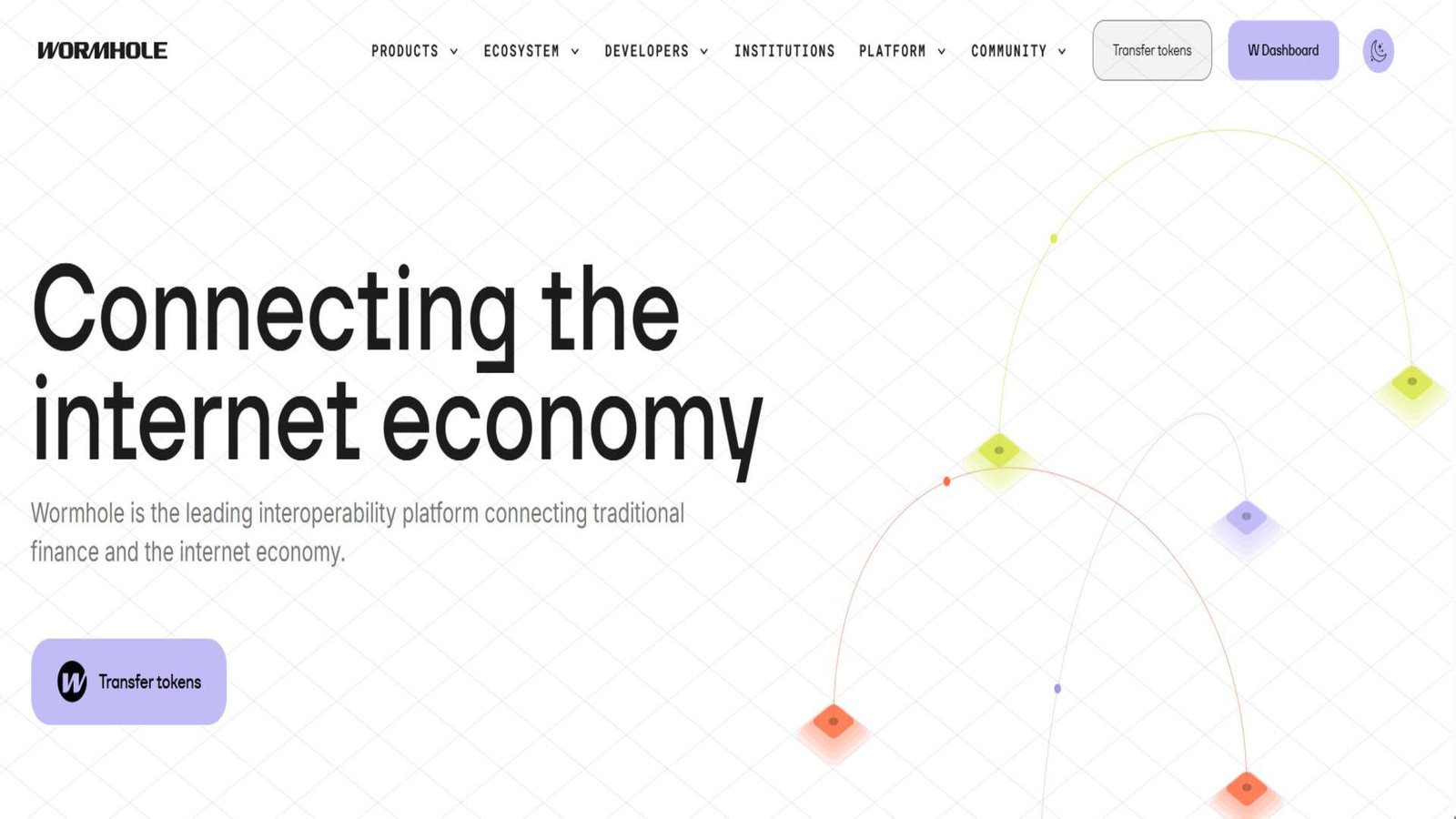
Stop using WeTransfer or Google Drive for sensitive files. They have the keys to your data. Wormhole does not.
- The Genius Encryption: It uses “End-to-End Encryption” with a twist. The decryption key is stored in the URL fragment (the part after the
#hash). - Why that matters: Browsers never send the part after the
#to the server. This means Wormhole’s servers literally cannot see your file. Only the person you send the link to can open it. - Speed: It uses P2P (Peer-to-Peer) streaming. If you send a file to a colleague sitting next to you, it transfers directly over your local Wi-Fi at gigabit speeds.
8. Temp-Mail: The Burner Identity
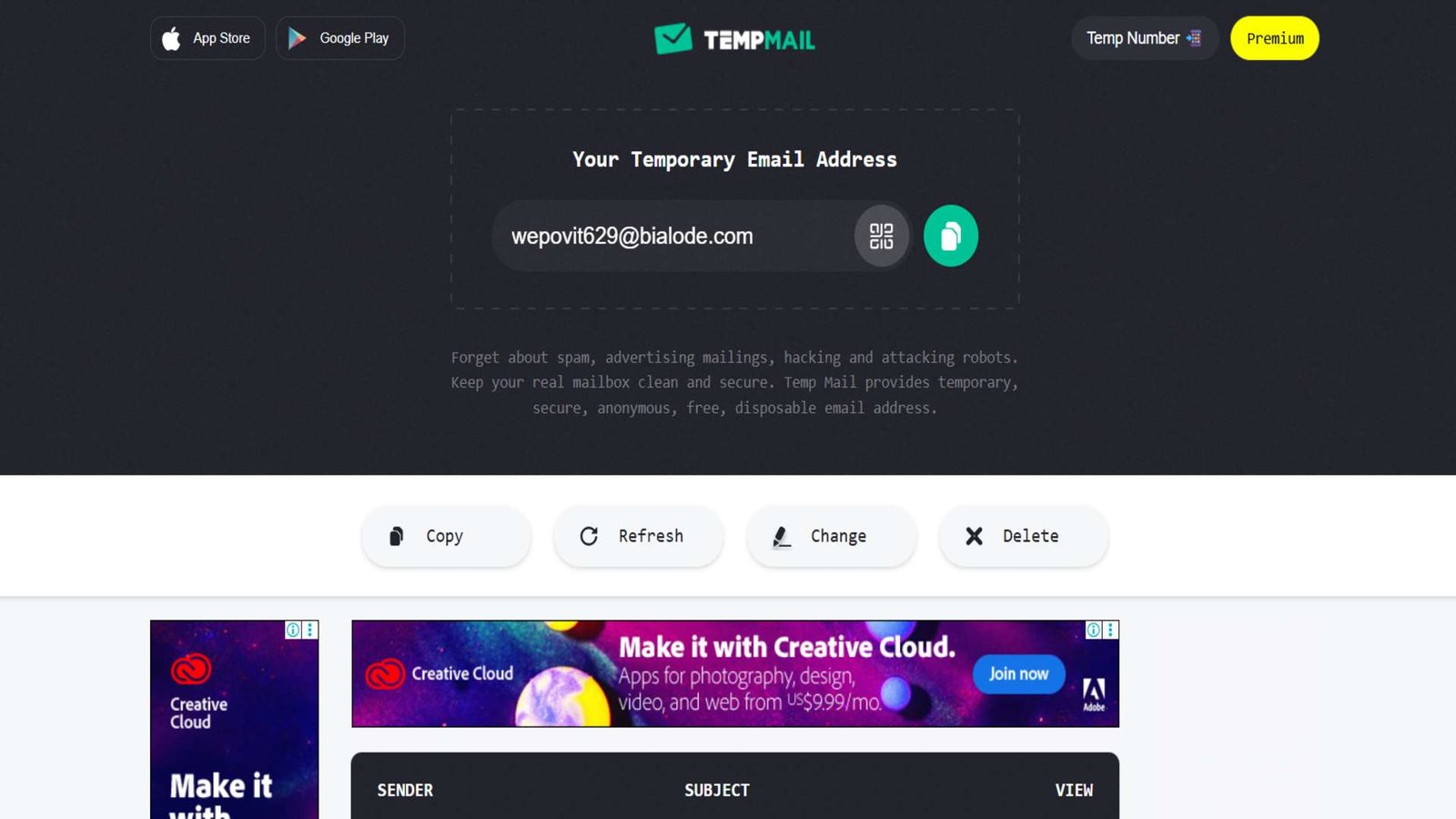
Every website wants your email address so they can spam you forever. Temp-Mail gives you a disposable “burner” address instantly.
- The Mechanism: It uses a “Catch-All” server. It accepts emails sent to thousands of random domains and pushes them to your browser session via WebSockets.
- The Safety Check: Use this for “read-once” things—like getting a whitepaper or accessing airport Wi-Fi. Do not use it for your bank. Once you close the tab, that email is gone forever.
- Pro Tip: If you need a slightly more permanent “burner” (like for a newsletter), look up SimpleLogin. It forwards to your real email but lets you kill the alias if they start spamming.
9. ToS;DR (Terms of Service; Didn’t Read)
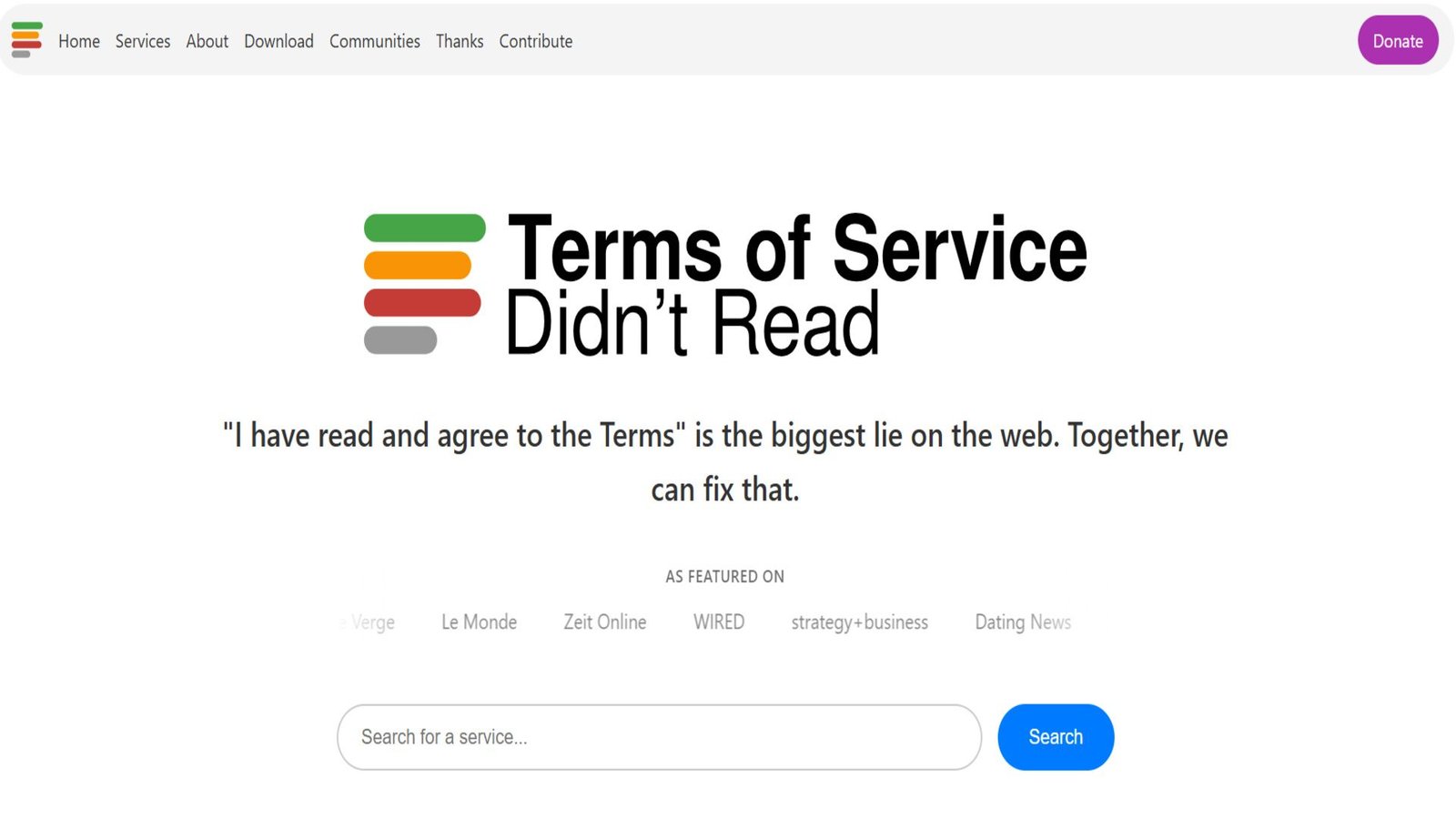
“I have read and agree to the Terms of Service” is the biggest lie on the web. Companies hide predatory clauses in that small print.
- What it does: It’s a community-reviewed database that rates websites from Class A (Good) to Class E (Terrible) based on their privacy policies.
- The Red Flags: It highlights specific “Blocker” clauses, like “This service can sell your content” or “This service tracks you on other sites.”
- The Value: It lets you vote with your feet. If a service gets an “E” grade, you know to stay away.
System & Market Masters (The Operators)
Tools that manage your computer and your wallet.
10. Ninite: The Clean Install
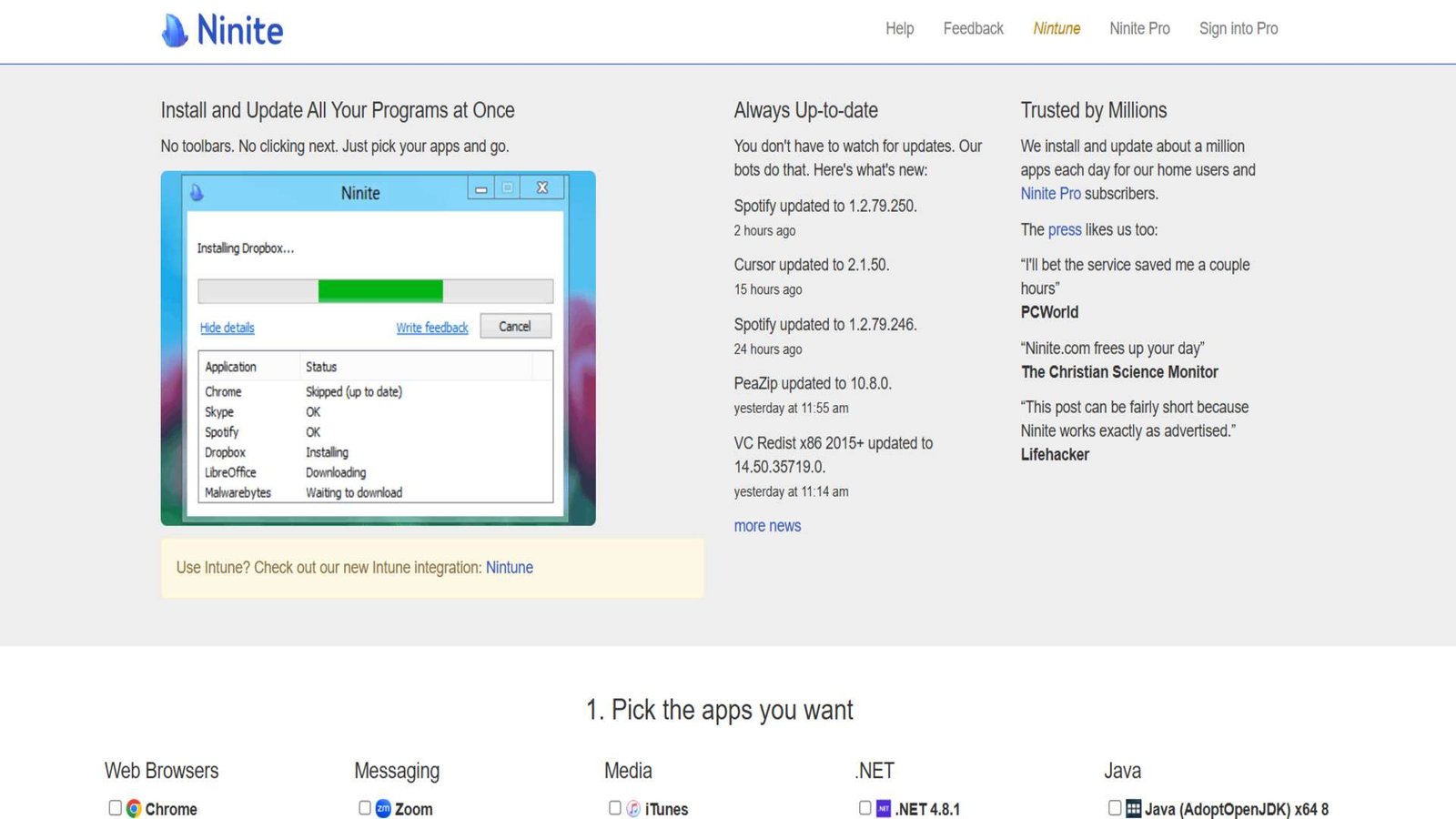
Setting up a new PC is a pain. You have to go to twenty different sites, download twenty installers, and uncheck twenty “Install McAfee Toolbar” boxes.
- The Ninite Way: You go to Ninite, check the apps you want (Chrome, Zoom, VLC, Spotify), and hit “Get Your Ninite.”
- The Magic: It gives you one small installer file. You run it, and it downloads and installs everything in the background.
- The “No-Junk” Guarantee: Ninite automatically says “No” to every toolbar and bloatware offer. It’s the cleanest way to install software, period.
11. CamelCamelCamel: The Amazon Watchdog
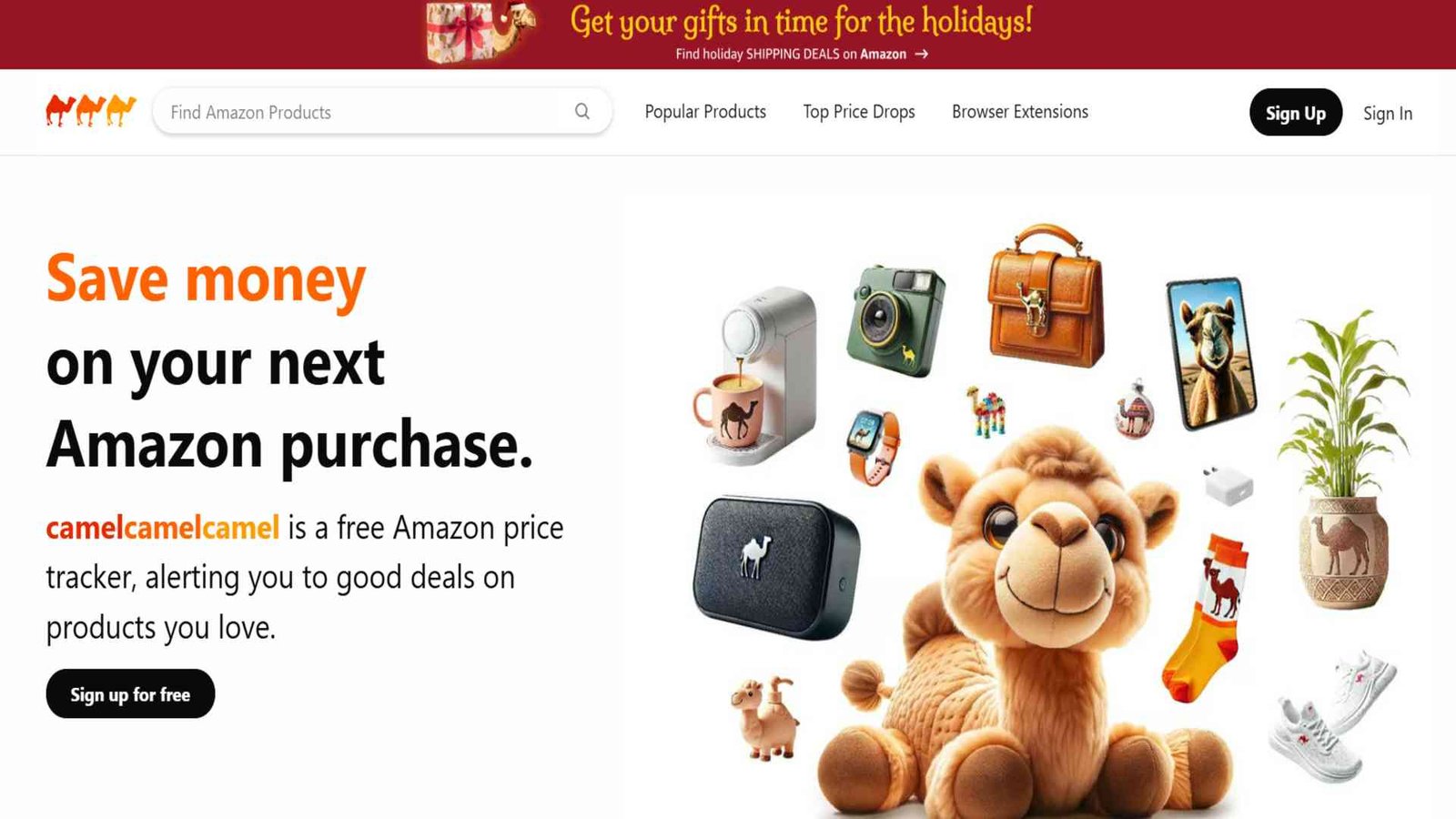
Amazon prices fluctuate millions of times a day. That “sale” you see? It might be fake.
- The Reality Check: You paste an Amazon link, and it shows you a Price History Chart. You might see that the “50% off” price today is actually higher than the normal price was last month.
- The Leverage: Set a “Price Watch.” You tell it, “Email me when this TV drops below $500.” Then you wait. You buy on your terms, not Amazon’s algorithm.
12. TinyWow: The Swiss Army Knife
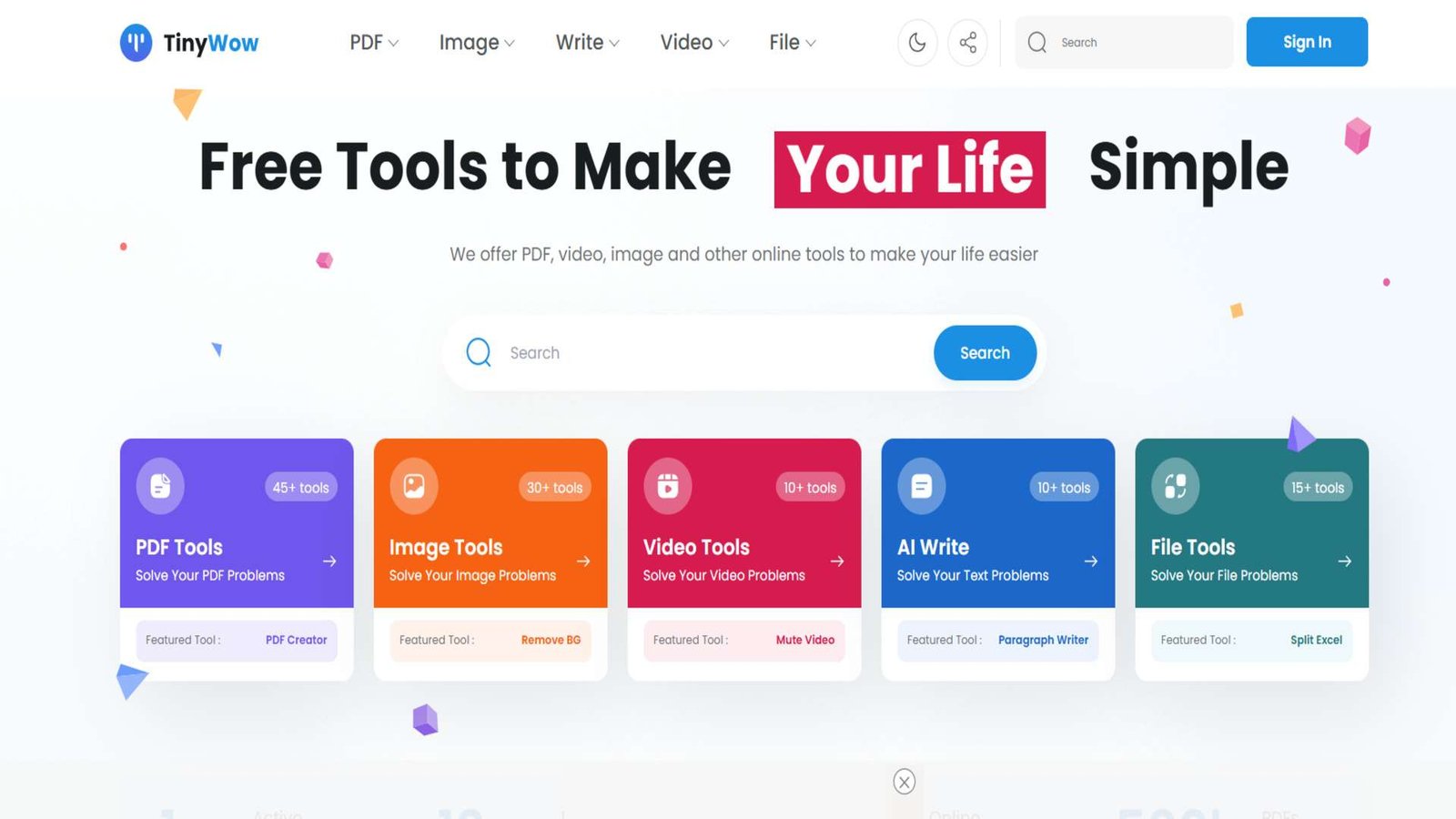
Sometimes you just need to do a stupid task: Merge two PDFs. Convert a video to a GIF. Sign a document.
- The Problem: Usually, you Google “free pdf merger,” click the first link, and get bombarded with ads, watermarks, or “sign up to download.”
- The Solution: TinyWow has over 200 tools completely free. No sign-up. No watermarks.
- Privacy Policy: They delete all files from their servers after 1 hour. It’s the ultimate “get in, get out” utility site.
🧠 Smartest Person
Tools that upgrade your thinkingTools that upgrade your actual thinking.
13. WolframAlpha: The Source of Truth
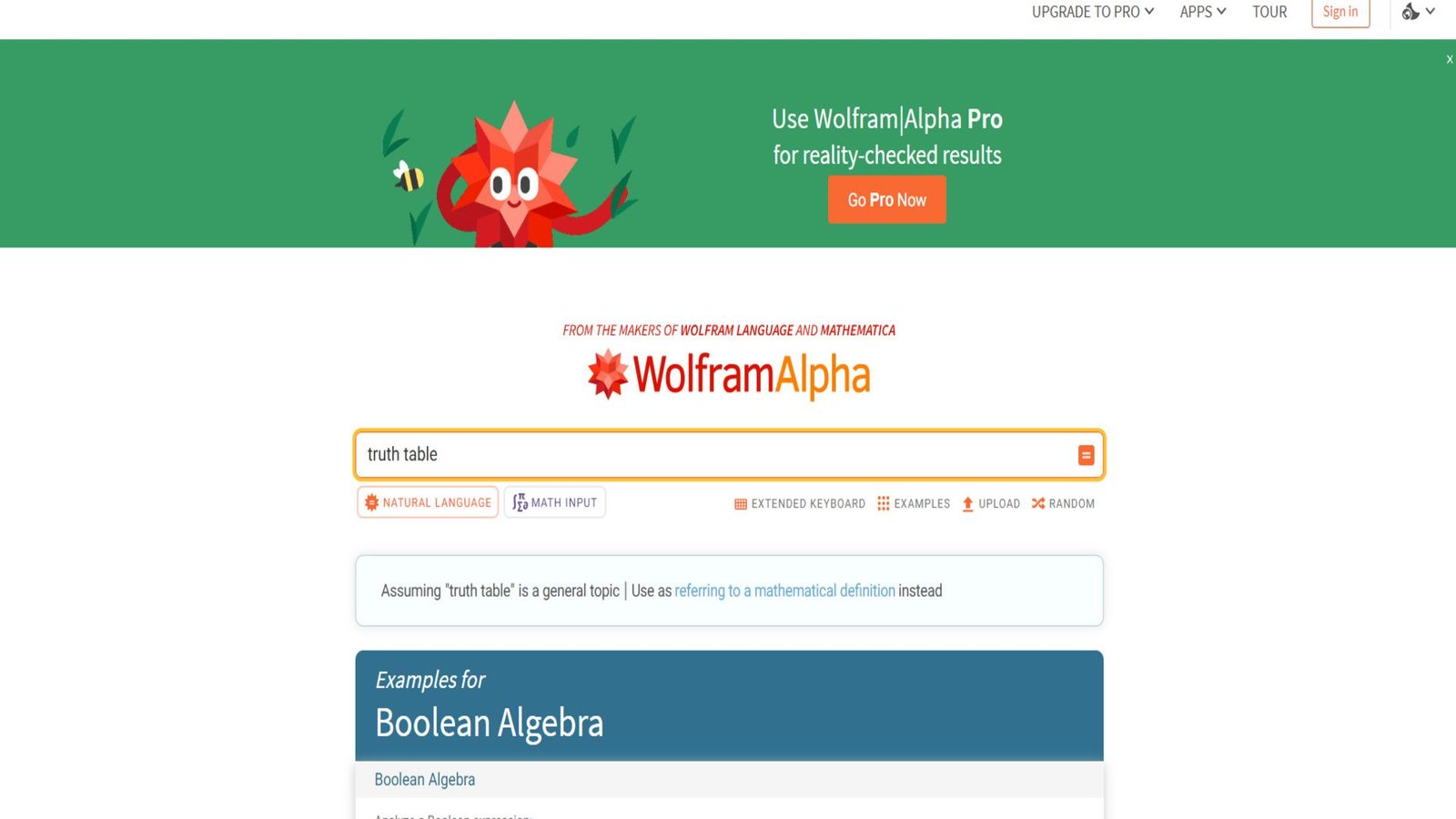
ChatGPT hallucinates. It guesses. WolframAlpha calculates.
- The Difference: It’s a “computational knowledge engine.” If you ask it for the population of Tokyo divided by the GDP of France, it computes the exact answer using structured data.
- Use Case: Use it for math, physics, chemistry, or nutritional analysis. It creates beautiful charts and step-by-step solutions. It is the perfect fact-checker to run alongside your AI tools.
14. Untools: Thinking Tools for Humans
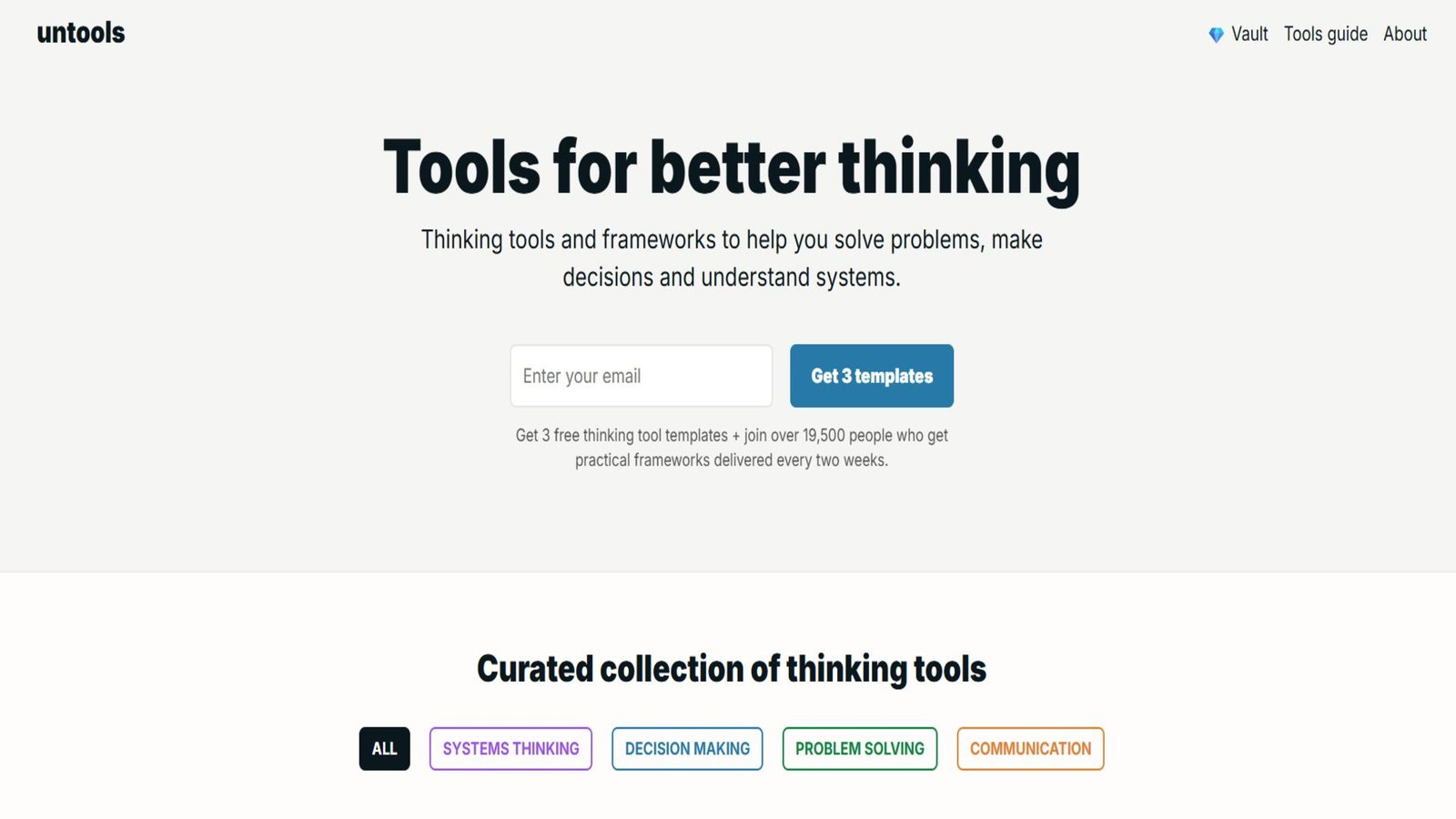
This isn’t software; it’s “mindware.” It’s a collection of mental models and decision-making frameworks.
- What you find: Tools like “Second-Order Thinking” (asking “and then what?”), the “Eisenhower Matrix” (prioritization), or “First Principles”.
- The Vibe: It’s minimalist and calm. It doesn’t do the work for you; it gives you the structure to do the work better. It’s like a gym for your decision-making muscles.
15. JustWatch: The Streaming Search Engine
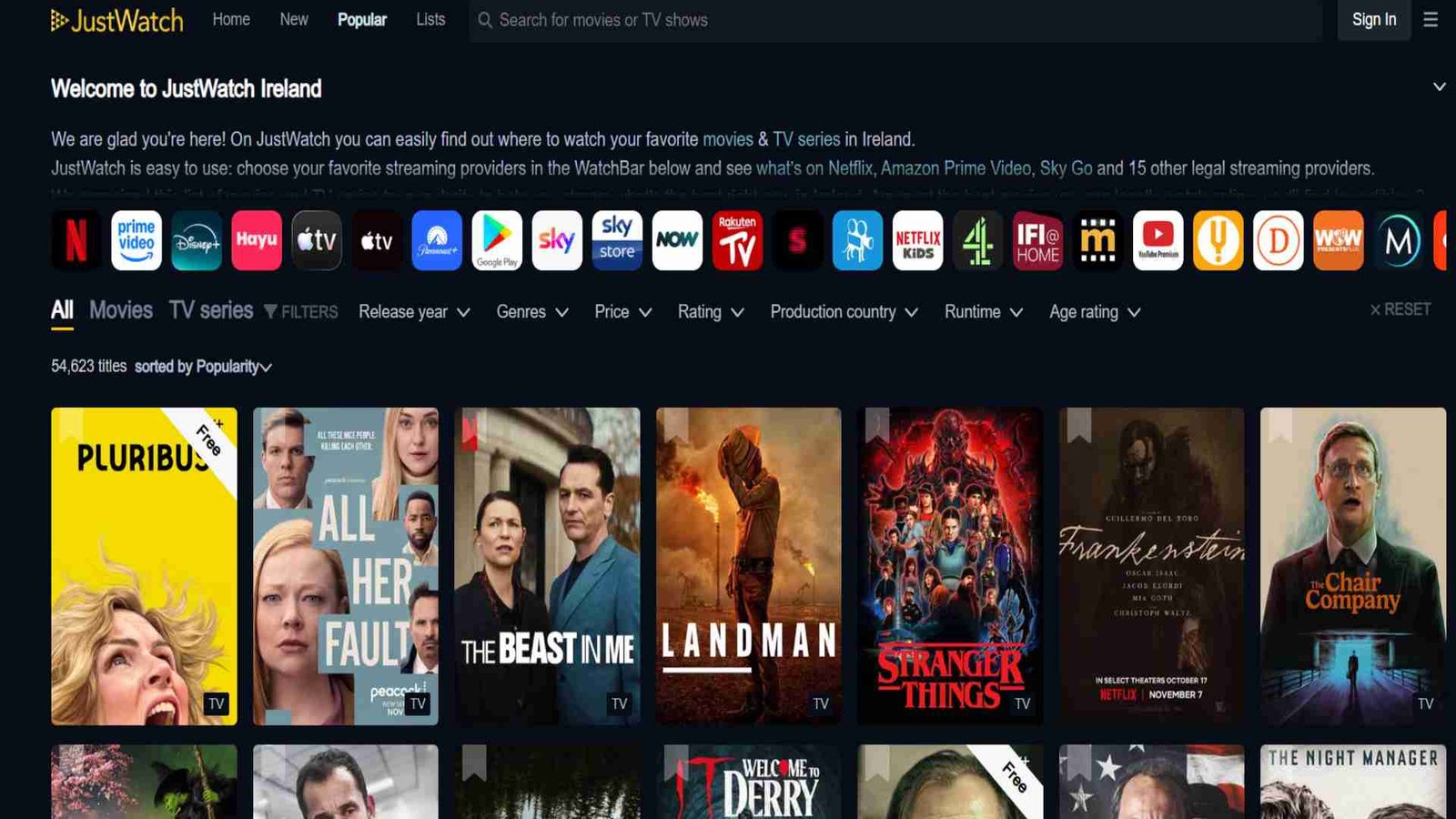
The streaming wars have fragmented everything. Is that movie on Netflix? Hulu? HBO? Peacock? Who knows.
- The Utility: You type in a movie or show. It tells you exactly where to stream it legally, right now, in your country.
- The Money Saver: It prevents you from renting a movie on Amazon for $3.99 when you didn’t realize it was already free on a service you subscribe to. With 50 million monthly users, it’s the TV guide of the modern era.
Need a Little Extra Help? Check Out These Tools
If you’re already using amazing free tools online, grabbing one of these can make your experience smoother, more tangible, or just more fun. Whether you’re organizing your thoughts, automating repetitive tasks, or just trying to stay off your phone, these products help bridge the gap between the digital and the physical.
Here are 5 smart picks you might like:
1.Digital Minimalism (book) — Cal Newport

A must-read for anyone who wants to tame the noise of the digital world. If you loved discovering free tools that simplify your life, this book teaches you how to use tech intentionally, not just use it because you can.
2. Slow Productivity (book) — Cal Newport
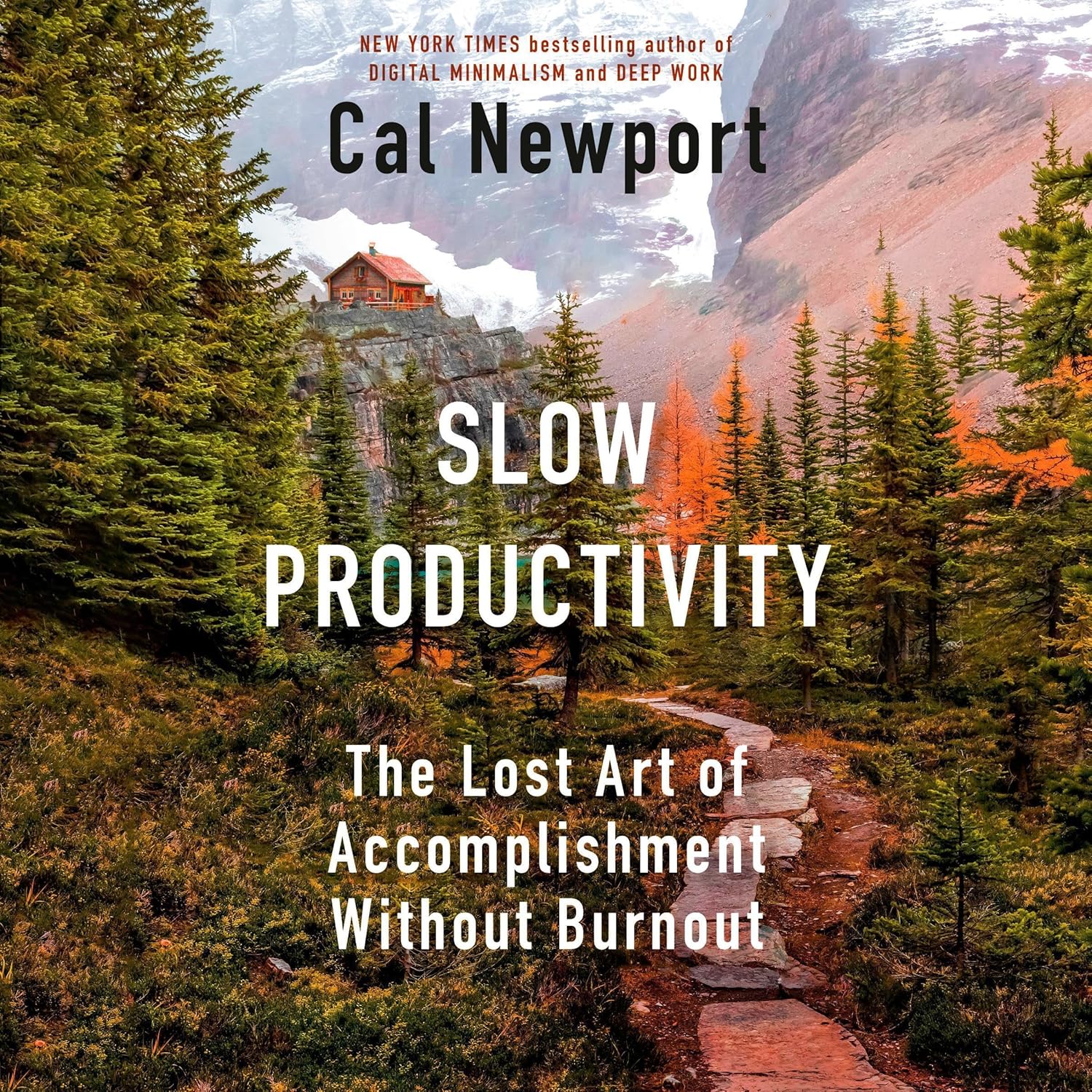
This one’s for when you’re feeling the burnout from always “doing more.” Newport draws on traditional work rhythms to show how you can accomplish important things without running yourself ragged.
3. Rocketbook Smart Reusable Notebook

You know how you sometimes scribble something on paper just to snap a photo and forget about it? With this notebook, you write, scan with your phone, and then wipe it clean to reuse. Great for note-taking, brainstorming, or planning — and it reduces paper waste.
4. Rocketbook Flip Reusable Notebook
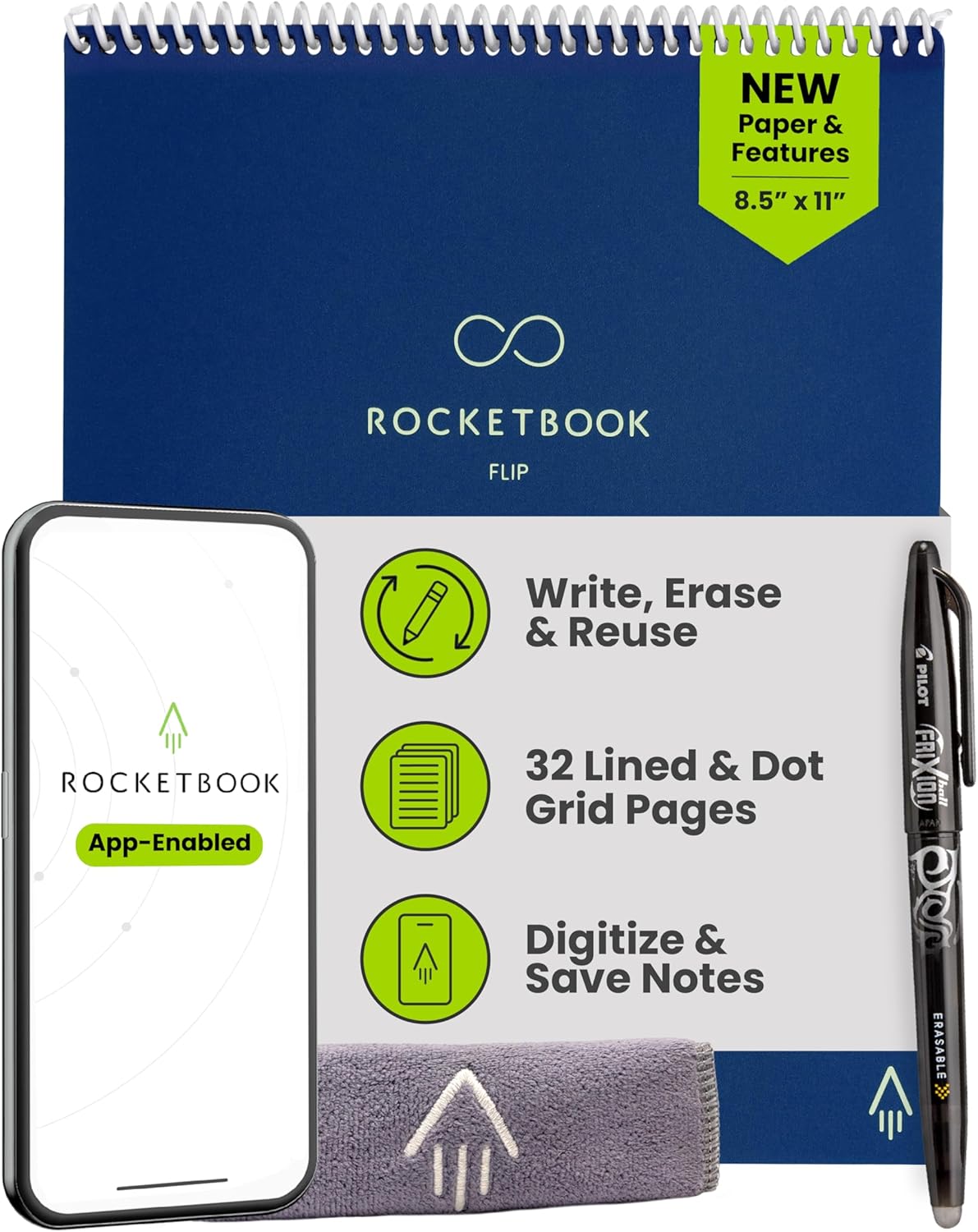
If you like a spiral notebook style, this is your pick. It’s compact, dot-grid, and totally erasable — perfect for daily to-dos, ideas, or even journaling.
5. Elgato Stream Deck Neo – 8 Key Macro Pad

Okay, this is a little “next level,” but hear me out: if you use a bunch of web tools (e.g. free research sites, productivity dashboards, workouts, etc.), this pad lets you set up one-touch shortcuts. Open PubMed, launch Cronometer, start a workout playlist — boom, done. It’s like a remote for your digital life.
