Mountain Rescue Coordinator: 9 Popular Hiking Apps That You Must Have! (No Option)


I need to be real with you for a second.
In the world of Mountain Rescue, the job has changed. Ten years ago, we spent our time looking for the “analog hiker”—usually a guy in his 50s who misread a compass bearing in the fog. Today? We’re living in the age of the “digital adventurer,” and frankly, the numbers are keeping me up at night.
We are seeing a massive shift. According to the latest data from Mountain Rescue England and Wales (MREW), call-outs for the 18-24 age group have skyrocketed by 89% in just five years. We used to rescue people who got lost; now we’re rescuing people who got led astray by a viral photo.
The 9 Apps You Actually Need
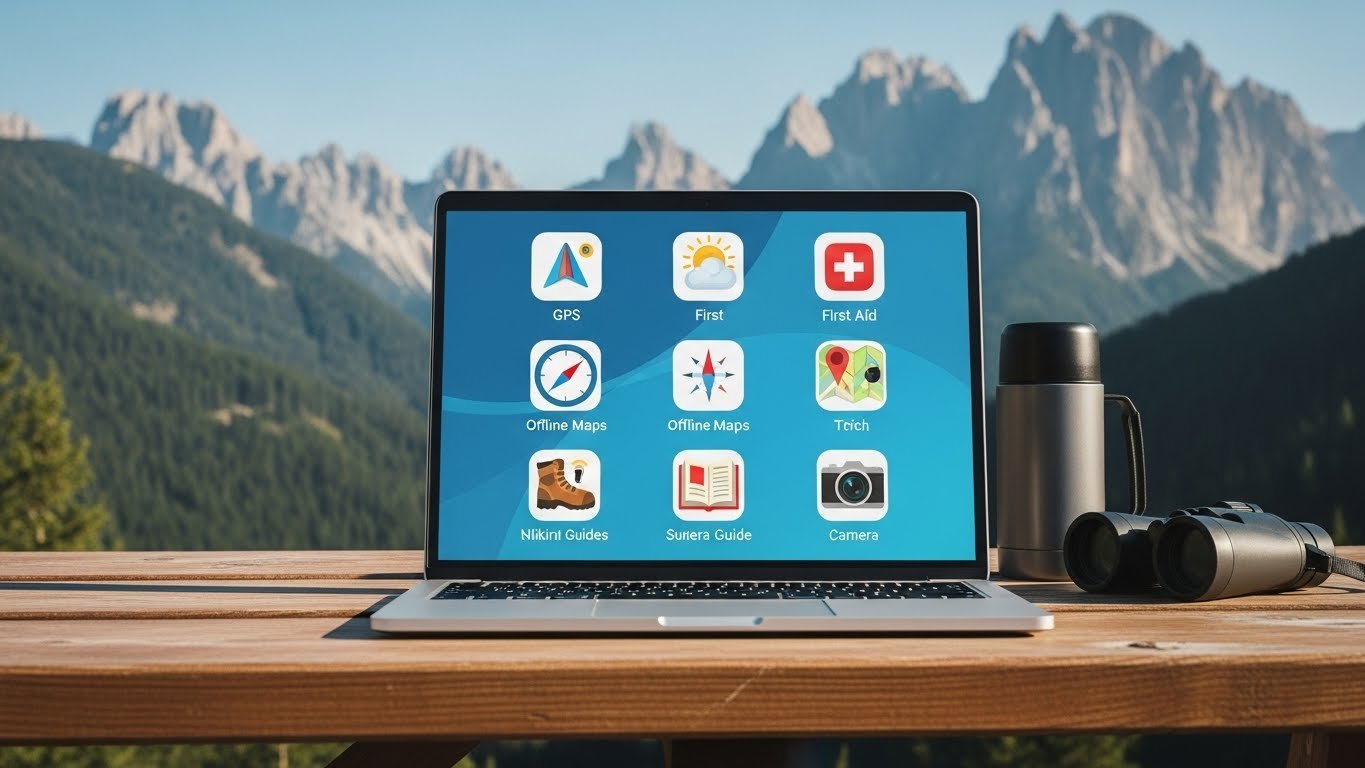
As a coordinator, I look at apps differently than a casual hiker. I don’t care about “social sharing” features. I care about: Does it work offline? Is the data accurate? Will it help me find you?
Here is my no-nonsense list, categorized by how we actually use them.
1. Gaia GPS
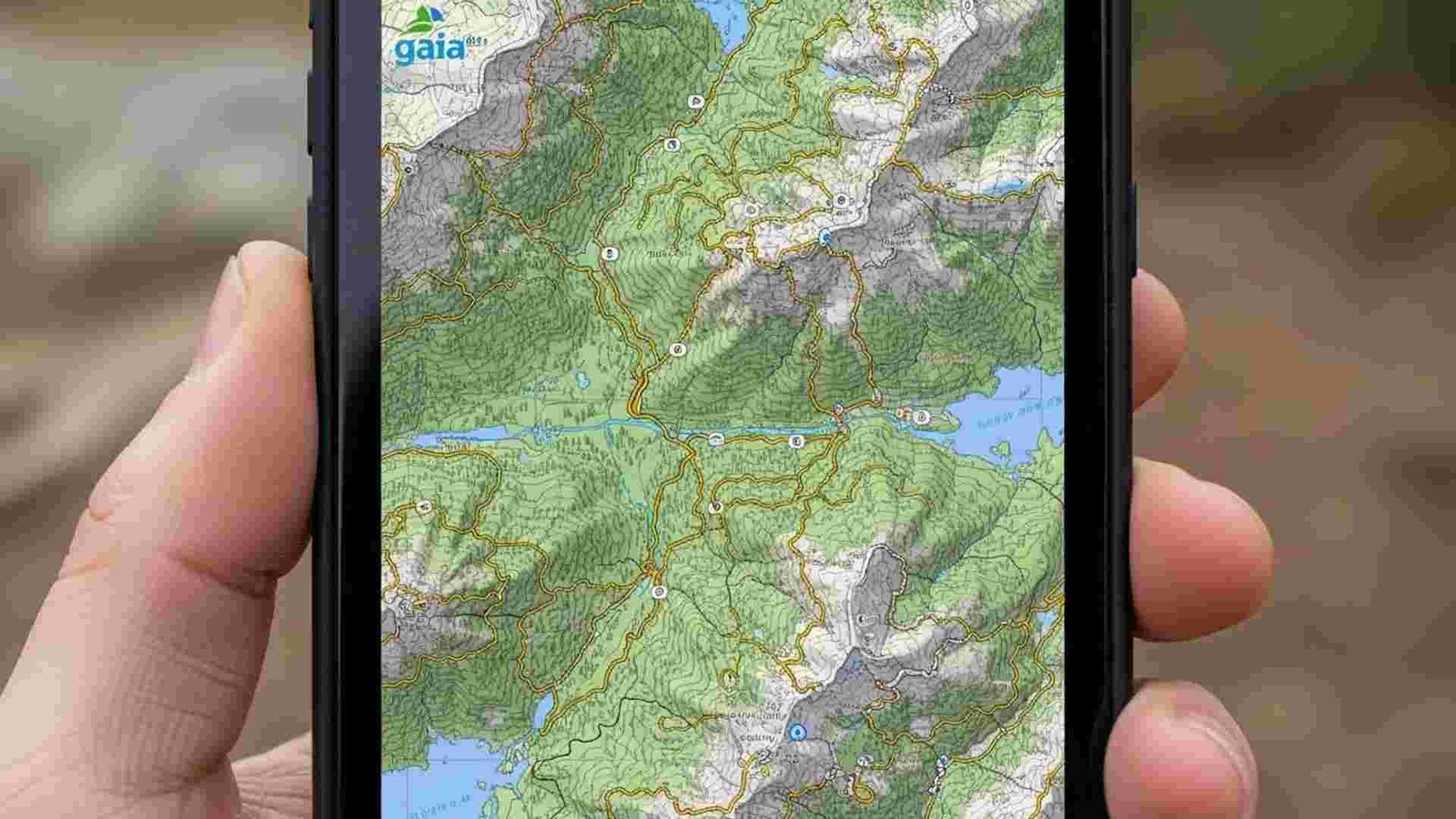
This is the workhorse. If you look at the phone of a Search and Rescue (SAR) team member, this is likely what you’ll see.
- Why we love it: It allows you to layer maps. You can put a “Slope Angle” layer (to see avalanche terrain) on top of a satellite layer, on top of a topo map. It gives you X-ray vision for the terrain.
- The crucial feature: Public Land Boundaries. In the US, knowing if you are on National Forest land (legal to camp) or private property (someone might shoot) is vital.8
- The rule: You must pay for the subscription. The free version doesn’t let you download maps offline. If you don’t download it, it doesn’t exist when you lose signal.
2. CalTopo (The Strategist)
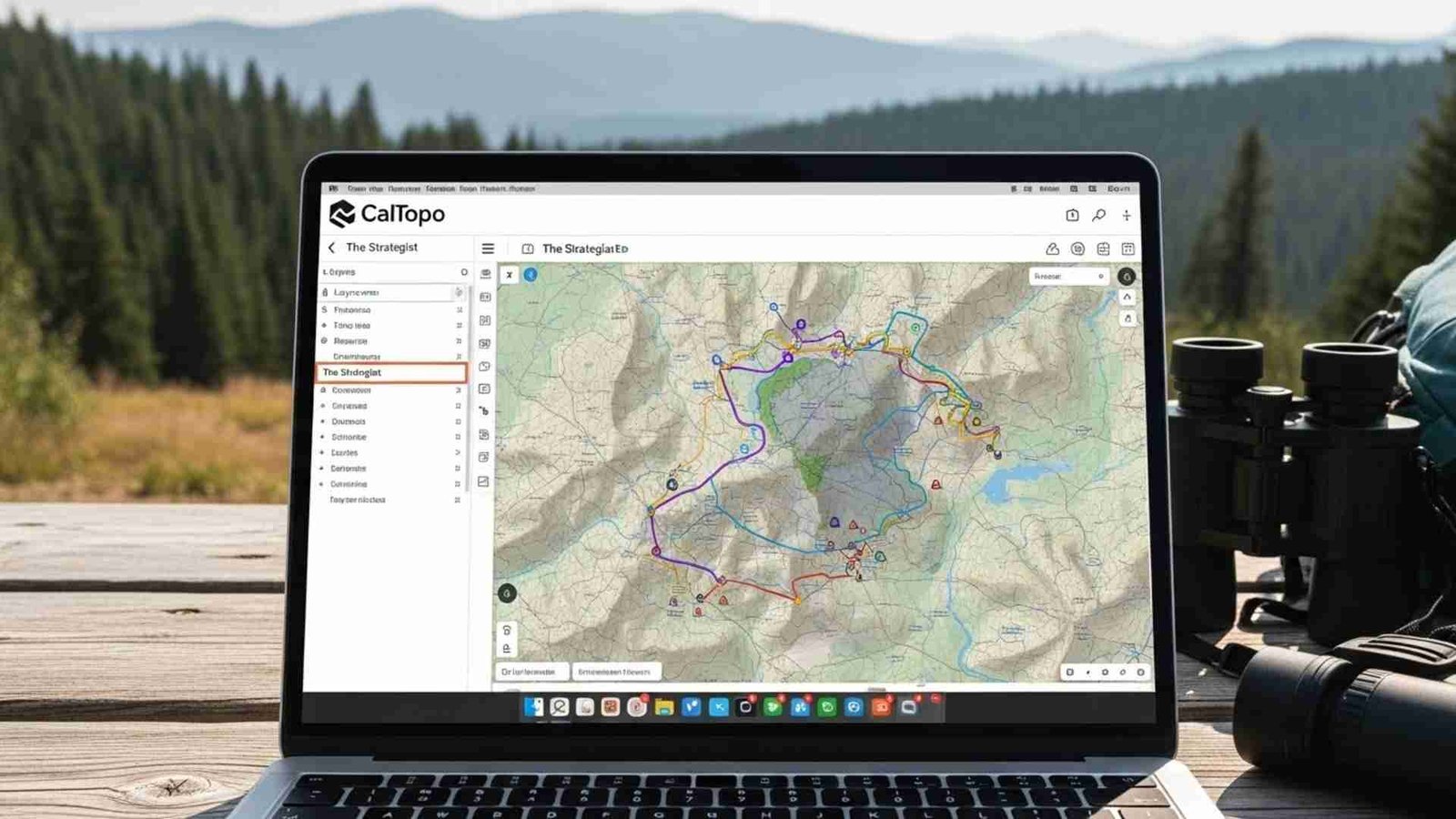
CalTopo was built by a SAR guy, for SAR guys. It’s less “pretty” than the other apps, but it is incredibly powerful.
- Why we love it: We use this in the command center to track our teams. If you are a data nerd, this is your app. It has features like “Sun Exposure” shading (so you know where the ice will be) and high-resolution historic fire data.
- Best for: Planning the trip at home on your desktop, then syncing it to your phone.
Avenza Maps
The Digital PaperGet the real map.
This app is different. It doesn’t use a seamless global map. Instead, it lets you download the official digital PDF maps from parks and forestry services.
- Why it matters: Sometimes the “crowdsourced” maps on other apps are wrong. Avenza lets you load the official US Forest Service Motor Vehicle Use Map (MVUM). If the map says a trail is there, it’s legally there. It’s the ultimate source of truth.
4. AllTrails
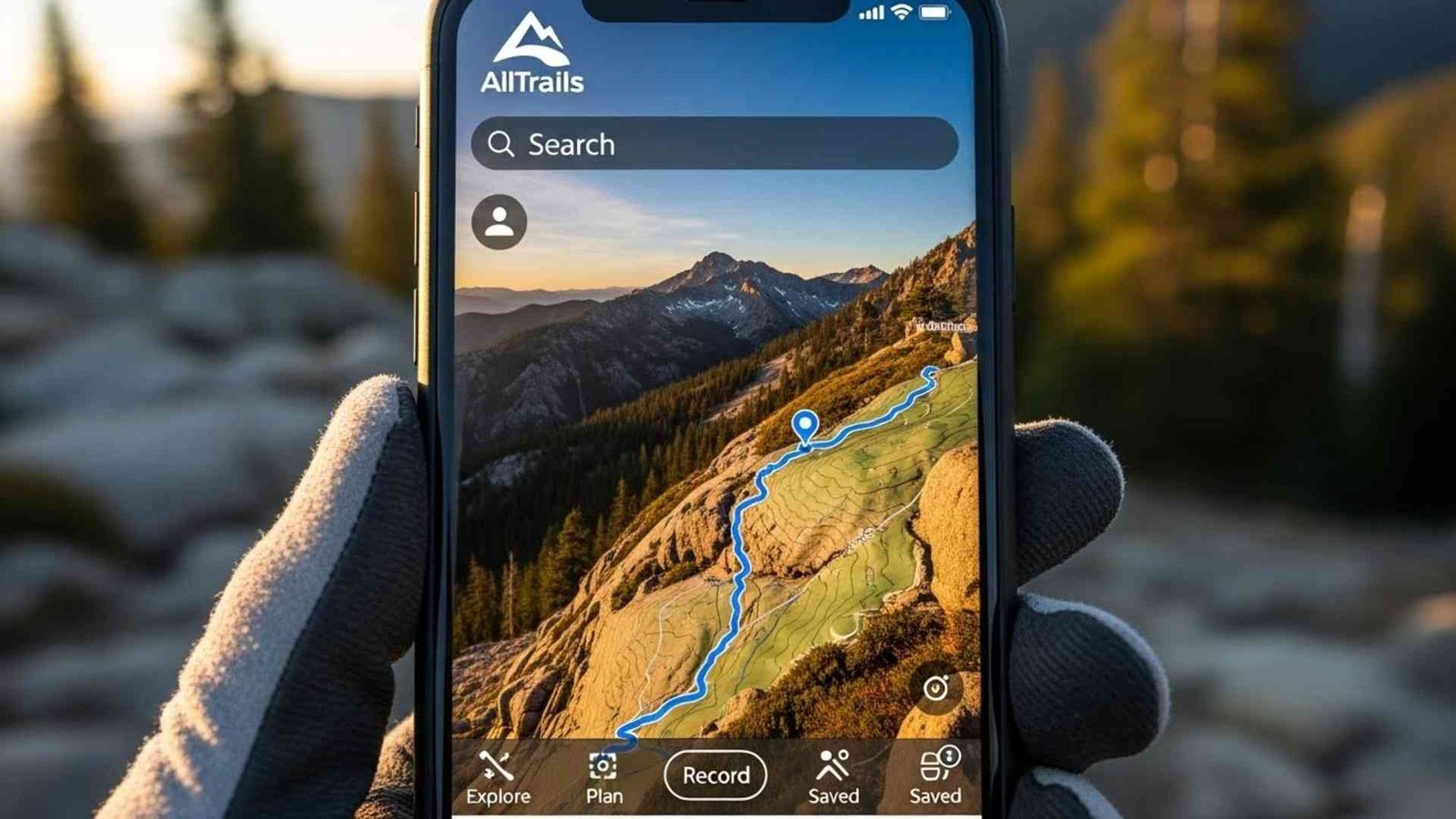
Look, I know everyone uses AllTrails. It has 60 million users. It’s great for finding where to hike, but you have to be careful.
- The Danger: We call it the “Honeypot Risk.” AllTrails makes challenging routes look easy. We’ve had rescues where people were stuck on Class 5 climbing terrain because an app user marked it as a “hiking trail”.
- My advice: Read the reviews. If the last three people say “Bridge out” or “Sketchy scramble,” believe them. And never rely on the free version for navigation—it needs a signal to load the map details.
5. Komoot
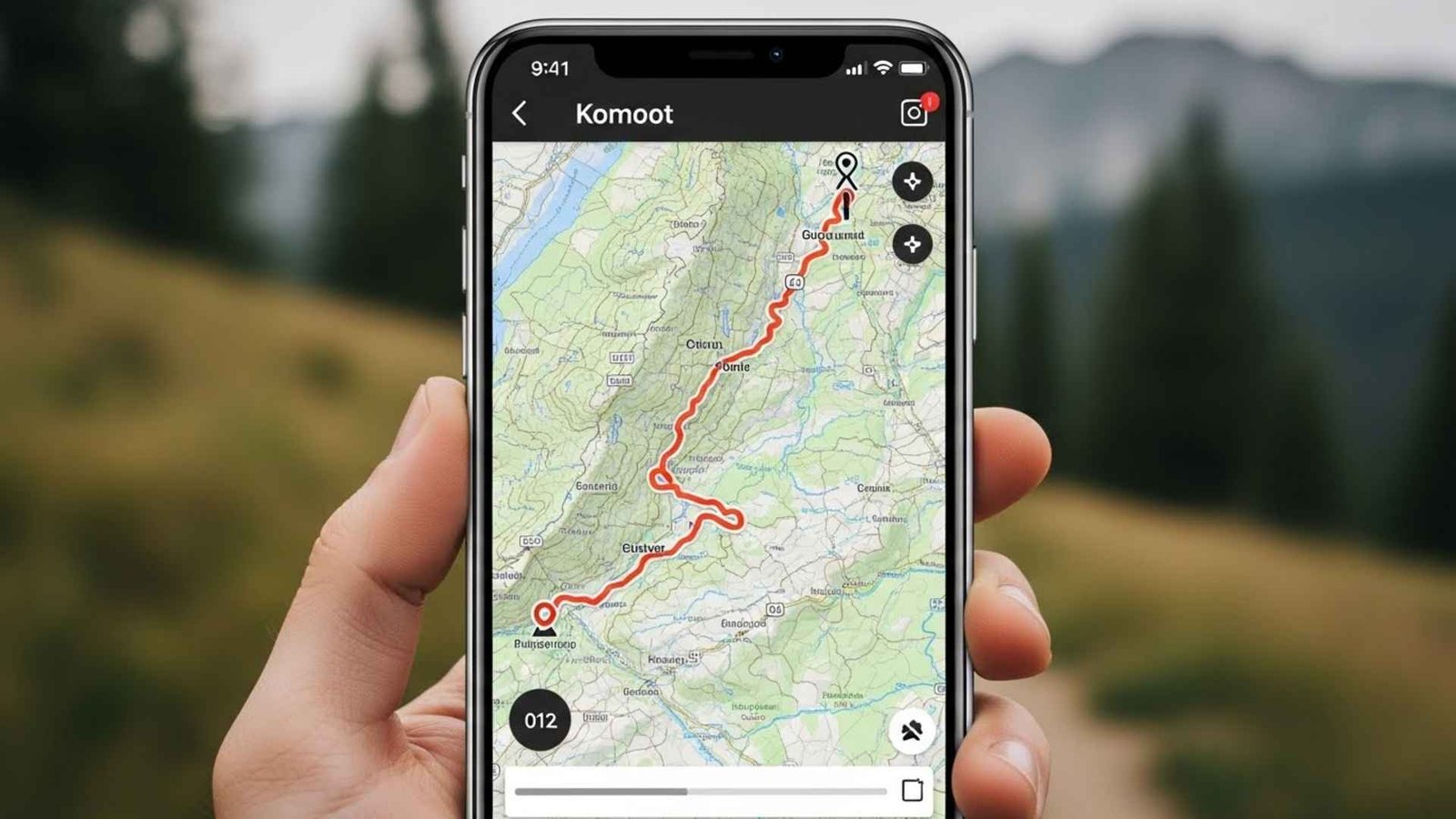
If you’re a cyclist or hiking in Europe, this is a heavy hitter.
- The Killer Feature: Surface Analysis. It tells you what you are walking on. Knowing a route is 5 miles is one thing; knowing it’s 5 miles of “loose scree” or “alpine gravel” changes your day completely.
- Audio Nav: It talks to you like Google Maps. This is great because you can keep your phone in your pocket (saving battery) and keep your eyes on the trail.
6. Outdooractive
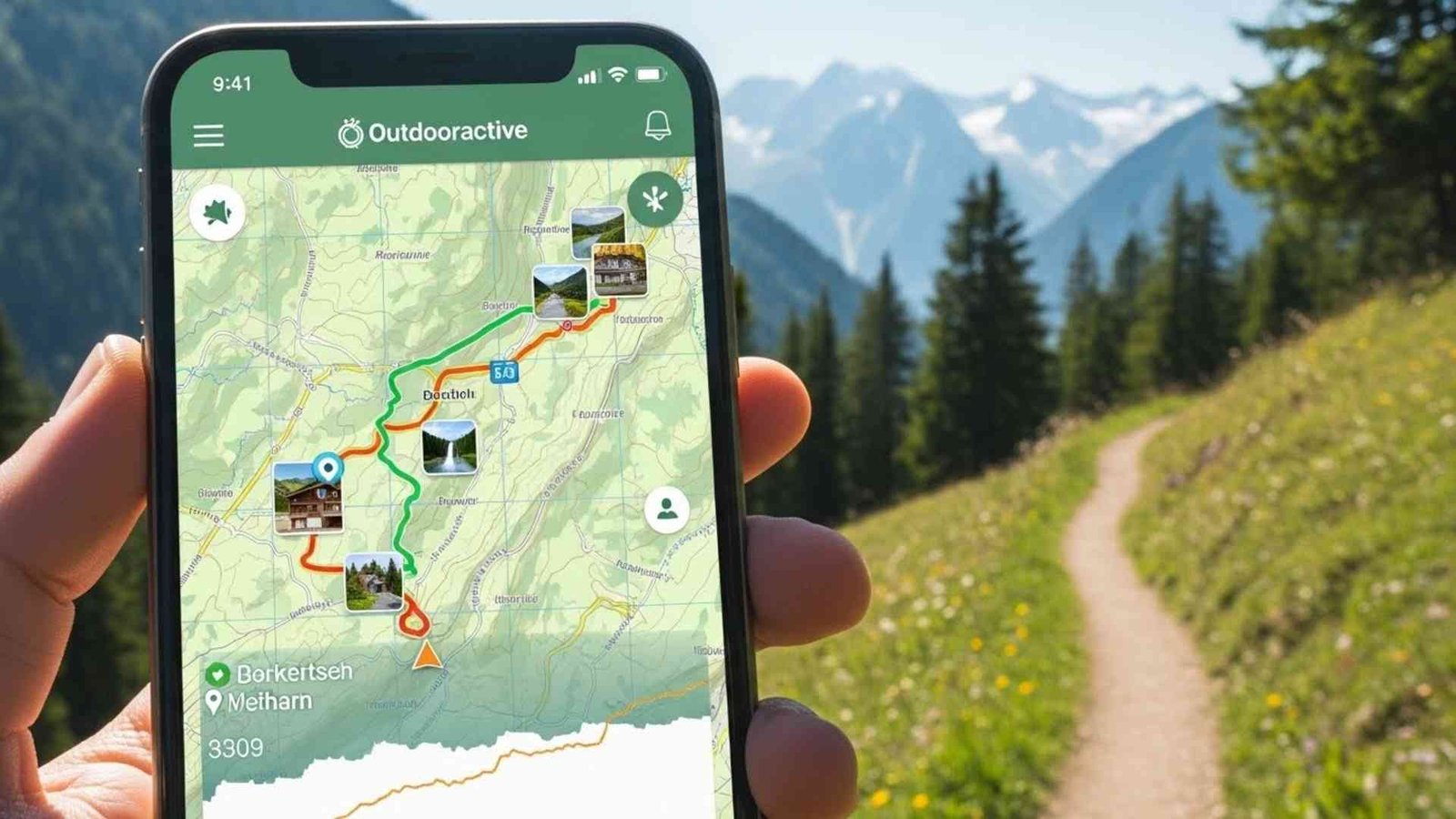
This is huge in the UK and Europe. They actually partner with us (Mountain Rescue) to give volunteers free access.
- BuddyBeacon: This is a safety feature that shares your live location with family. If you don’t come home, your partner can look at their phone and tell us exactly where you stopped moving. That saves us hours of searching.
7. OS Maps (Ordnance Survey)
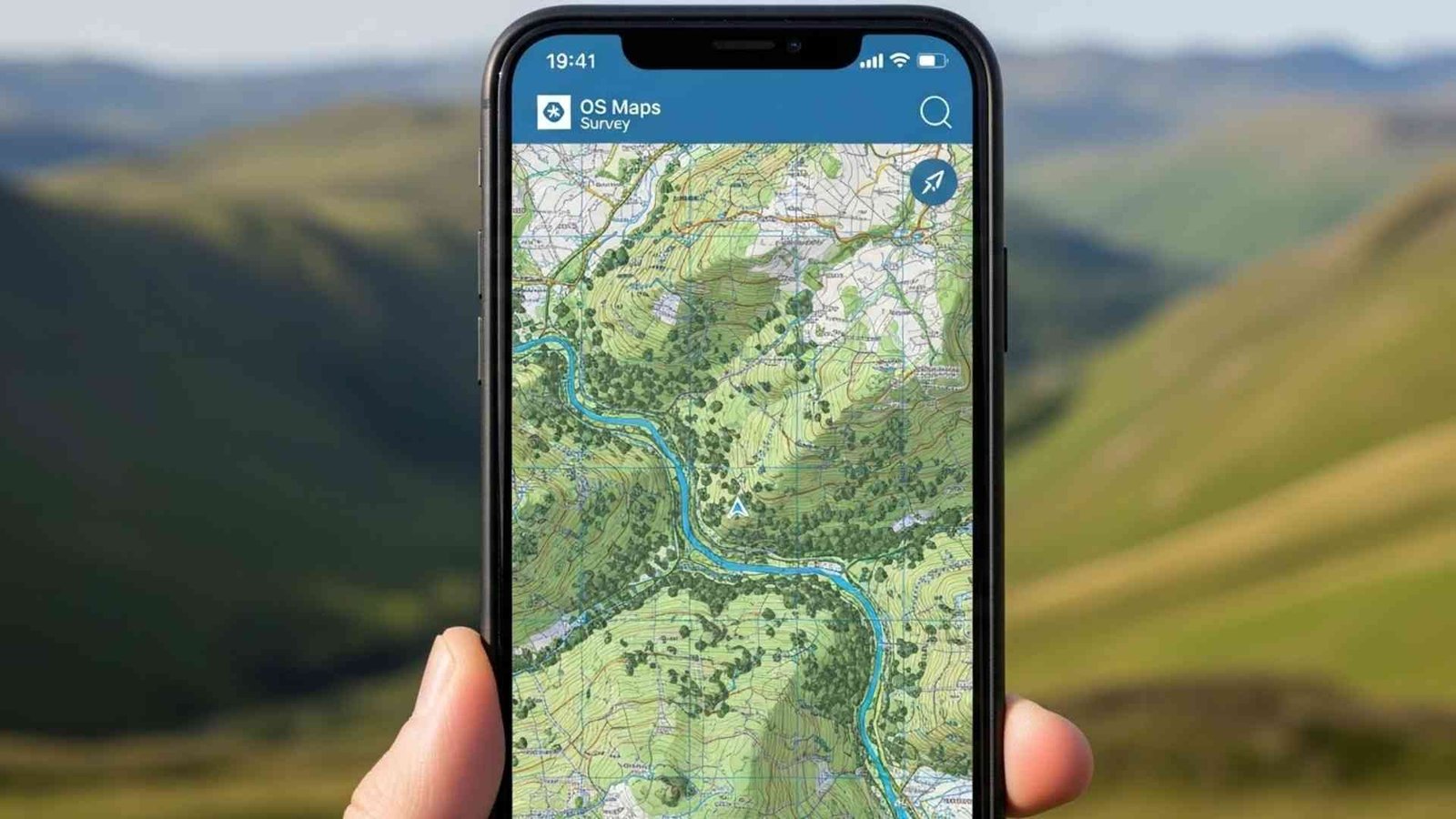
If you are hiking in the UK, this is non-negotiable. The mapping detail is unmatched.
- Locate Me: It doesn’t just show a dot; it gives you your Grid Reference (e.g., SU 123 456). If you call 999 and give them that code, the helicopter flies directly to you. No guessing.
What3Words
This one is controversial. It divides the world into 3-meter squares and gives each one a three-word.
- Real talk: Serious navigators hate it because it’s proprietary and words can sound alike over a crackly radio. But as a rescuer? I’ve seen it work. When a panicked caller can’t read a map, they can read three words off a screen. It’s a backup, not a primary navigation tool.
9. PeakFinder
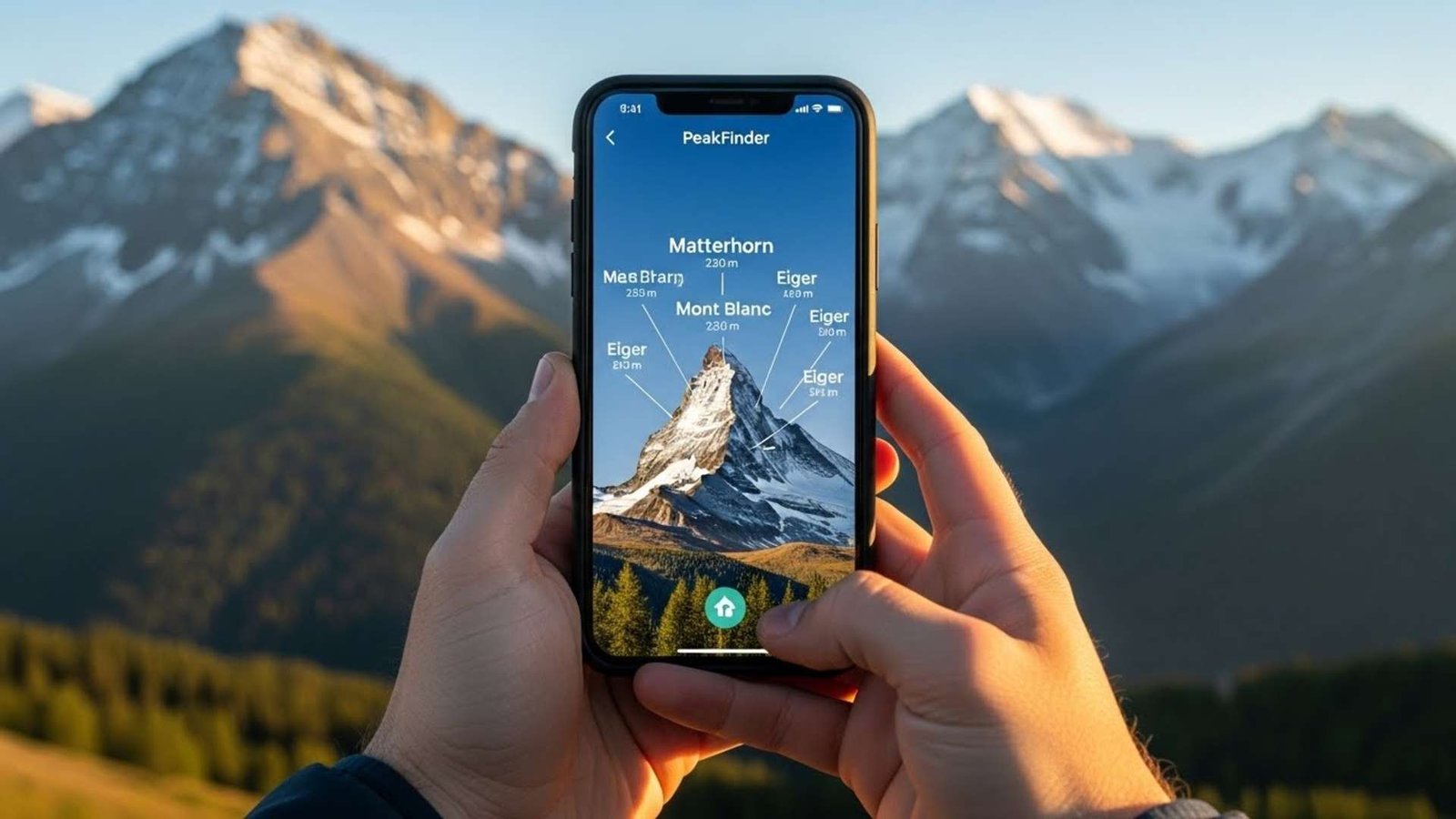
This is an Augmented Reality (AR) app. You hold your phone up, and it labels the mountains.
- Why it’s a safety tool: Getting lost often starts with, “I think that mountain is Mt. Washington.” If you’re wrong, you walk into the wrong valley. PeakFinder confirms you are looking at what you think you are looking at. It keeps you oriented.
Here are 5 reliable tools that bridge the gap between digital convenience and physical safety:
1. PHOOZY Apollo Thermal Phone Case

We talked about how cold weather turns your battery fluid into “syrup,” causing it to die suddenly. This case uses NASA-derived materials to insulate your phone, extending battery life in the cold (and preventing overheating in the heat). It also provides military-grade drop protection and floats if you drop it in a creek. It’s cheap insurance for your most valuable tool.
2. Anker PowerCore 10000 Portable Charger
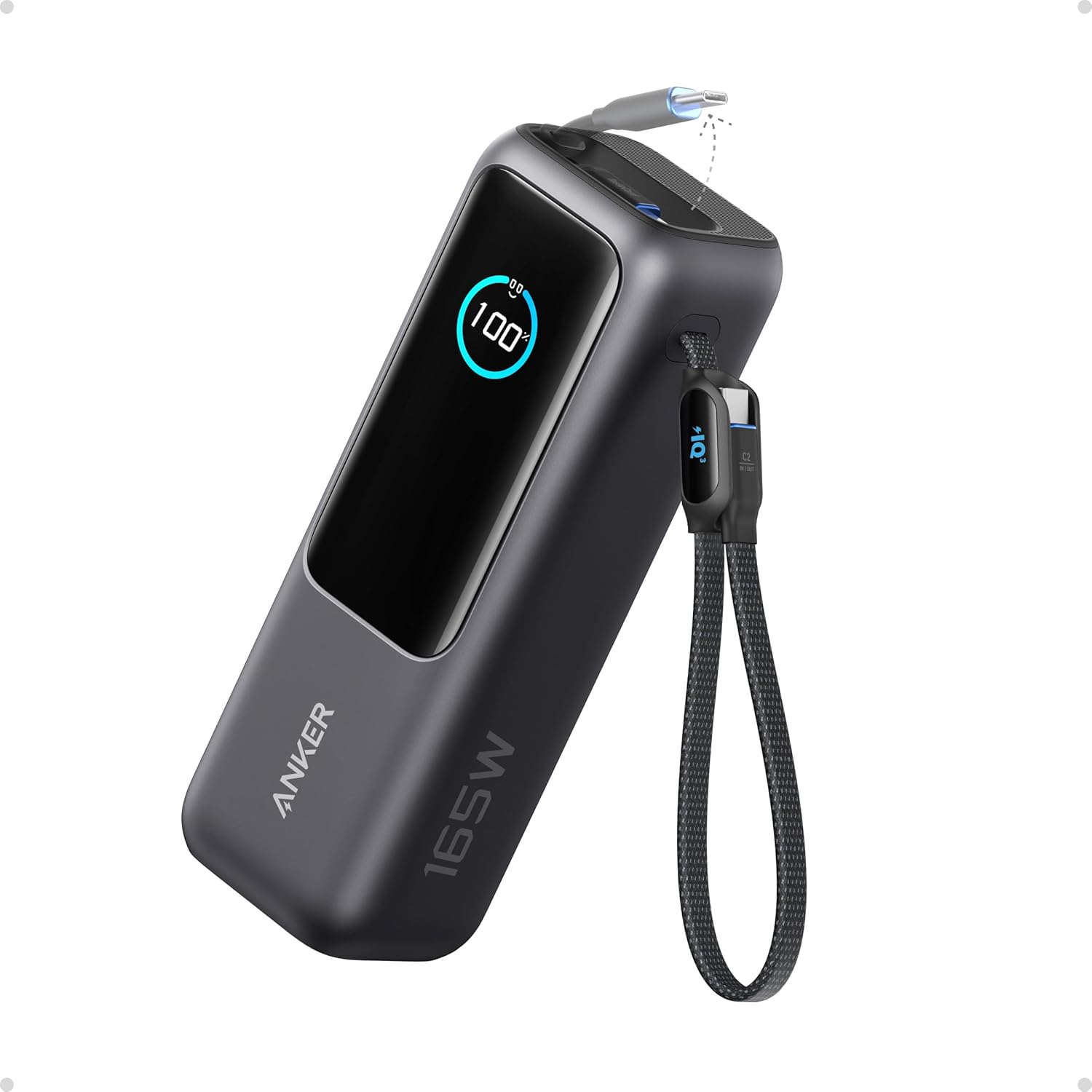
This is the industry standard for a reason. It is incredibly small (smaller than a deck of cards), lightweight, and holds enough power to recharge an average smartphone 2-3 times. If you are using GPS constantly, your battery will drain faster than usual. This little brick ensures you don’t run out of juice two miles from the trailhead.
3. Suunto A-10 Compass

Apps crash. Satellites can be blocked by canyon walls. A magnetic needle pointing North never runs out of batteries. This is a classic, no-frills baseplate compass that is perfect for hikers. It’s lightweight, durable, and easy to learn. Even if you just use it to confirm which way is North when your phone is acting weird, it’s worth its weight in gold.
4. Outdoor Research Vigor Sensor Gloves

The moment you take your gloves off to check a map, you lose heat. Do that ten times, and your fingers stop working. These gloves are warm enough for mountain conditions but have excellent touchscreen compatibility, meaning you can zoom, swipe, and tap on Gaia or AllTrails without ever exposing your skin to the biting wind.
5. SOL Emergency Bivvy

If you get lost and have to spend the night out while waiting for us to find you, hypothermia is the real enemy. This tiny sack weighs less than 4 ounces and reflects 90% of your body heat back to you. It’s windproof, waterproof, and bright orange (which helps helicopters spot you). It lives at the bottom of your pack and stays there until you really, really need it.