

You know that feeling. The one right after the wheels touch down.
You’ve just spent eight, maybe twelve hours in a metal tube. Your back hurts, your phone battery is at 14%, and you’re dehydrated. You grab your bag, shuffle off the plane, and walk toward the exit with that burst of “finally home” energy.
And then you see it.
The Snake. That soul-crushing, winding line of tired people standing in front of the immigration booths. It’s the moment the velocity of modern travel hits the brick wall of government bureaucracy. Honestly, it’s the worst part of the trip.
But here’s the thing—and I wish someone had told me this years ago—you don’t always have to stand in that line. And no, I’m not talking about paying $100+ for Global Entry or having diplomatic status.
A quiet revolution has happened while we were all busy worrying about baggage fees. Customs agencies worldwide have basically outsourced the data entry to us. They’ve built apps that let you do the paperwork before you land.
I’ve dug into the data, the user manuals, and the angry Reddit threads to give you the real deal on the five apps that can legitimately get you through immigration in under three minutes.
Let’s get you home faster.
1. The United States: Mobile Passport Control (MPC)
The “Best Kept Secret” for Families
Okay, let’s start with the big one. If you enter the U.S. and you aren’t using Mobile Passport Control, you are voluntarily wasting your time. I know that sounds harsh, but it’s true.
There’s a massive misconception that you need Global Entry to get the “express lane” treatment. You don’t.
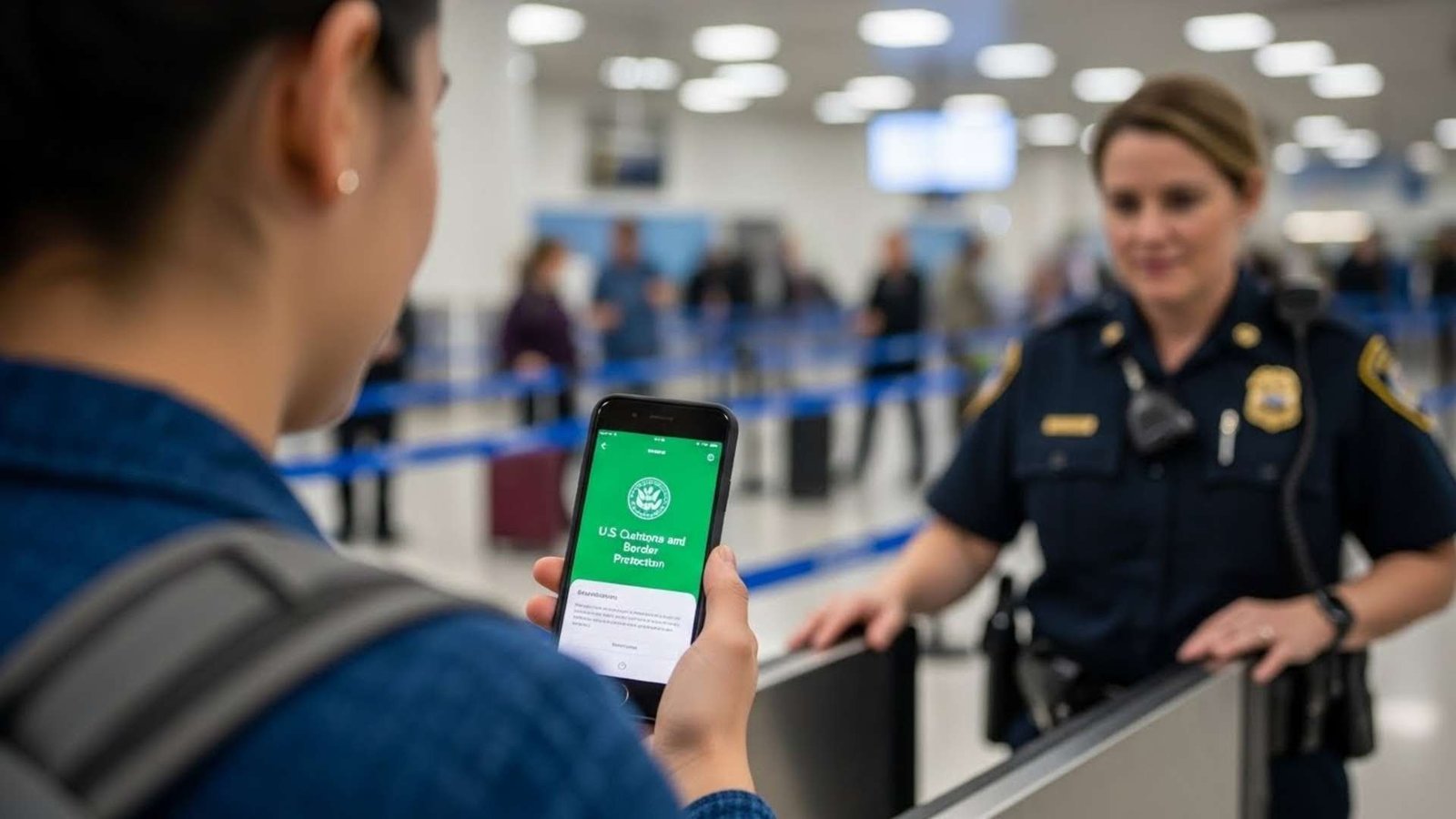
Here’s how it works: While your plane is taxiing to the gate (or right when you land), you open this free app. You snap a selfie, answer those standard questions (“Are you bringing in fruit?”, “Did you handle livestock?”), and hit submit.
The app spits out a QR code. You walk past the giant “General Population” line and look for the lane marked “MPC” or “Mobile Passport.”
I’ve seen this lane completely empty while the regular line is an hour deep. You show your phone, the officer scans it, maybe asks one question, and you’re done. The data entry happened on your phone, not at the booth, which cuts the transaction time down to seconds.
The “Global Entry” vs. “MPC” Dilemma
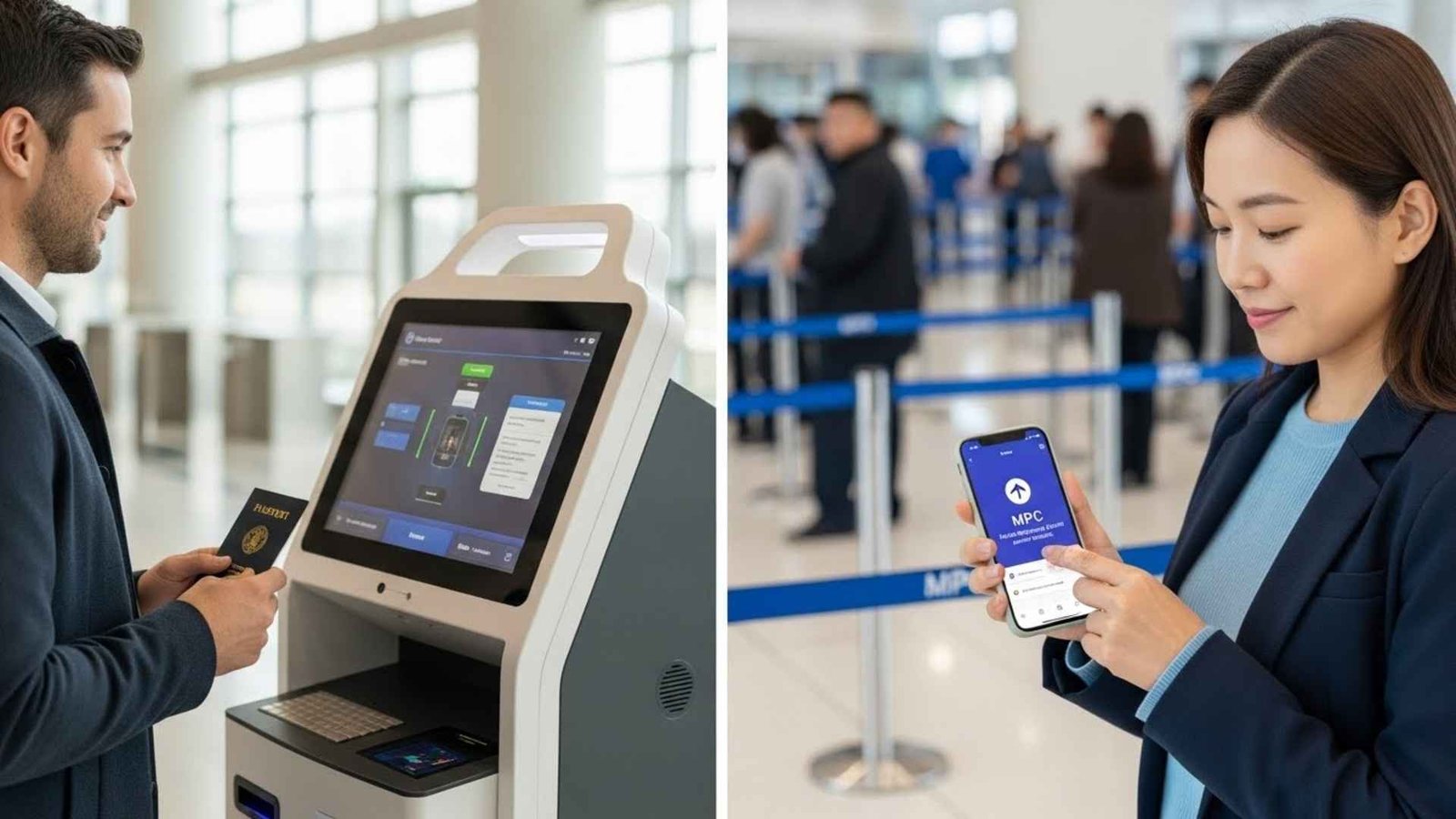
I get asked this all the time: “Should I pay for Global Entry or just use the free app?”
Honestly? If you travel solo for business 10 times a year, get Global Entry. But if you’re traveling with your family once or twice a year? Use MPC.
Think about it—with Global Entry, you have to schedule an interview for every single person, including your toddler. With MPC, one person submits a single form for the whole family (up to 12 people!) right from their phone.
Here is a quick breakdown so you can see what I mean:
A quick heads-up: You can use this if you’re a U.S. citizen, a Canadian visitor, or a Lawful Permanent Resident. And here is a pro-tip for my international friends: If you are entering on a Visa Waiver (ESTA), you can use this app too—but only if you’ve been to the U.S. at least once before. The first time needs a manual check; every time after that, you’re good to go.
2. Canada: ArriveCAN
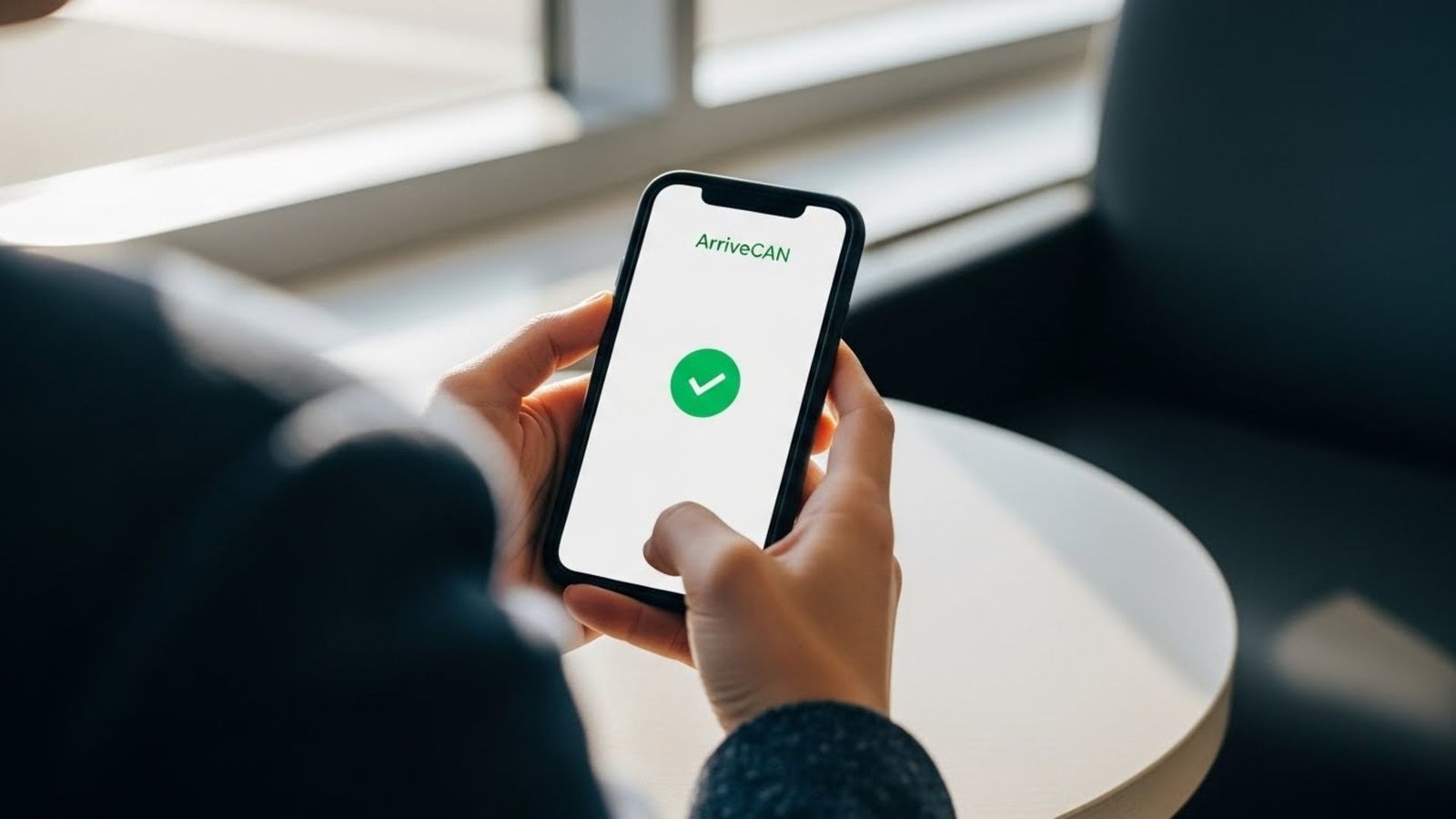
From “Annoying Mandatory App” to “Speed Pass”
If you traveled to Canada during the pandemic, seeing the word ArriveCAN probably raises your blood pressure. It used to be mandatory for health tracking, and it was… let’s just say, stressful.
But Canada pulled a pretty smart pivot. They kept the app but stripped out the scary stuff and turned it into a “fast pass” for customs.
Now, you can use the “Advance Declaration” feature up to 72 hours before you fly. You answer all the customs questions on your couch before you even pack your bags.
Why it matters: When you get to major hubs like Toronto (YYZ) or Vancouver (YVR), you’ll see “Advance Declaration Express Lanes.” Use them.
The data shows that using the app cuts processing time at the kiosk by about 30%. When you have 300 people getting off a Dreamliner at the same time, that 30% difference is huge. It basically means you’re walking out the door while everyone else is still tapping “No” on the kiosk screen for the third time.
3. Singapore: MyICA Mobile

The Future is (Almost) Here
Singapore isn’t messing around. They are actively trying to build a border where you don’t even need to stop walking. The MyICA Mobile app is the bridge to that future.
The coolest feature right now is for anyone driving across the land borders (Woodlands or Tuas). If you’ve ever done that drive, you know the pain of rolling down windows, handing over four passports, waiting for the officer to scan each one, and then handing them back.
The “Group QR” Hack: Now, you load your family’s passport details into the app before you leave the house. The app generates a single QR code for the entire car (up to 10 people!).
When you pull up to the booth, you scan that one code. The officer instantly sees the faces and data for everyone in the car. It shaves about 20 seconds to a minute off per car.
It sounds small, but when you multiply that by thousands of cars during rush hour, it reduces the overall queue time by over 30%.
Just one catch: Like the U.S. app, you can’t use this for your very first visit. You need to do it the old-fashioned way once to get your biometrics into their system. After that? Breeze on through.
The UK ETA App
The Digital Gatekeeper 🇬🇧Entering the UK? You’ll likely need the new Electronic Travel Authorisation (ETA). It is rolling out through 2024-2025 for visa-free travelers.
Don’t just type! Hold your phone to your passport cover. NFC Tech talks to the chip to prove your ID is real and untampered.
Security happens before you fly. Land at Heathrow, look at the camera, and walk through. No human chat required!
The New Digital Gatekeeper
Okay, this one is a bit different. It’s less of a “hack” and more of a “new requirement,” but using the app properly is the hack.
The UK is rolling out the Electronic Travel Authorisation (ETA). It’s basically a digital permission slip to enter the country. If you’re from a visa-free country (like the US or Canada), you’re going to need this soon (rollout is happening in phases through 2024-2025).
The Cool Tech Part: When you apply on the app, you don’t just type in your name. You actually hold your phone against your passport cover.
Your phone uses NFC (Near Field Communication) to talk to the chip inside your passport. It’s like a secret handshake. Your phone proves to the app that your passport is real and hasn’t been tampered with.
Because this security check happens before you fly, when you actually land at Heathrow or Gatwick, you can often use the eGates. You just look at a camera, the gate opens, and you’re in. No talking to a human required.
5. Japan: Visit Japan Web
The “Triple Threat” (But Watch Out for the Shopping)
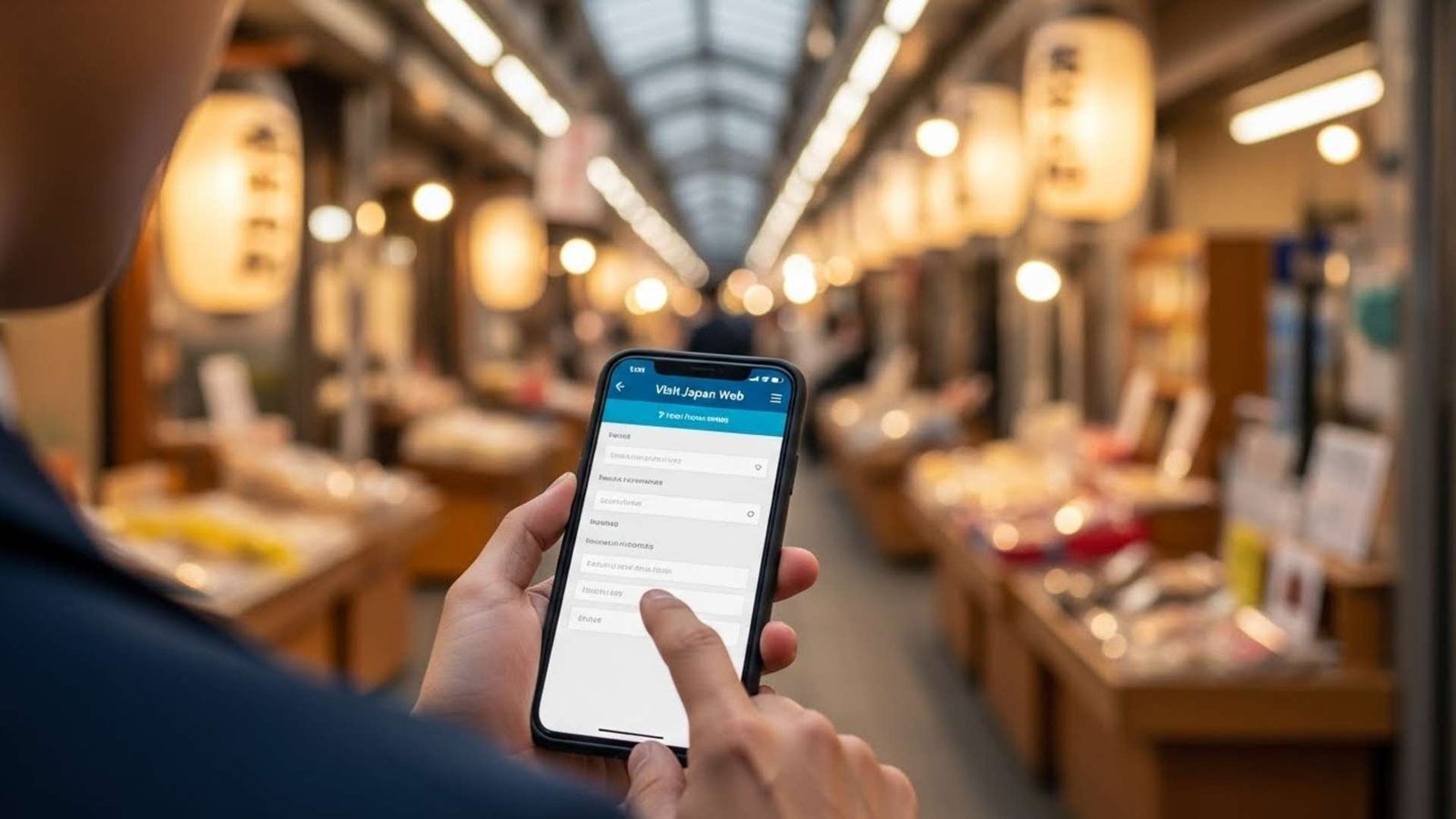
Japan loves paperwork. I love Japan, but the paperwork is real. Visit Japan Web is their attempt to fix this. It’s a web app (you run it in your browser) that consolidates three things:
- Immigration Form
- Customs Declaration
- Tax-Free Shopping
The Strategy: Fill this out before you fly. You’ll get QR codes for Immigration and Customs.
When you land, the Customs QR code is the real winner. At airports like Narita and Haneda, they have “Electronic Declaration Gates.” You scan your passport and your QR code at a kiosk, grab your bag, and then—this is the best part—you just walk through the gate. Facial recognition matches you to your data as you walk. You don’t even stop.
The “Gotcha”: The app has a “Tax-Free Shopping” QR code feature, but honestly? Don’t rely on it yet. A lot of shop staff in Japan are confused by it or their scanners don’t work with it. I’ve read so many stories of travelers standing at a register for 20 minutes trying to make it work. Just bring your physical passport for shopping tax refunds. It’s faster.
Need More Help For Your Next Trip? Look Into These
Look, having the right apps is half the battle, but having the right gear is the other half. There is nothing worse than getting to the front of the MPC line and having your phone die, or trying to juggle four passports for your whole family while the officer stares at you.
I’ve rounded up a few things that actually make the “digital travel” life easier. These aren’t just random gadgets; they are the things that solve the specific problems we just talked about (like keeping your battery at 100% and not losing your family’s documents).
1. Valante Premium Family Travel Document Organizer

If you are the designated “Keeper of the Passports” for your family, you need this. It holds up to 6 passports, has RFID blocking (so nobody scans your chips without you knowing), and keeps boarding passes and vaccine cards in one spot. No more frantic digging at the bottom of your backpack while the line moves forward.
2. Anker Nano Power Bank (Built-in USB-C Connector)

This is non-negotiable. If you are using Mobile Passport or ArriveCAN, your phone is your ticket. You cannot afford a dead battery at customs. This little Anker charger plugs directly into the bottom of your phone (no dangling cables to tangle) and gives you that crucial 20-30% boost right when you land.
3. Twelve South AirFly Pro

Okay, this isn’t for customs, but it saves your sanity on the flight there. It plugs into the plane’s headphone jack and lets you use your AirPods to watch the movies. No more flimsy airline headphones that hurt your ears. Arriving rested makes the customs line way more bearable.
4. Apple AirTag (4 Pack)
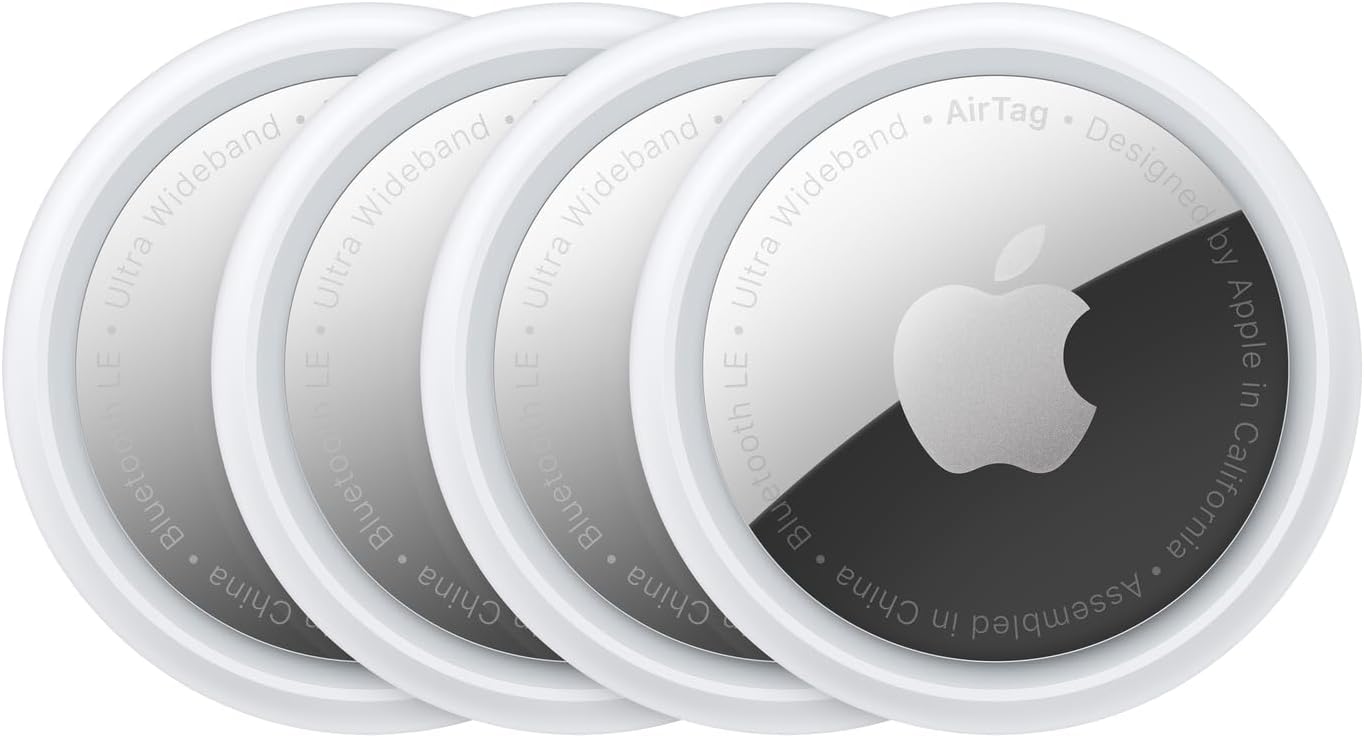
We talked about skipping the immigration line, but you still have to wait at the baggage carousel. Toss one of these in your checked bag. It won’t make the bag come out faster, but at least you’ll know it’s actually in the same country as you. It removes that “did my bag make the connection?” anxiety.
5. Charmking Compression Socks

I mentioned my back hurting earlier? These help. Seriously. If you are sitting for 8+ hours, your legs swell. Wearing these keeps the blood flowing so you can actually walk briskly to the MPC lane when you land instead of hobbling.
