Google Gemini Just Knocked ChatGPT Off the Top of the App Store: 7 Things It Does Better Now

Something changed at the top of the App Store last Friday. Google’s Gemini app climbed to the number one spot on the free apps chart in several countries, passing ChatGPT, according to a Gadgets 360 report dated 23 November 2026. The report says the app ranks number one in India and the United States right now.
The timing is no accident. Google spent November stacking new features into the app. An image editor that went viral. A voice assistant that can see your screen. An agent that makes phone calls for you. And a brand new family of AI models under the hood. The chart climb is the result, not the cause.
Keep the win in perspective. A chart measures new downloads, not daily use. On the web, ChatGPT still leads by a wide margin. Similarweb data for October 2026 puts ChatGPT at 56.6 percent of worldwide AI chatbot visits, with Gemini second at 24.7 percent, according to a roundup of the Similarweb figures. Gemini won the week. It has not won the war.
One more note before we start. Gemini has topped this chart before. It first reached number one in September 2025, when its Nano Banana image editor first went viral. This is a return to the top, not a first climb, and that makes the story more interesting. The app did not get lucky twice. It got better.
People try an app for a reason, and they keep it for a different one. Gemini now gives them seven clear reasons to stay. Here is what changed, what each feature actually does, and where ChatGPT still has the edge.
The climb, in dates
12 Sep 2025
Gemini first hits No. 1 on the US App Store as Nano Banana goes viral
23M users
New users in about two weeks in September 2025, with 500M plus image edits
12 Nov 2026
Gemini 4 Hydrogen becomes the default model in Google AI Mode
20 Nov 2026
Gemini climbs back to the top of the free apps chart in several countries
Sources: Gadgets 360, 23 November 2026; Appfigures data via TechCrunch reporting, September 2025; Google announcements, November 2026. Chart positions move daily, so treat any single day as a snapshot.
1. Nano Banana Turns Your Photos Into Edits Worth Sharing
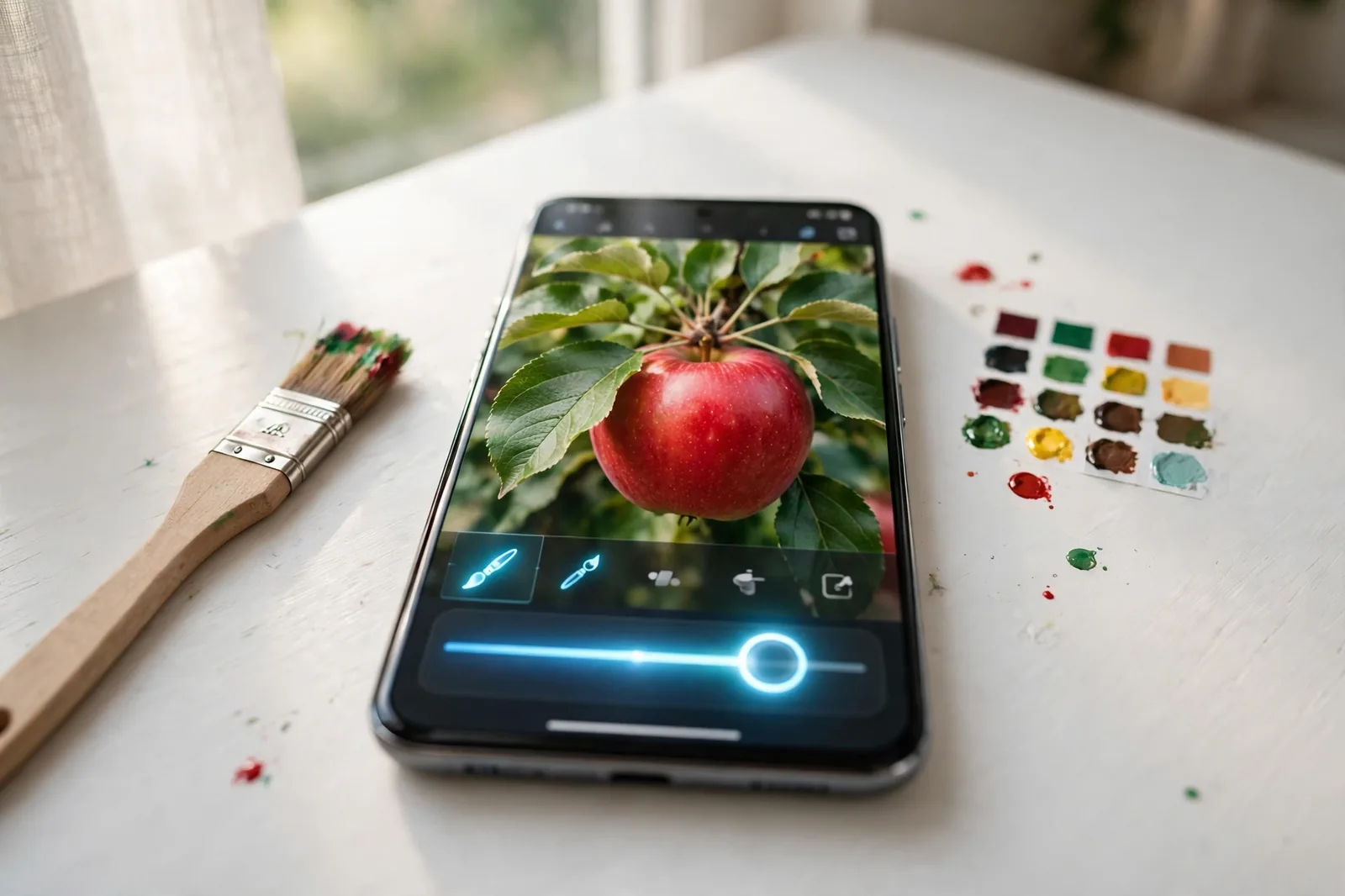
Nano Banana is the feature that started it all. It is the image editing tool inside the Gemini app, and it lets you change a photo by describing it in plain words. Swap the background. Change an outfit. Turn a daylight photo into a sunset shot. The tool keeps the person in the photo looking like themselves, which most editors get wrong.
The first viral wave came in September 2025. In about two weeks it gained 23 million new users, and people made more than 500 million image edits, according to Google’s figures at the time. Appfigures data showed downloads up 45 percent month over month. Gemini reached number one in the United States on 12 September 2025, and stayed there.
The new version goes further. Nano Banana 2 adds camera and lighting controls, blends several photos into one image, and builds posters and diagrams with sharp text, according to the app’s App Store listing. That matters for real work, not just fun edits. A shop owner can mock up a product shot in seconds. A teacher can build a diagram without design software. ChatGPT can edit images too, but Gemini made it the reason people open the app.
2. Gemini Live Now Sees What You See

Gemini Live is the voice mode. You talk, it answers, and the conversation flows like a phone call. The new part is what it can see. Point your camera at something, share your screen, and Live can look at the same thing you are looking at. Gadgets 360 named this visual guidance as one of the reasons the app climbed the chart.
The uses are ordinary, which is the point. Point the camera at a plant and ask why the leaves are yellowing. Show it a broken appliance and ask which part to check first. Share your screen while you fill in a form and ask what a field means. The assistant stops guessing from your description and starts working from what is actually in front of you.
ChatGPT has a voice mode too, and it can use the camera as well. The difference is speed and reach. Live runs in more than 45 languages, and Google has pushed it onto more devices, including older smart home speakers and displays. The feature is part of the free experience for most users, not a paid extra locked behind a subscription.
3. Gemini Spark and Tasks Do the Chores for You

Gemini Spark is Google’s personal agent, and it is the biggest change in what the app can do. Spark does not just answer questions. It takes jobs off your list and does them in the background. Google first announced it at its developer conference in May 2026, and on 23 November it expanded access to Google AI Pro subscribers in the United States.
The jobs are the dull ones. Spark can phone a business, wait on hold, ask your question, and send a summary when it is done. Google calls that part Call for Me. It can also book appointments, place shopping and grocery orders, and sort information from your emails. You ask once, and the work happens while you do something else.
Inside the app the feature is now called Task, so look for that name. The rollout is still limited. It needs a personal Google account and a paid Pro or Ultra plan, and it is not available on work or school accounts. Even so, it is the clearest sign of where Gemini is heading. ChatGPT has its own agent tools, but Gemini is the one that will ring the plumber for you.
4. New Gemini 4 Brains: Hydrogen and Neon
Under the hood, Gemini got a new brain in November. Google released three models in the Gemini 4 family in eight days. Hydrogen arrived on 12 November, Carbon reached paid users on 10 November, and Neon followed on 18 November. Each one has a different job, and the app picks the right one.
Hydrogen is the one most people will meet. Google made it the default model in AI Mode on 12 November, calling it the biggest model upgrade to Search yet. It answers everyday questions fast, and it takes on the hardest questions in AI Overviews. Similarweb noted the switch in its October AI search update, and warned that November search data now spans a model change.
Neon is the heavy lifter. It launched on 18 November with a context window of one million tokens. A million tokens means the model can hold a research project, a long document set, or hours of video in mind at once. It is aimed at coding, data analysis, and multi-step work. For everyday users the result is simple. The same app answers quick questions and grinds through long jobs, and it switches between the two without you noticing.
The Gemini 4 family, in plain words
Three models, three jobs. The app chooses for you, so you never have to learn the names.
Hydrogen
Fast and everyday
Launched
12 Nov 2026
Where you meet it
Default in AI Mode
Neon
Long and heavy work
Launched
18 Nov 2026
Memory
1M-token context
Carbon
Deep thinking
Launched
10 Nov 2026
For
Paid Pro and Ultra
Sources: Google blog posts and announcements, 10 to 18 November 2026; Introducing Gemini 4 Neon on the Google blog.
5. Computer Use on Mac Does the Clicking
The most practical new trick lives on the Mac. Google expanded Computer Use to the Gemini app for Mac, announcing the move on 20 November. The feature lets Gemini work inside your desktop apps. It can click through menus, type into fields, and finish multi-step jobs across local files, desktop software, and the web.
Think of the jobs that eat a morning. Filling in the same form on three different sites. Moving files into the right folders. Copying details from a document into a spreadsheet. Computer Use does the clicking while you watch, and you can step in at any point. It is the desktop version of the Spark idea. The assistant stops being a chat box and starts being a pair of hands.
There are limits, and they are honest ones. The feature works in the Gemini app for Mac, and it asks for permission before it acts. It is new, and new automation makes mistakes, so check its work the way you would check a junior colleague. ChatGPT offers computer control too, but Gemini’s version sits inside the app many Mac owners already have open, and it works across the desktop apps they already use.
6. It Lives Inside the Google Apps You Already Use
Gemini has one advantage ChatGPT cannot copy. It lives inside Google. The app connects to Gmail, Maps, YouTube, Docs, Drive, and Calendar, so it can pull your own information into an answer. Ask it to find the hotel booking in your email, then show the drive from the airport on a map. One question, two apps, no copying and pasting.
The Daily Brief shows how this works in practice. Each morning, the assistant pulls together what you need to start the day: your calendar, your emails, the weather, the news you follow. It is a small feature, but it is the kind of thing that makes people open the app before they open anything else.
ChatGPT has added connectors to other services, and it keeps adding more. But most people already live in Google’s apps, and Gemini is the assistant that speaks their language natively. That is a distribution advantage, not a feature advantage, and it is worth naming honestly. The app did not climb the chart only because it is better. It climbed because it is closer.
7. The App Itself Got Faster and Simpler

The last change is the least flashy and maybe the most important. Google redesigned the prompt bar, the box at the bottom of the screen where every conversation starts. It is cleaner now, with the tools you use most one tap away. Gadgets 360 named the redesign as one of the three reasons the app climbed the chart.
Small friction matters more than big features. If starting a chat takes two taps instead of five, you start more chats. If the voice button is right there, you talk instead of typing. Google also started rolling the Gemini app out to Apple CarPlay on 11 November, so the same assistant rides along in the car. These are not headline features. They are the reason an app moves from your second home screen to your first.
ChatGPT redesigned its own app this month too, splitting chats, agents, and tools into separate tabs. Both apps are getting easier to use at the same time. The race is no longer about who has the smartest model. It is about who makes the smartest model the easiest to reach. Right now, on the iPhone, that race has a new leader.
Try it this week: five things to test
Edit one photo you care about with Nano Banana, using only a typed description.
Open Gemini Live, point your camera at something in your kitchen, and ask a real question.
Ask AI Mode a hard, multi-part question and see how Hydrogen handles it.
Check your Daily Brief tomorrow morning before you open any other app.
If you are on a paid plan, let Spark or Tasks make one phone call you keep putting off.
So what should you do with all this? If you already use ChatGPT, there is no need to delete it. Keep it for the work it does well. But give Gemini a week. Try Nano Banana on a photo you care about. Point Live at something in your kitchen and ask it a real question. Let Spark handle one phone call you have been putting off. The app is free to download, and the features above are the reason millions of people just did.
And keep the chart in perspective. App store rankings move every day. Gemini sat between number six and number eight in the United States in the days after its Friday climb, according to independent chart trackers. What does not move is the pattern underneath: Google is shipping faster, the features are landing in the free app, and the assistant is turning into an agent. That pattern is the real story, and it is bigger than one week at number one.
ChatGPT will answer. OpenAI has a redesign of its own, new models of its own, and more than a billion weekly users behind it. The next move is theirs. For now, though, the challenger holds the top spot, and it earned it the hard way: not with one clever feature, but with seven of them, arriving all at once.