8 AI Voice Tricks That Turn Rambling Voice Notes Into Finished Work in Minutes


Your best ideas rarely arrive while you are sitting at a keyboard. They show up on a walk, in the car, or while you are washing dishes. You grab your phone, record a quick voice note, and promise yourself you will deal with it later. Later never comes, and the idea sinks into a pile of forgotten recordings.
That pile is worth real money in time. Speaking is fast. You can talk through an idea in two minutes that would take ten minutes to type, and you can do it while your hands are busy with something else. The problem was never the recording. The problem was everything that had to happen after it: typing it out, sorting it, and turning it into something you could actually send.
That gap has closed. In October 2026, voice tools got sharper across the board. ChatGPT on paid plans now accepts audio uploads, so a finished recording can go straight into a chat for a transcript or a draft. New voice models can read your finished text aloud with real expression. Dictation apps clean up your filler words before the text ever lands on the page.
This guide walks through eight tricks that turn rambling voice notes into finished work. Each one takes minutes, not hours. None of them needs technical skill. You only need a phone, a voice, and a willingness to stop typing your first drafts.
The 8 tricks at a glance
1. Talk First, Type Later
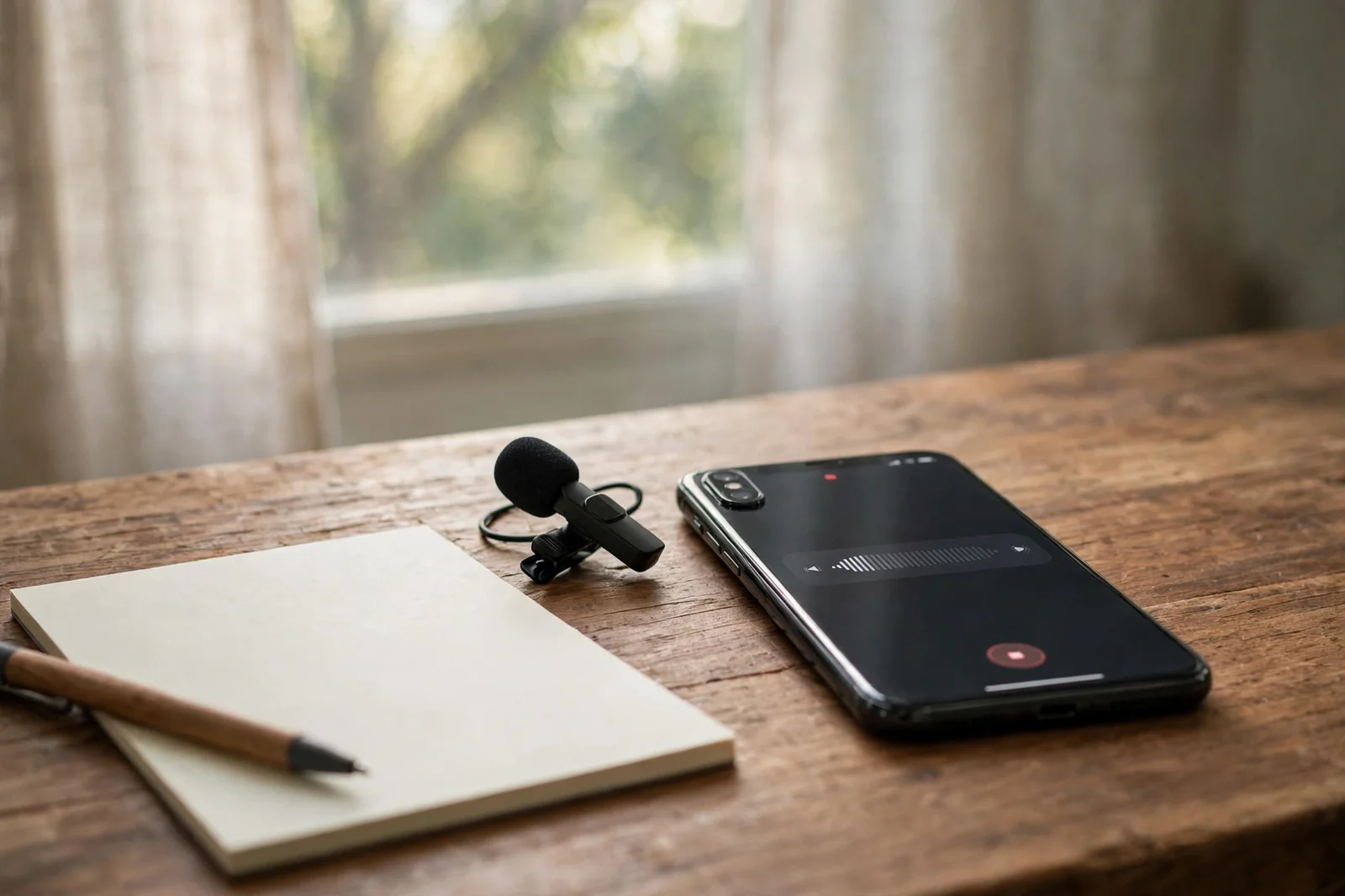
Start with the simplest change. Stop opening a blank document when you have an idea. Open your voice recorder instead. Talk the way you think, out of order, with pauses and corrections. A rambling three minute note holds more raw material than a careful paragraph you never start, because starting is usually the hard part.
Give each note a job before you press record. Say it out loud at the start: “This is a draft email to my client about the delay,” or “These are ideas for next week’s post.” That one sentence acts like a title. Later, when you or an AI tool looks at the note, the purpose is obvious and the output lands closer to what you wanted.
Keep notes short on purpose. One idea per recording beats one forty minute ramble that covers your whole week. Short notes are easier to transcribe, easier to search, and far easier to turn into a single finished piece. If you catch yourself wandering into a second topic, stop the recording and start a new one. Your future self will thank you.
2. Drop the Recording Straight Into ChatGPT

Here is the change that makes this whole workflow click. OpenAI added audio uploads to ChatGPT on October 6, 2026, for paid subscriptions and workspaces. You attach a finished recording to a normal chat, just like a document, and ask for a transcript, a summary, or a draft built from what you said. The Free plan does not include audio uploads at this time, so check your plan before you try it.
Supported formats include MP3, WAV, M4A, and FLAC, and a single file can be up to 512 MB. That covers almost every voice memo your phone makes. Once the file is in, be specific with your request. “Turn this into a polite email under 150 words” beats “summarize this,” because the tool shapes the output to the job you actually need.
One caution matters. OpenAI itself says transcripts can contain errors, and speaker labels can be wrong. Treat the first draft as raw material, not a finished product. Check names, numbers, dates, and any quote you plan to send before it leaves your hands. The time you save on typing is worth spending on that one careful read.
3. Dictate Anywhere, and Let the Cleanup Happen First
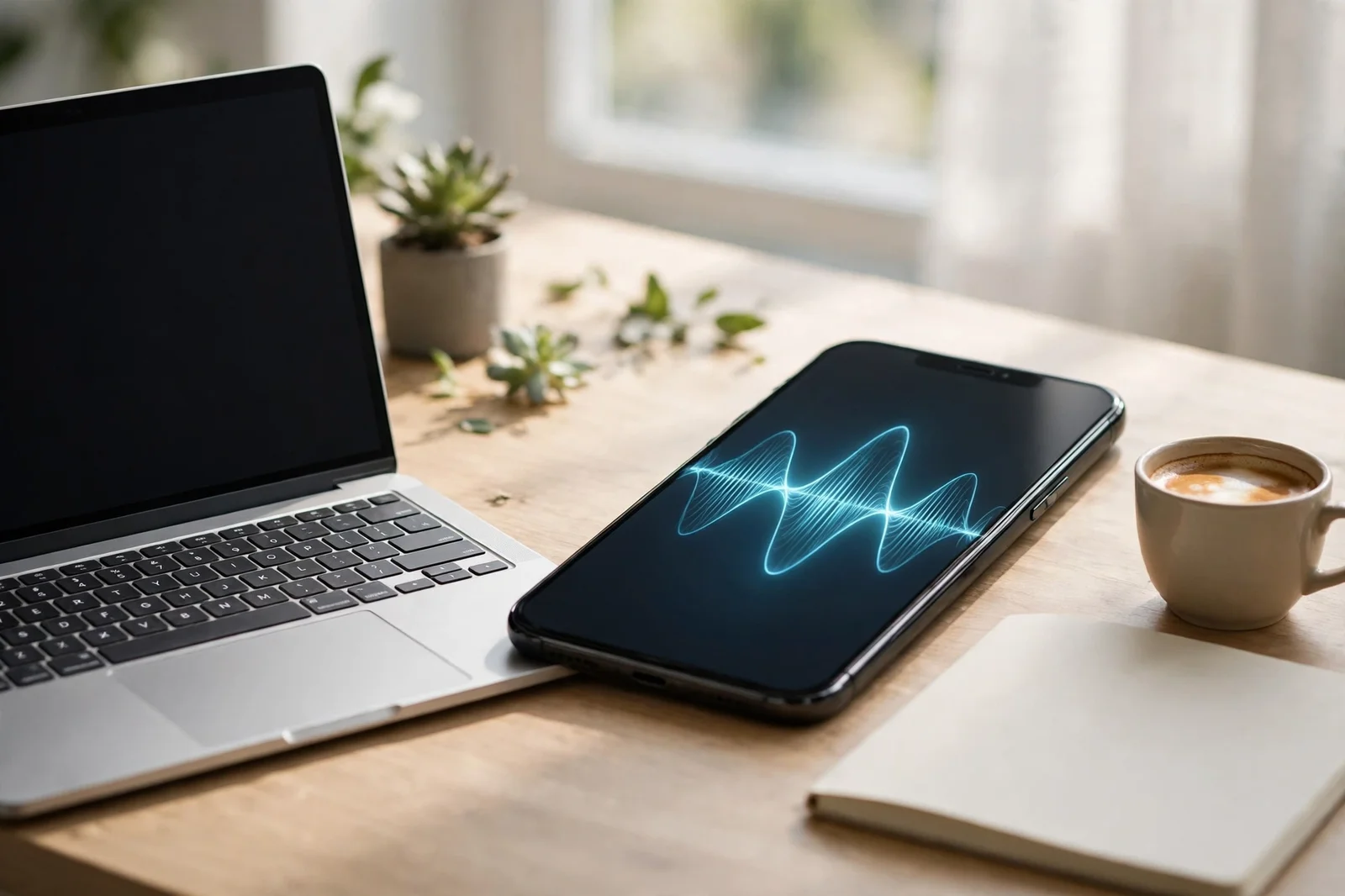
Some days you do not want a recording at all. You want words on the page, right now, in the app where you are already working. That is the job of dictation tools like Wispr Flow, which turns speech into clean text in whatever app your cursor is sitting in. You hold a key, speak naturally, release, and the finished text appears.
The difference from old school dictation is the cleanup step. These tools remove filler words, fix mid sentence corrections, and add punctuation before the text lands. Say “We should, um, meet on, no, make that Friday,” and what appears is “We should meet on Friday.” That single change turns dictation from a chore into something you can trust for a first draft.
Flow works on Mac, Windows, iPhone, and Android, and it supports more than 100 languages. Its free plan has weekly word limits, and the paid plan removes them. Before you pay for anything, try the free tier on your real work for a week. Dictation either fits your day or it does not, and a week of real use tells you more than any review.
4. Turn One Ramble Into Tasks, Emails, and Plans
One voice note can become many kinds of finished work. That is the trick most people miss. They transcribe a note and stop, when the transcript is only the halfway point. Feed the same note back with a different instruction each time, and you get a different product from the same two minutes of talking.
Try this on your next note. First, ask for the key points as bullets. Next, ask for a task list with deadlines. Then ask for a short email version. A recent hands on test of eight voice note apps found exactly this split: some apps shine at tasks and plans, others at searchable archives, and others at clean drafts you can send.
Pick the output that matches the job. If your note is a brain dump, you need tasks. If it is a message you owe someone, you need a clean draft. If it is an idea you want in three months, you need it saved and searchable. One note, three endings. Choose before you generate, and you will stop drowning in transcripts you never use.
The voice note workflow
5. Let Meetings Write Their Own Notes

Meetings are where voice notes scale up. Instead of scribbling while someone talks, let a meeting tool listen and produce the notes for you. Tools like Otter, Granola, and Fireflies capture the conversation, label who said what, and generate a summary with action items. You leave the meeting with the decisions written down, not with a page of half finished scribbles.
Each tool leans a different way. Otter is the strongest all rounder for live transcription and team sharing. Granola is built for polished meeting notes on Mac. Fireflies stands out for sales and operations teams because it syncs with customer tools like Salesforce and HubSpot. A 2026 comparison of voice tools reached the same split, naming Granola the meeting specialist and Otter the team pick.
Set one rule before you use any of them. Tell the people in the meeting that it is being recorded and transcribed. It is polite, it is often legally required depending on where you live, and it avoids awkward surprises later. Then, after the meeting, read the action items yourself. AI summaries are good at capturing what was said and weaker at judging what matters most.
6. Check the Transcript Before You Trust It
Transcription is good now, but good is not perfect. On clean, single speaker audio, top tools score above 95 percent accuracy. Overlapping voices, accents, background noise, and technical terms all pull that number down. One comparison found a tool inventing plausible but wrong medical words when it met jargon it did not know. That is the failure mode to watch for: errors that look confident.
Build a two minute check into your routine. Read the transcript once, slowly, and fix names, numbers, dates, and decisions first. Those four things cause the most damage when they are wrong. Then read any sentence you plan to quote out loud. If it sounds like something you would never say, it probably is not what you said.
For anything sensitive, keep the original recording. A transcript is a copy, and copies drift. If a client disputes a quote or a date, the audio settles it in seconds. Also remember that most of these tools process audio in the cloud, not on your device. Skip them for confidential material unless you have checked the privacy settings and are comfortable with where your recordings go.
7. Give Your Finished Work a Voice
The last trick flips the whole process around. Once your text is finished, let AI read it aloud. ElevenLabs launched Eleven v4 on September 28, 2026, a voice model the company calls its most expressive yet, with support for more than 90 languages. A faster Turbo version is built for live voice agents. For a writer, the practical use is simple: hear your own draft read back before you publish it.
Listening catches what reading misses. A sentence that looks fine on screen can sound tangled out loud. A paragraph that drags becomes obvious the moment a voice has to get through it. Play your draft back while you do something else, note where your attention wanders, and tighten those spots. It is the cheapest editor you will ever hire.
Voice output has a second use. Turn a finished article into audio your audience can hear on a walk or a drive. That is a new way for people to meet your work, built from words you already wrote. If a voice is synthetic, say so. Listeners do not mind AI narration, but they do mind feeling tricked.
Before you hit send
Now for the bonus trick, number eight. Build a searchable archive of your voice notes. Apps like Voicenotes are built for exactly this: every note you record becomes searchable text you can query later. Instead of asking “Where did I put that idea,” you search for a word and find it in seconds. Your past thinking becomes a library instead of a graveyard.
Start small this week. Record three notes using the tricks above: one task list, one email draft, one idea you want to keep. Run each through the same steps, record, transcribe, transform, check, file. By the third one, the workflow will feel natural. That is the real point of all eight tricks. Your voice is the fastest way to get an idea out of your head. Now it can also be the fastest way to get finished work back.
If you take only one thing from this guide, take the habit, not the app. Tools change every few months, and today’s favorite dictation app may be replaced by next year’s update. The habit survives every change: speak the idea while it is fresh, give it a job, and turn it into one finished piece the same day. Do that for a week, and the pile of forgotten recordings starts to shrink on its own.
One last habit ties it together. At the end of each day, spend five minutes clearing your unprocessed recordings. Transcribe them, turn them into their finished form, or delete them. A voice note system only works if the inbox stays empty. Keep it empty, and your rambling notes stop being clutter and start being the easiest work you do all day.