19+ RV Workspace and Desk Setups for Working on the Road

Working from an RV sounds like freedom until the first video call. The laptop slides. The charger is nowhere to be found. Your back aches by lunch.
The fix is rarely a bigger rig. It is a smarter setup. A small desk in the right spot can beat a large room that fights you all day.
These 19 setups cover every kind of rig and work style. Some fold away in seconds. Some stay put for full time work. All of them respect one truth about RV life: every inch has to earn its place.
Pick the idea that matches how you actually work. Then steal the details that make it comfortable, like good light, easy power, and a chair you can sit in for hours.
The 5 Rules of a Great RV Desk
1. Fold-Down Wall Desk
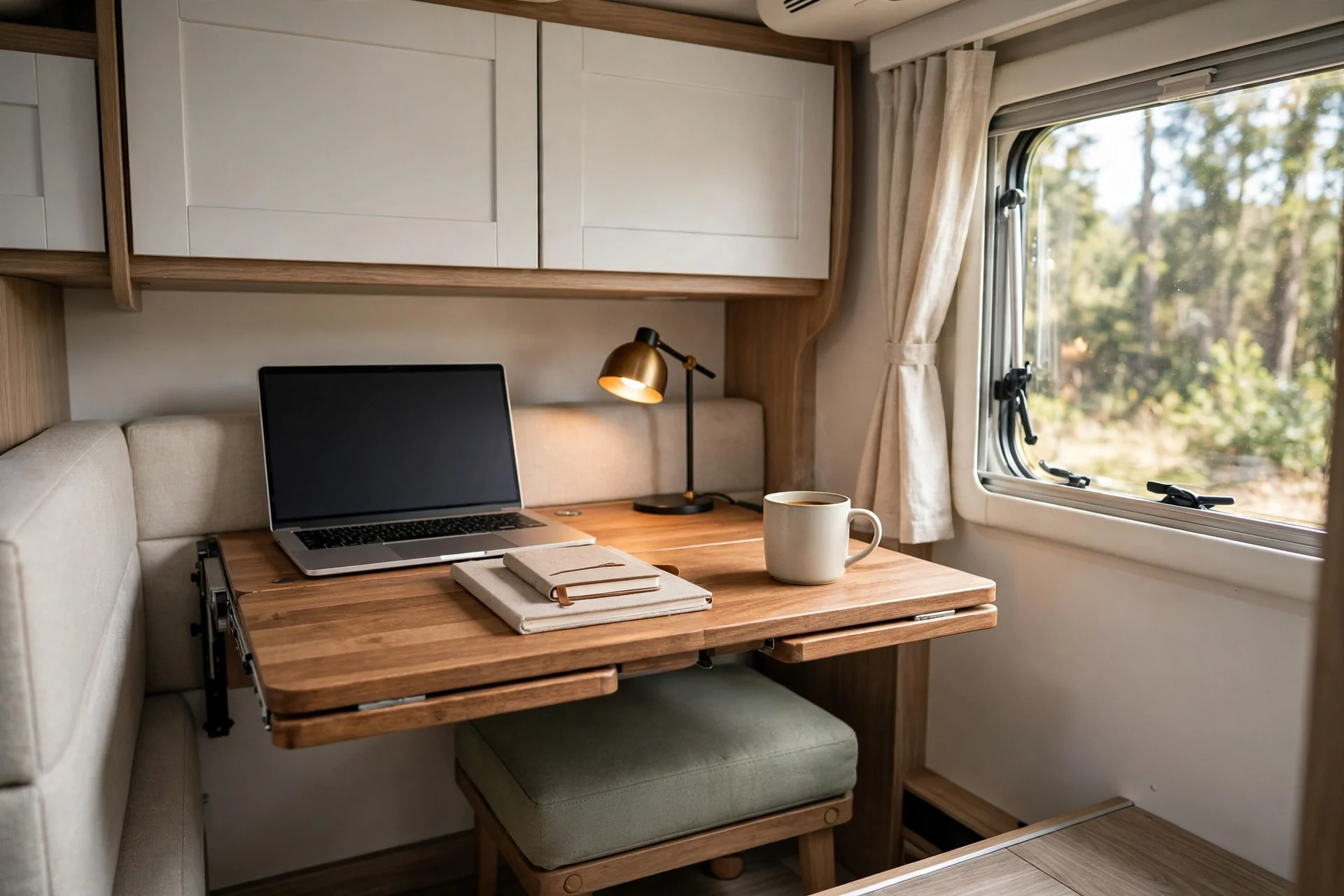
A fold down desk is the classic RV office for a reason. It uses a blank wall, not floor space. You fold it up and the room is back.
Mount it at elbow height when you sit. That height keeps your wrists level and your shoulders relaxed. A wall cleat, which is just a strong support strip screwed into the wall frame, spreads the weight so the desk stays solid.
Add a small lip at the back edge. It stops pens and chargers from sliding off when the rig moves.
Keep the surface for work only. When everything else lives in a wall pocket or a bin, the desk stays inviting instead of turning into a junk shelf.
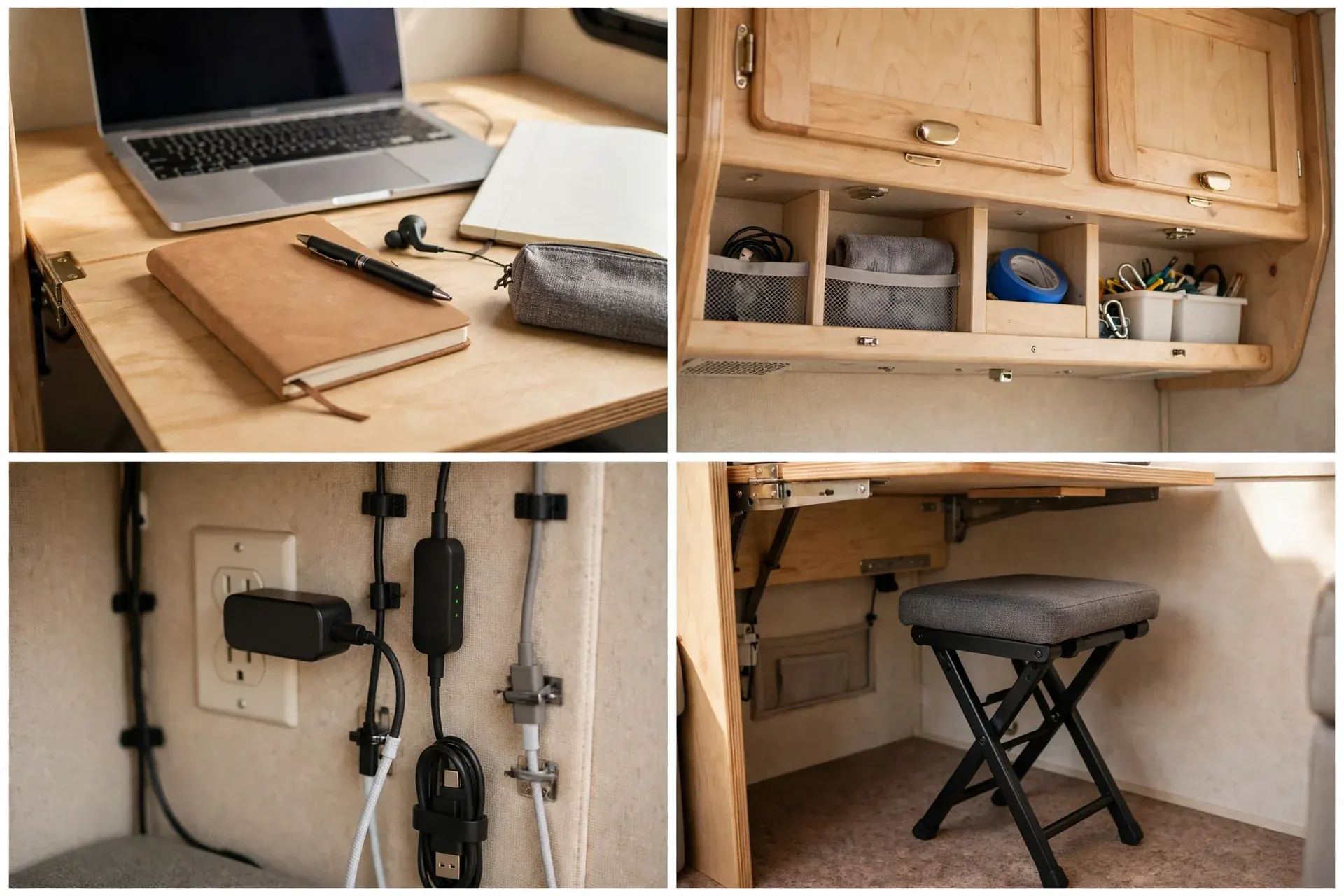
Check the wall before you drill. Studs, the wooden frame pieces inside the wall, hold screws far better than hollow panel alone.
This setup suits part time workers and weekend trips best. It is fast to open, fast to close, and easy to live with.
2. Dinette-to-Office Conversion
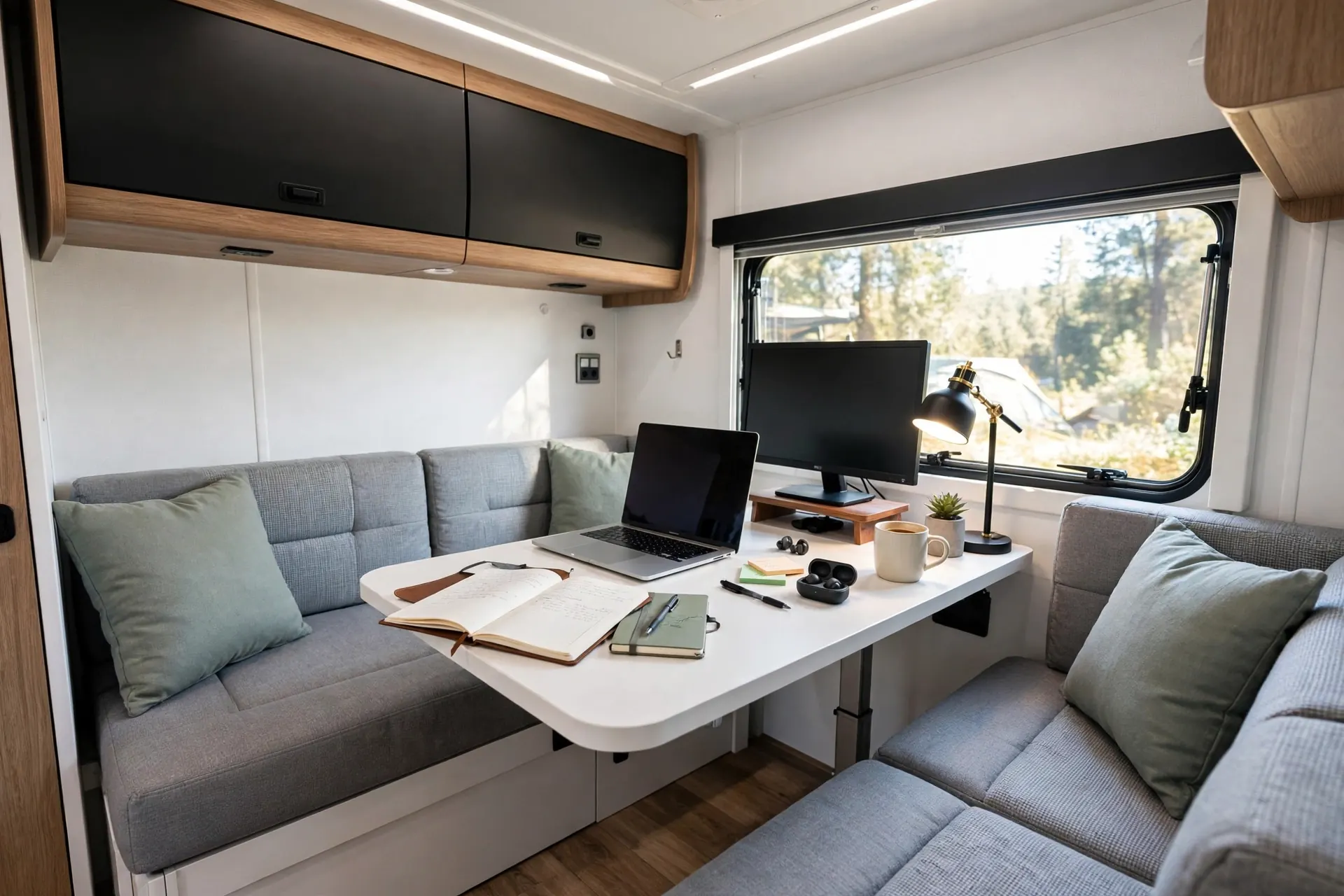
Your dinette is already a table with seats. With a few tweaks it becomes a proper office by day and a dining spot by night.
Start with a laptop riser. It lifts the screen to eye level so you stop hunching. A small second monitor, held by a clamp mount, gives you room for notes beside your main work.
Use the bench seats for storage. Chargers, notebooks, and a headset can live in a slim bin under the cushion. Pull it out in the morning. Slide it back at dinner.
Light matters here. A clip on lamp aimed at the table beats a harsh ceiling light. It keeps video calls flattering and reading easy.
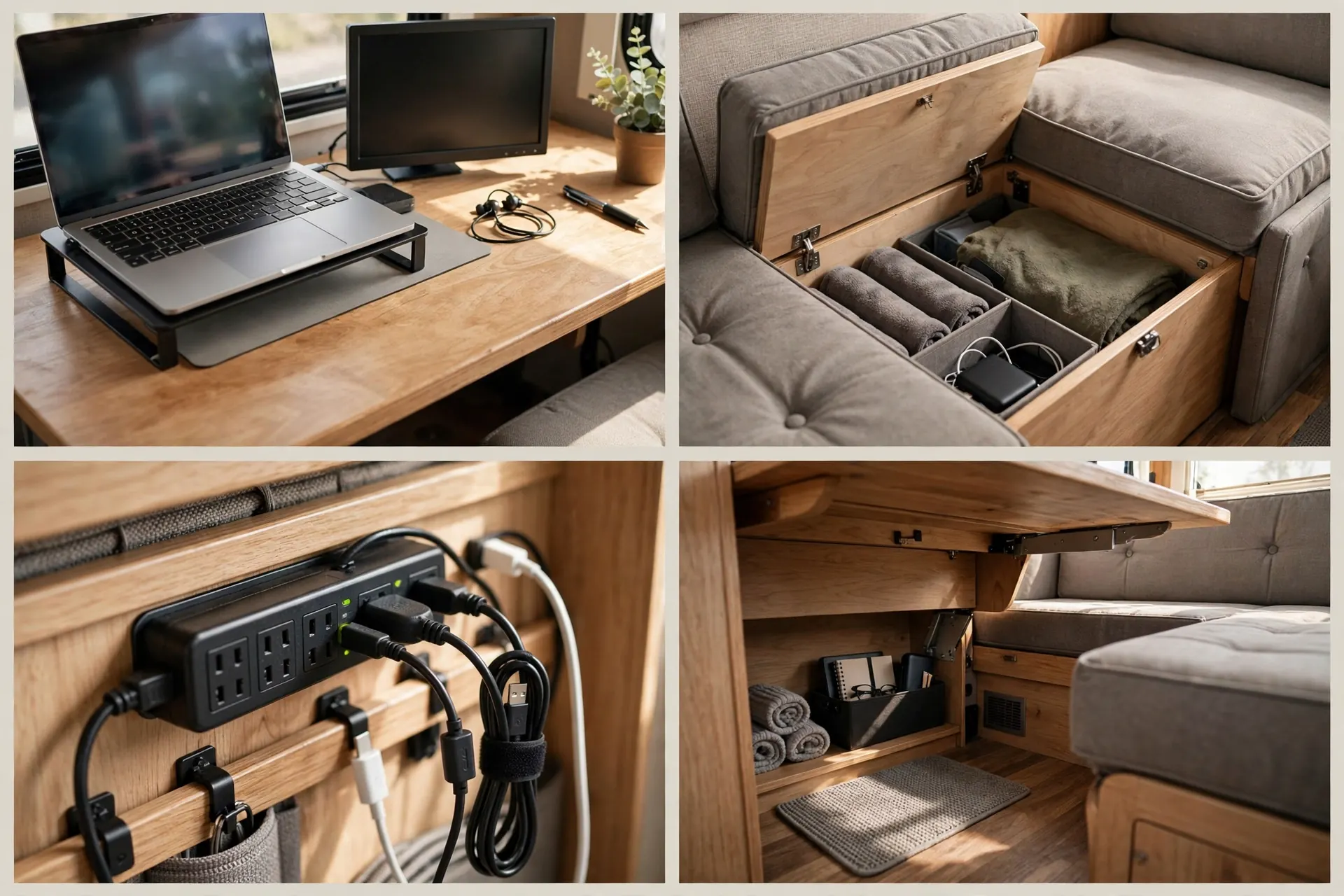
Agree on a reset rule if you travel with a partner. At mealtimes the work gear packs away. That boundary keeps the dinette feeling like home, not an office that never closes.
This is the lowest cost way to start working on the road. You already own the furniture.
3. Swivel Captain’s Chair Command Center
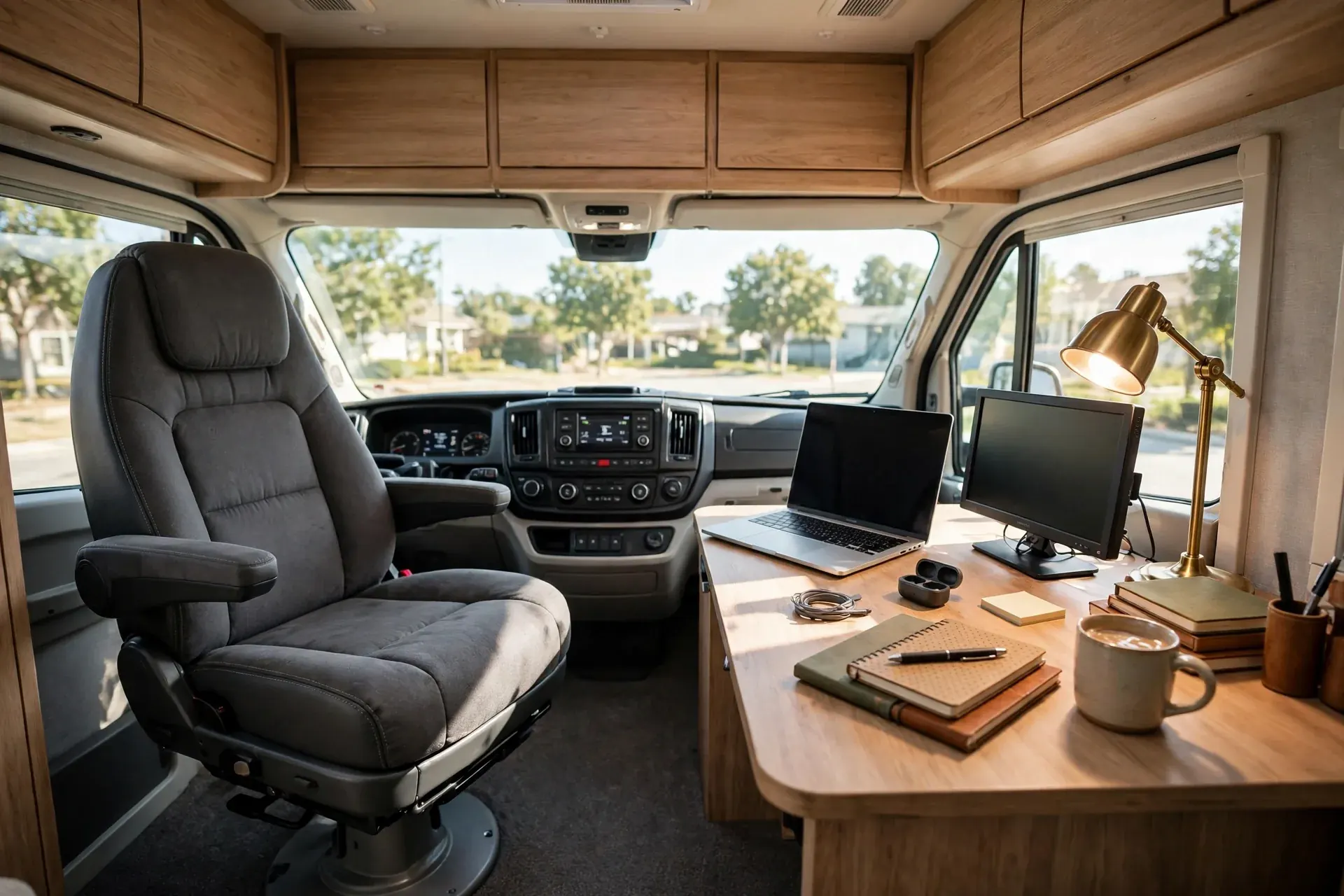
The front cab of a motorhome is wasted space once you park. Turn the passenger captain’s chair around and you gain a ready made office chair.
Swivel chairs, which rotate to face the living area, usually lock in place. Check that the lock holds before you lean on the desk. A wobbly chair ruins focus fast.
Place a small desk or a sturdy tray table beside the chair. Keep the keyboard close and the screen at arm’s length. Your elbows should rest near a right angle.
Cab curtains or a windshield shade cut glare and add privacy on calls. They also make the front of the rig feel like a room, not a dashboard.
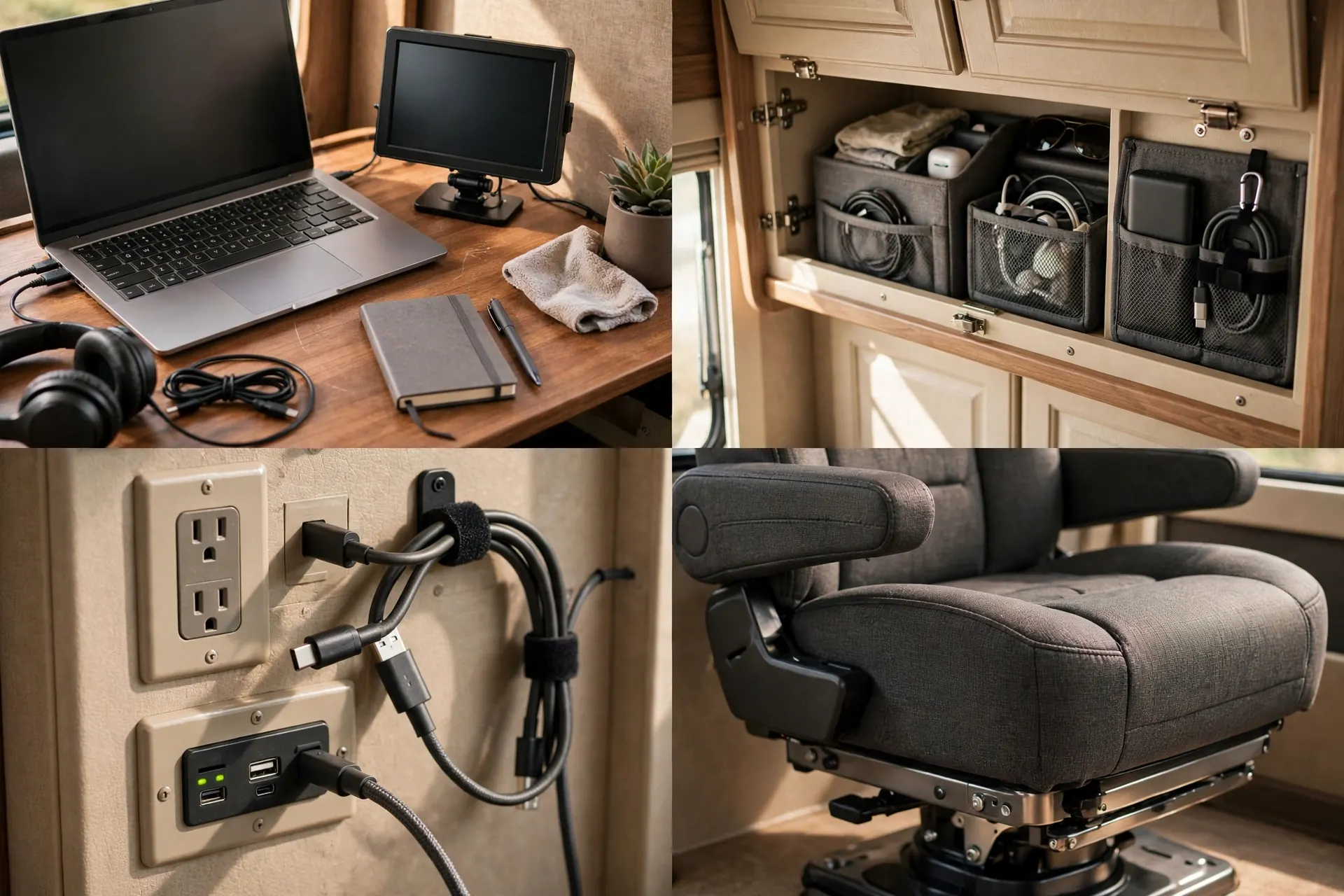
Route a power strip from a nearby outlet. Dangling cables across the cab are a trip hazard and a daily annoyance.
This setup shines for solo workers. One chair, one desk, and a view out the front windows.
4. Bunk Bed Office Nook

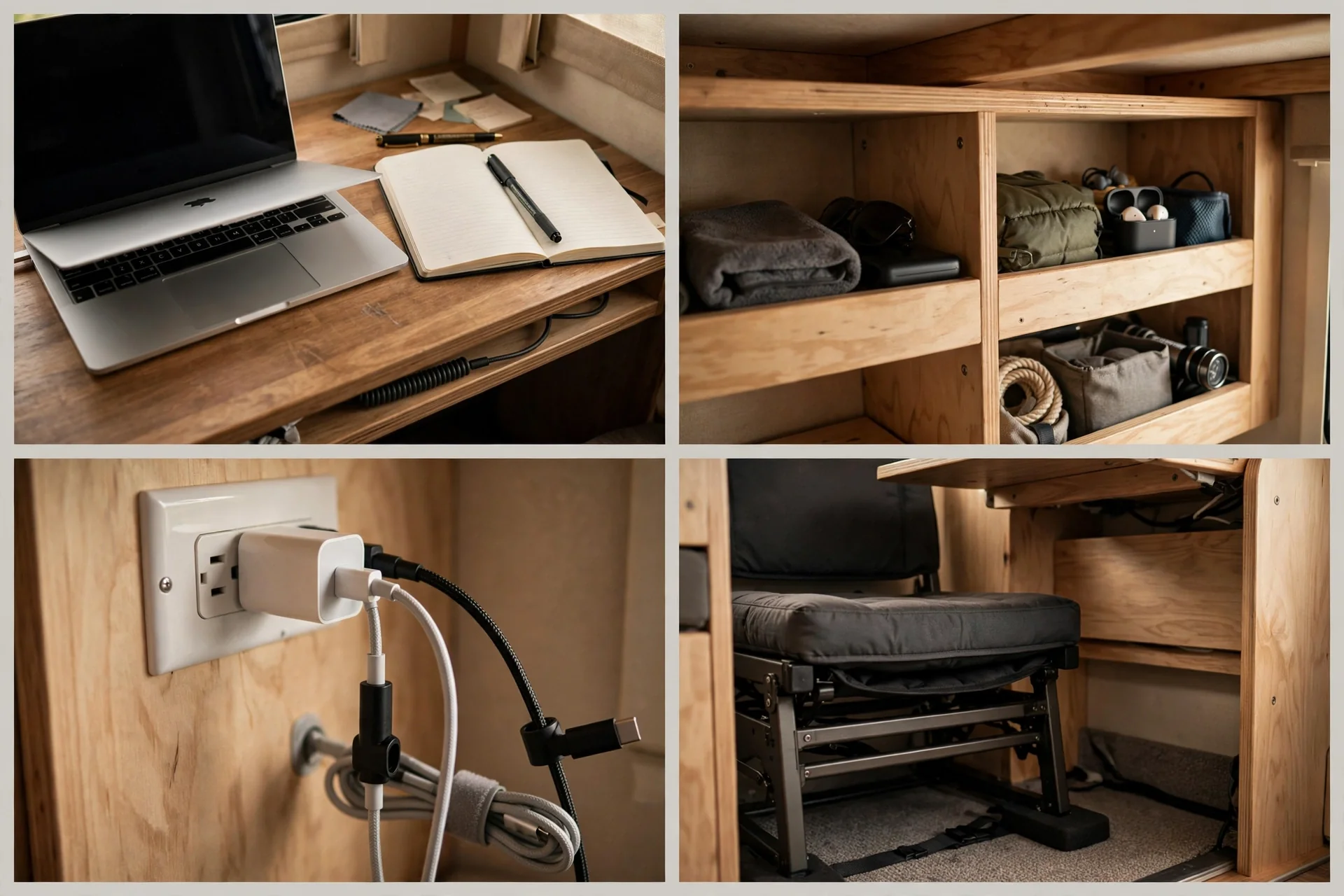
A bunk area makes a surprisingly cozy office nook. The upper bunk becomes a shelf. The lower space becomes your desk zone.
Fit a desk board across the nook at sitting height. Leave room for your knees and a small chair that slides fully under the desk. Tight clearances demand exact measurements, so measure twice.
Task lighting is essential in a nook. A battery powered LED bar under the bunk lights the desk without heating the space. Warm white light feels calm for long sessions.
Use the bunk above for bins, not loose piles. Labeled bins keep cables, paper, and gear from raining down when you drive.
Ventilation helps too. Crack a nearby vent or window so the nook does not feel stuffy by afternoon.
This nook suits kids doing schoolwork and adults who want a tucked away corner of their own.
5. Slide-Out Desk Drawer
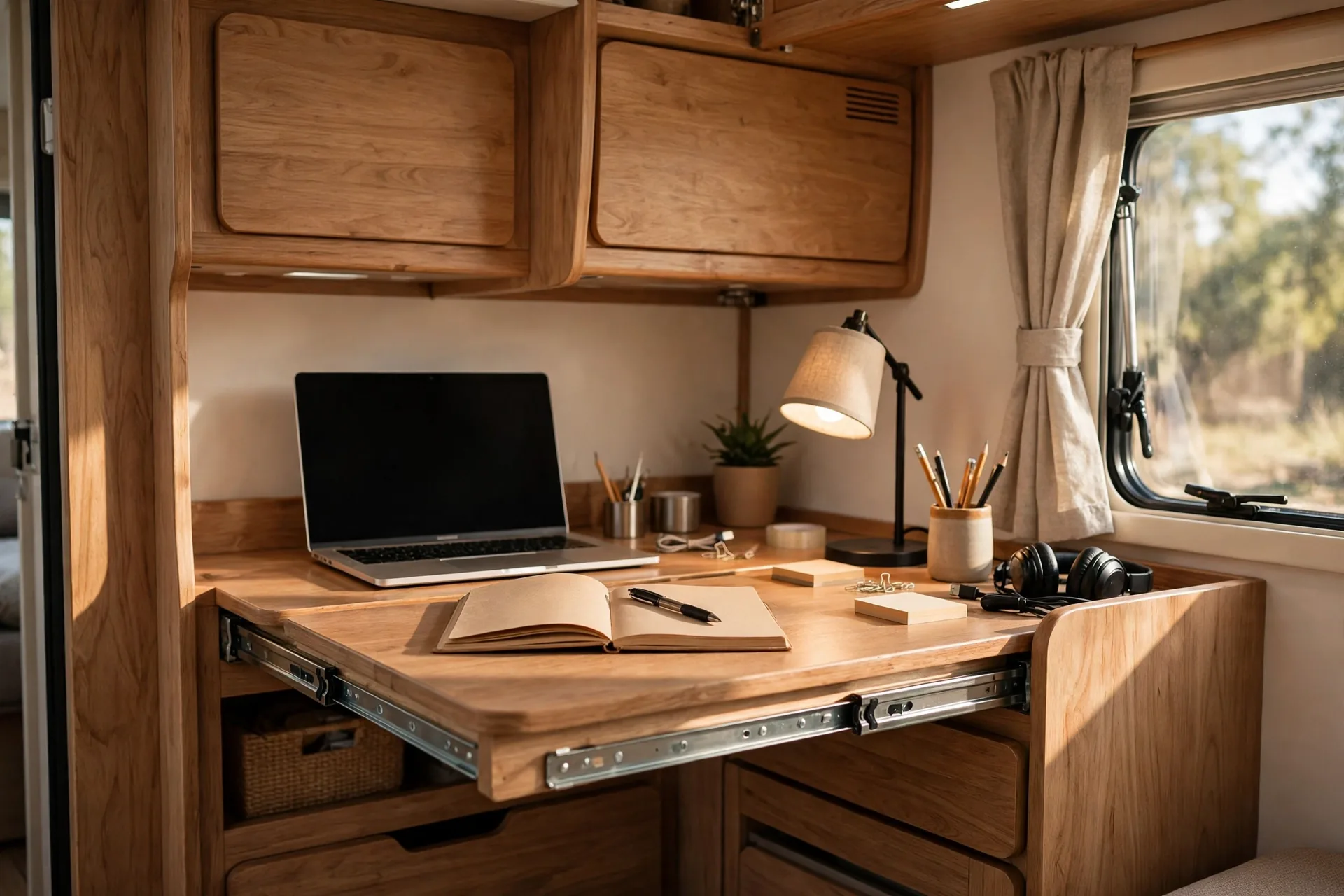
A slide out desk hides inside a cabinet or under a counter. Pull it out to work. Push it back to disappear.
Heavy duty drawer slides, the metal rails that carry the moving part, are the secret here. Cheap slides sag. Rated slides hold a laptop, a notebook, and your coffee without dipping.
Keep the drawer shallow and wide. A deep drawer tempts you to pile things up. A wide one keeps the keyboard, mouse, and phone in one flat layer.
Add a cable hole at the back. The charger cable can live inside the cabinet and poke through only when you need it.
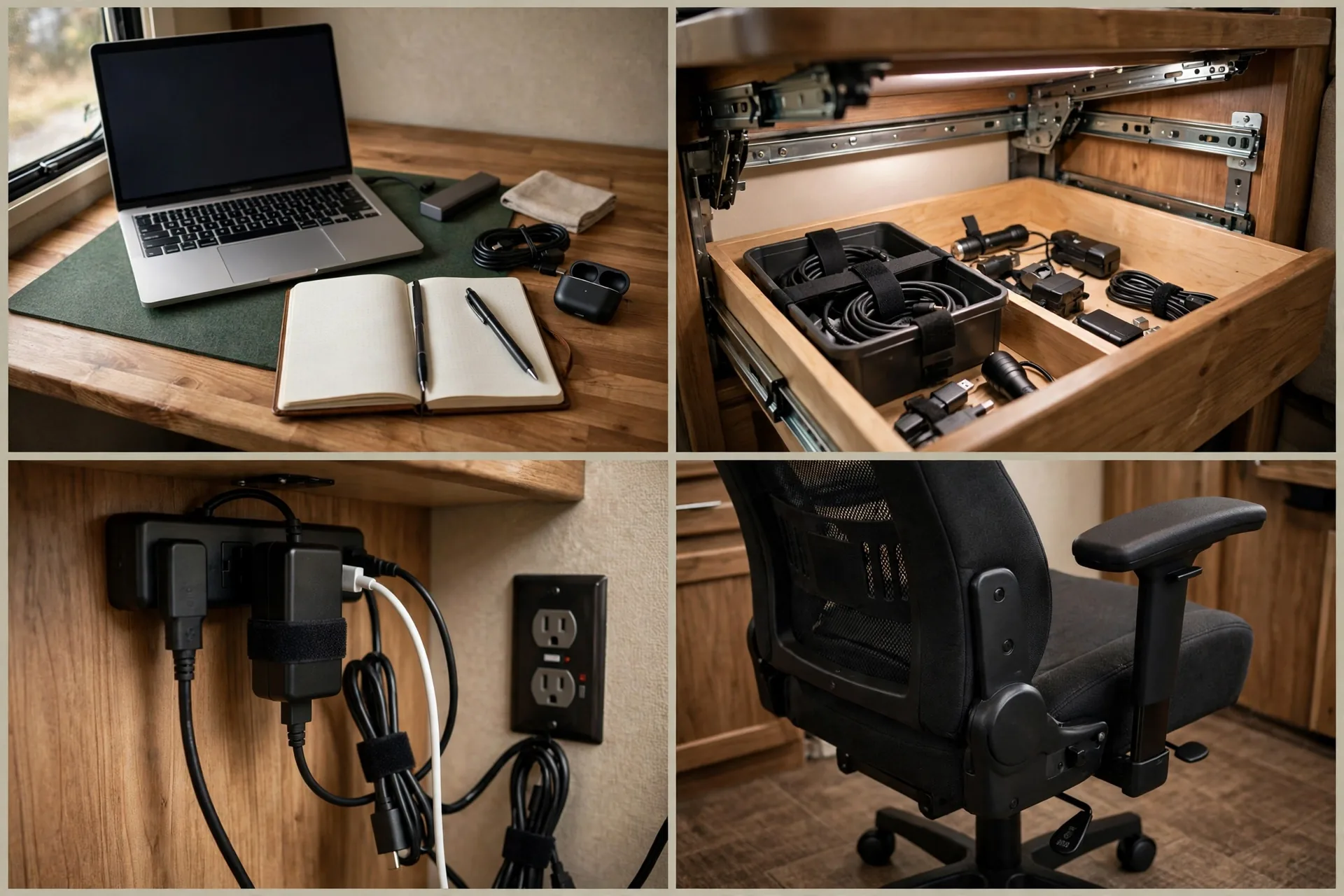
Test the slide with weight before you finish the build. Load it like a real workday and check for sag or sticking.
This is perfect for small rigs where a permanent desk would block a walkway or a door.
6. Standing Desk Converter

Sitting all day hurts, even with a great chair. A standing desk converter sits on your existing desk and lifts your screen and keyboard to standing height.
Look for a converter with a smooth lift. A jerky lift spills coffee and knocks monitors around. Gas spring lifts, which use pressurized cylinders to assist the motion, feel steady and controlled.
Place a thin anti fatigue mat underfoot. It cushions your feet and encourages small shifts in posture. Even a folded rug helps on hard floors.
Alternate sitting and standing in short blocks. Twenty to thirty minutes standing, then sit again. Your back will thank you by evening.
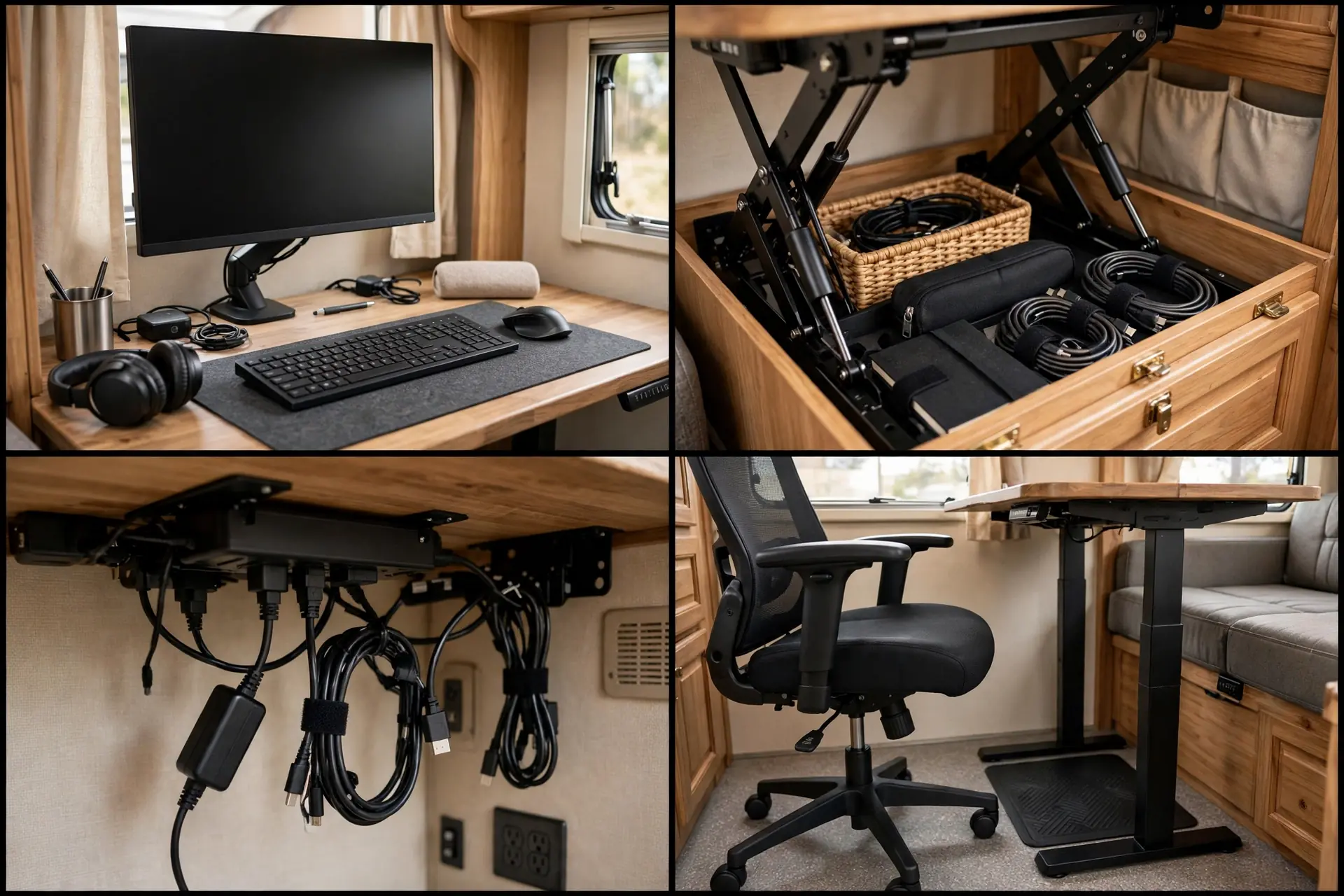
Check headroom before you buy. In a low ceiling RV, a raised monitor can sit too close to a cabinet.
This converter turns any solid RV table into a sit stand station without a rebuild.
7. Window-Facing Panorama Desk
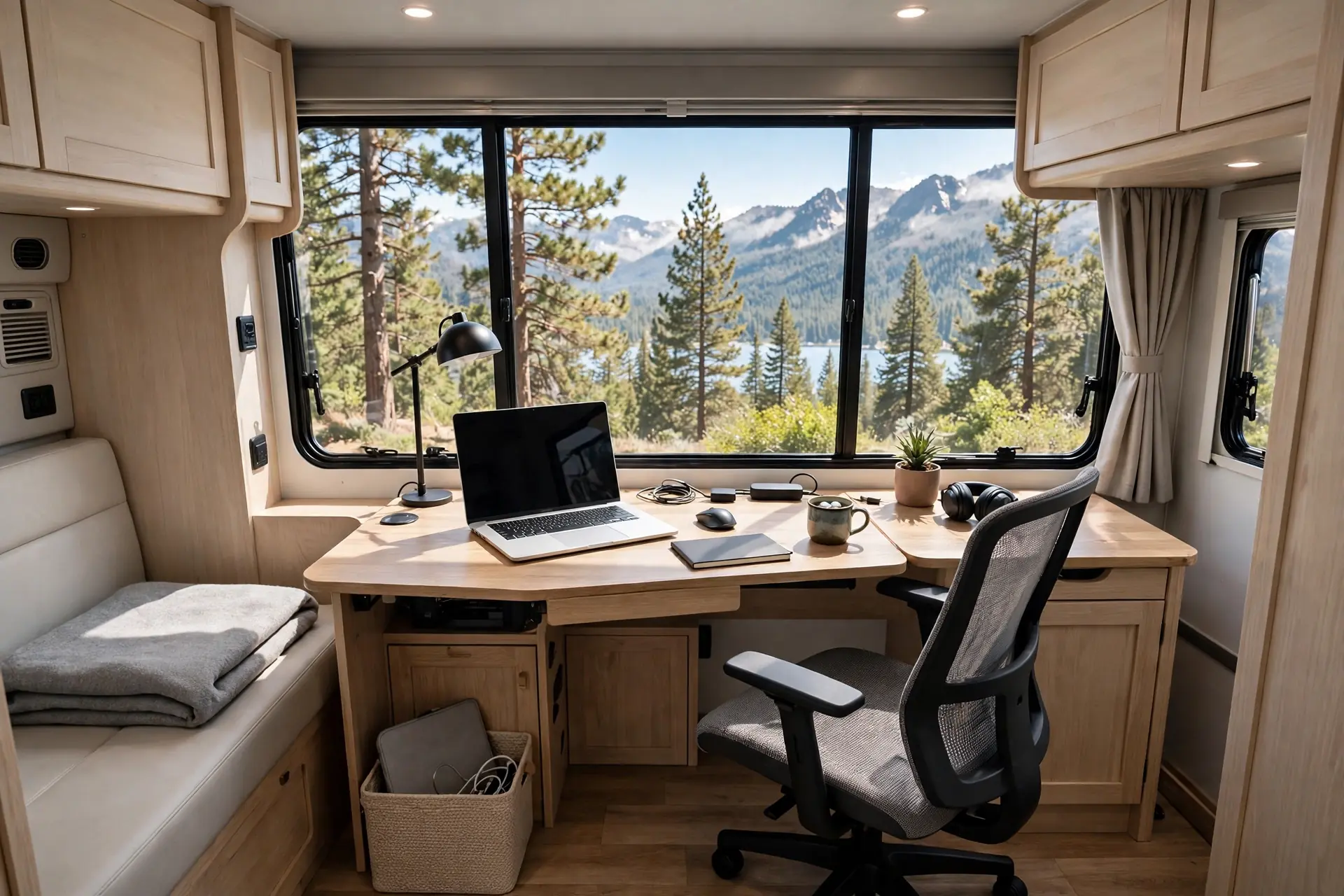
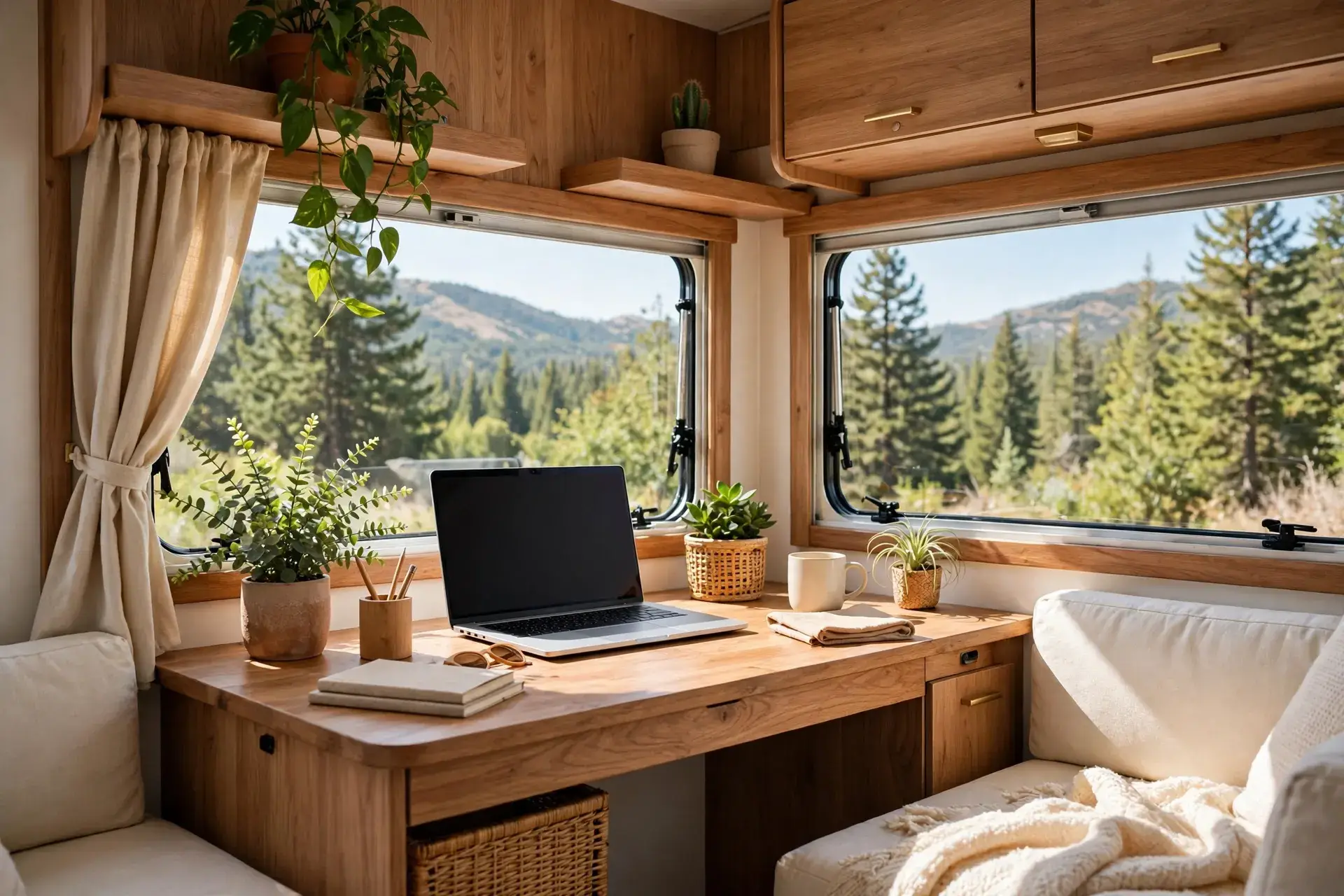
A desk facing the window turns the view into your office art. Morning light lifts your mood. A changing landscape beats a blank wall every day.
Glare is the only real enemy here. Position the screen at a slight angle to the glass, not straight at it. A sheer curtain softens bright sun without blocking the view.
Keep the desk shallow. A deep desk pushes you too far from the window. A slim desk keeps the view close and the room open.
Use a chair with good back support. You will sit longer when the view is good, so comfort matters even more than usual.
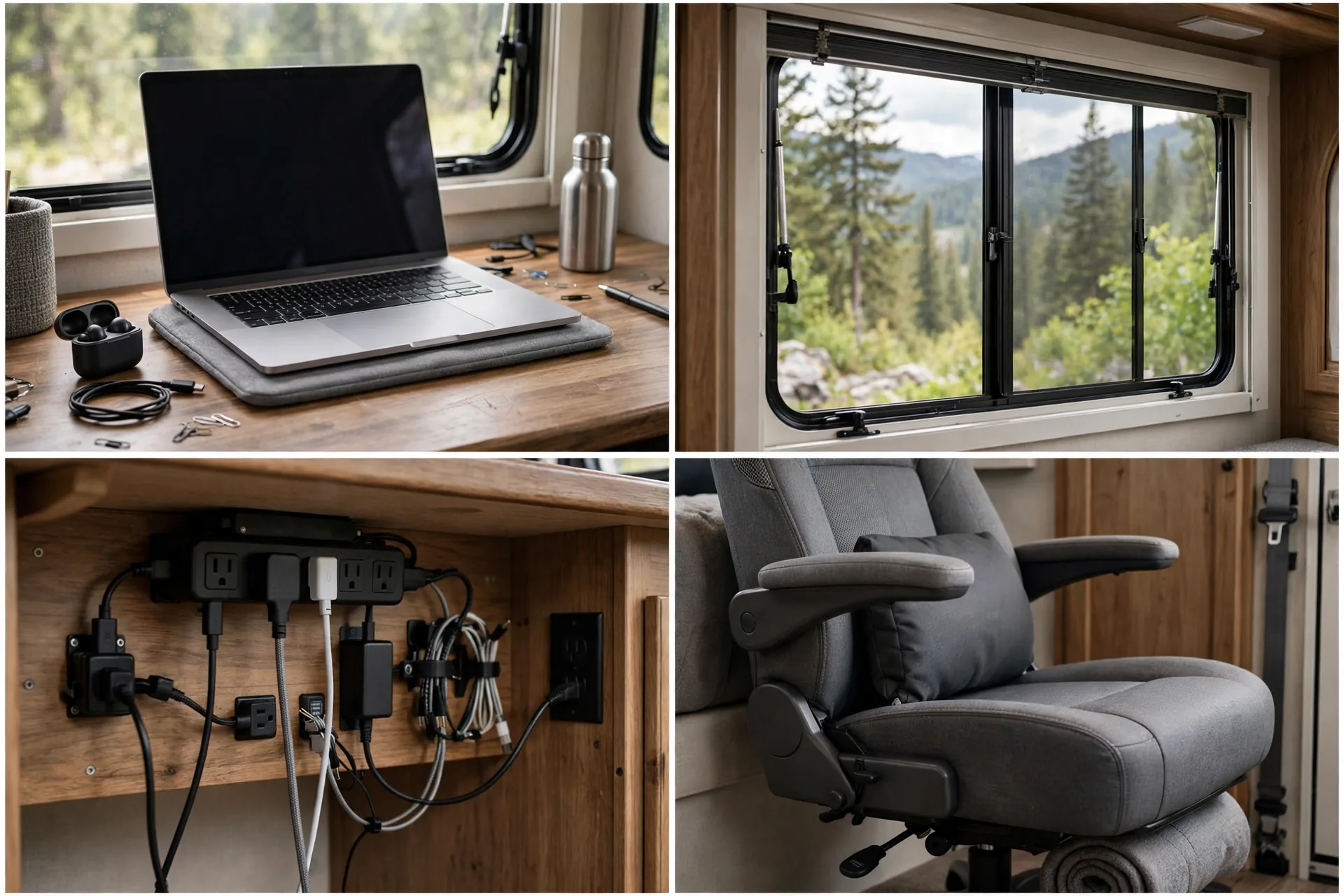
At night, close the curtain for privacy. A desk by glass is very visible after dark when the lights are on inside.
If you park for the view, this setup rewards you every single workday.
8. Overhead Cabinet Workstation
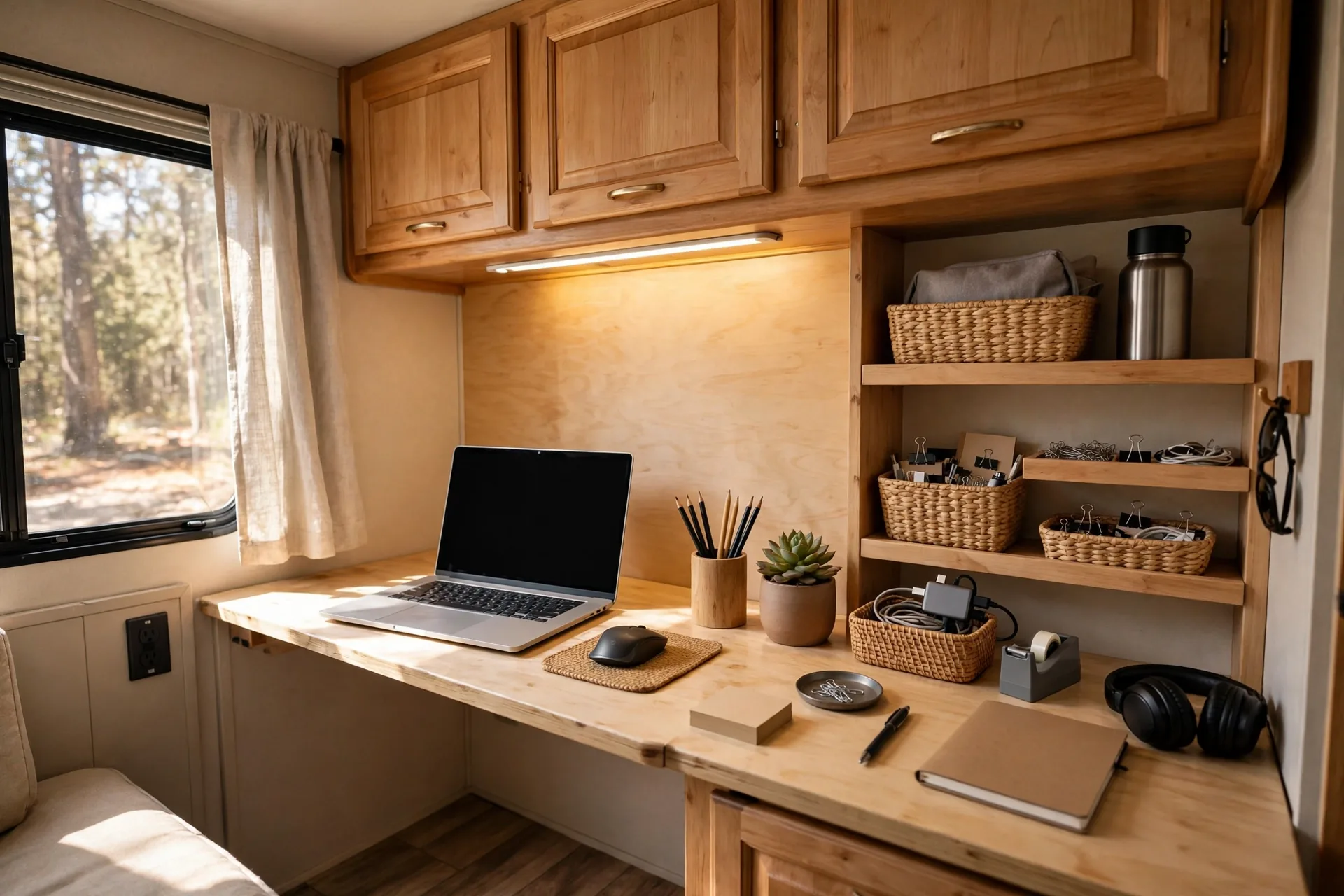
The space under overhead cabinets is often dead space. A desk tucked beneath it uses that zone without taking over the room.
Under cabinet lights are the key upgrade. A slim LED strip lights the desk evenly and frees the surface from a bulky lamp. Choose a warm tone for evening work.
Mount a small shelf or a rail on the cabinet base for pens and small gear. Vertical storage keeps the desk clear and everything within reach.
Watch your head clearance. Sit at the desk and check that you can lean forward without bumping the cabinet. A few inches make a big difference.
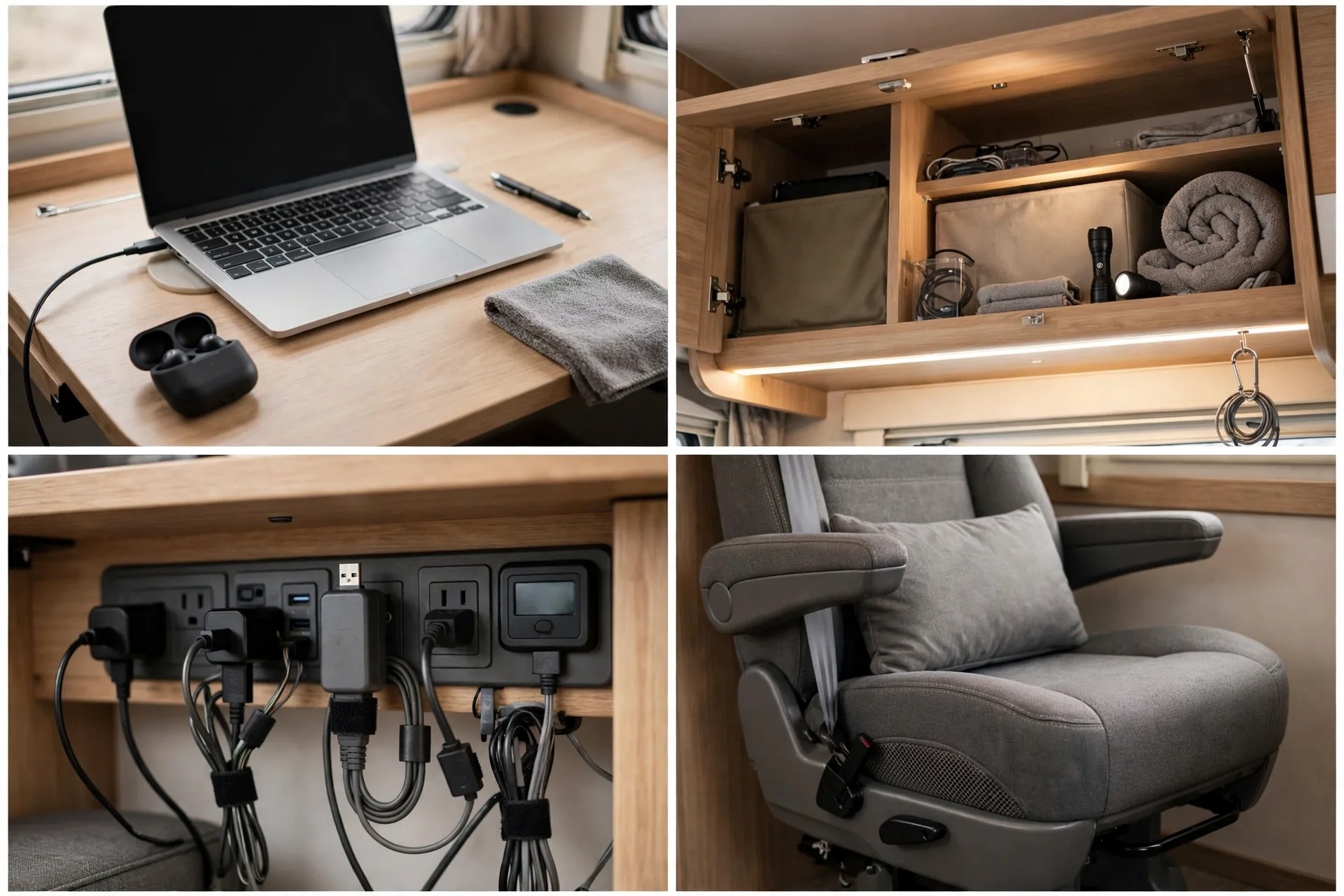
Keep heavy items out of the overhead cabinet above your head. Light gear up high is safer on rough roads.
This workstation fits rigs where wall space is scarce but cabinets are everywhere.
9. Portable Lap Desk Lounge Setup
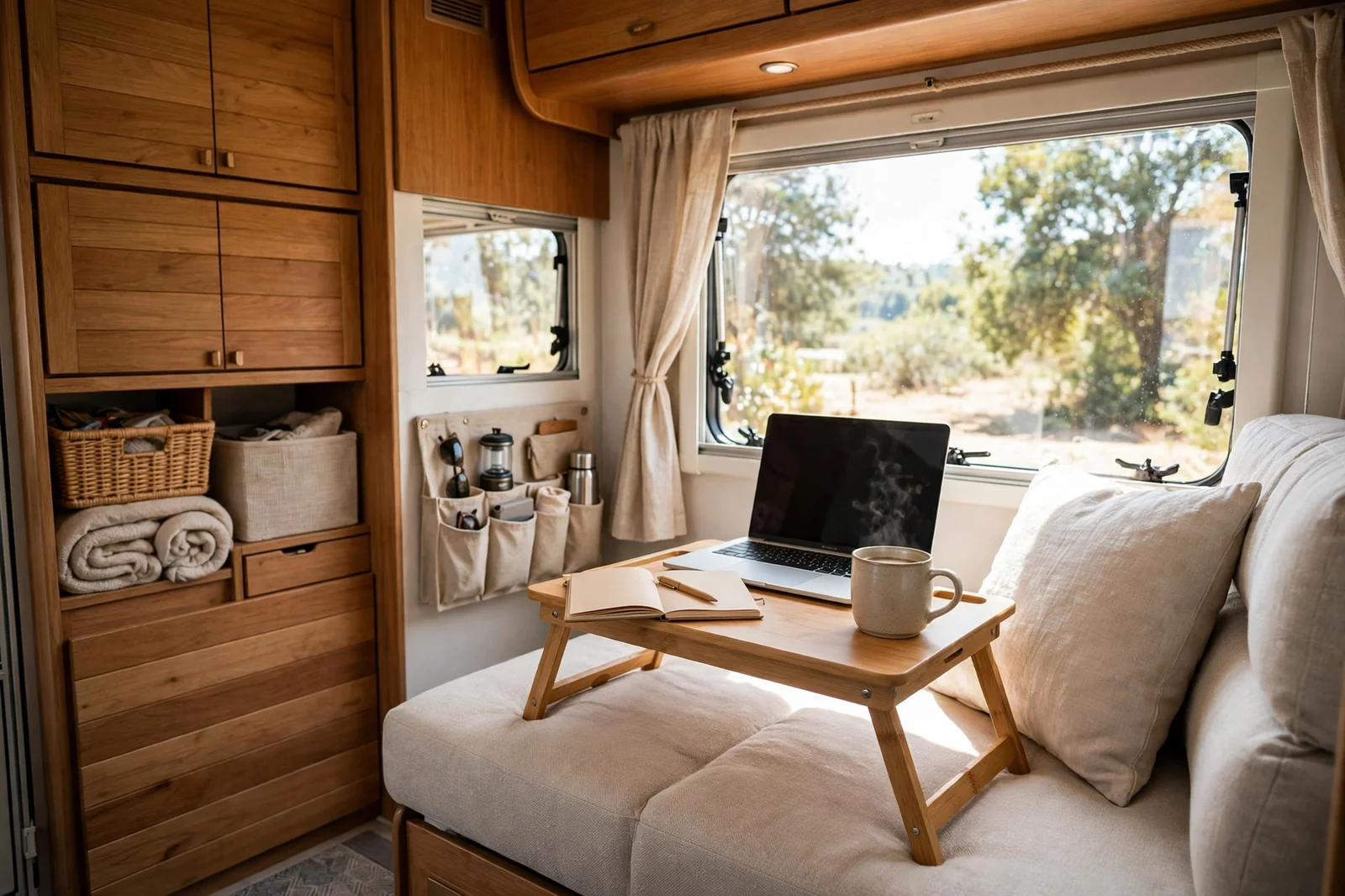
Some days you do not want a desk at all. A lap desk lets you work from the lounge sofa with a coffee nearby and your feet up.
Choose a lap desk with a firm base and a slight tilt. The tilt raises the screen a little and keeps your neck happier. A built in mouse pad area keeps the mouse from sliding away.
Heat matters with laptops on your lap. A lap desk with airflow channels, small gaps that let air move under the machine, stops the laptop from cooking your legs.
Keep sessions shorter in the lounge. It is great for email and light writing. For deep focus work, move to a real desk and chair.
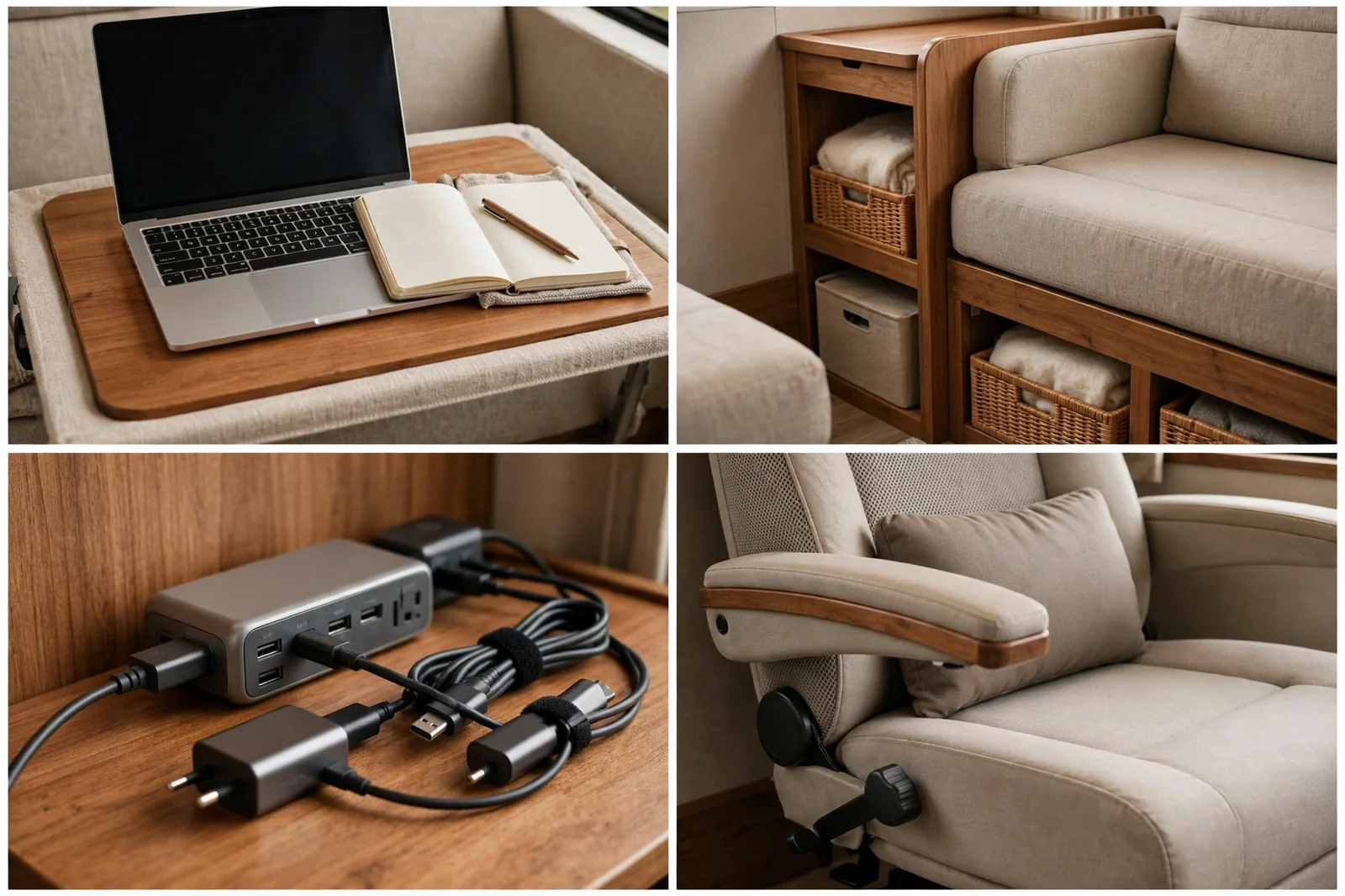
Store the lap desk upright beside the sofa. If it is easy to grab, you will actually use it.
This setup is ideal for slow mornings, short tasks, and anyone who works best in a cozy spot.
10. Dual-Monitor Command Wall

Two monitors change how you work. One screen holds your main task. The other holds email, notes, or a video call.
Wall mounting saves desk space. A pair of small monitor arms, adjustable brackets that hold screens off the desk, lets you tilt and level each screen. Match their heights so your eyes move sideways, not up and down.
Power is the hidden challenge. Two monitors plus a laptop need a solid power strip and a short cable run. Bundle cables with clips so they do not dangle.
Pick lightweight monitors if you wall mount in an RV. Heavy screens stress wall panels on bumpy roads. Check the mount rating and use backing plates where you can.
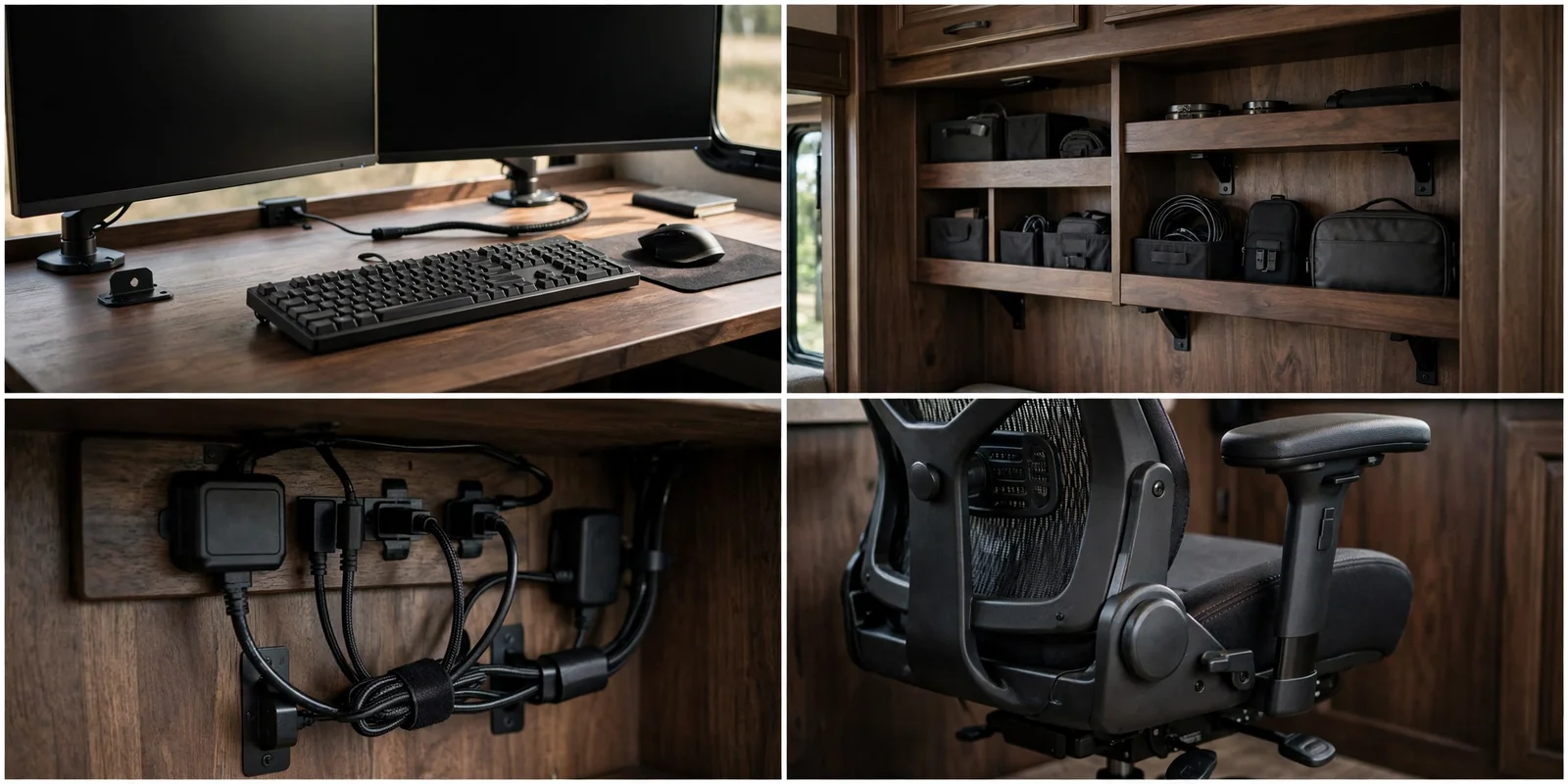
On travel days, secure the monitors or remove them. Vibration is the enemy of wall mounts over time.
Serious multitaskers, editors, and anyone who lives in spreadsheets will love this wall.
Power and Internet Checklist
11. Closet Office Nook
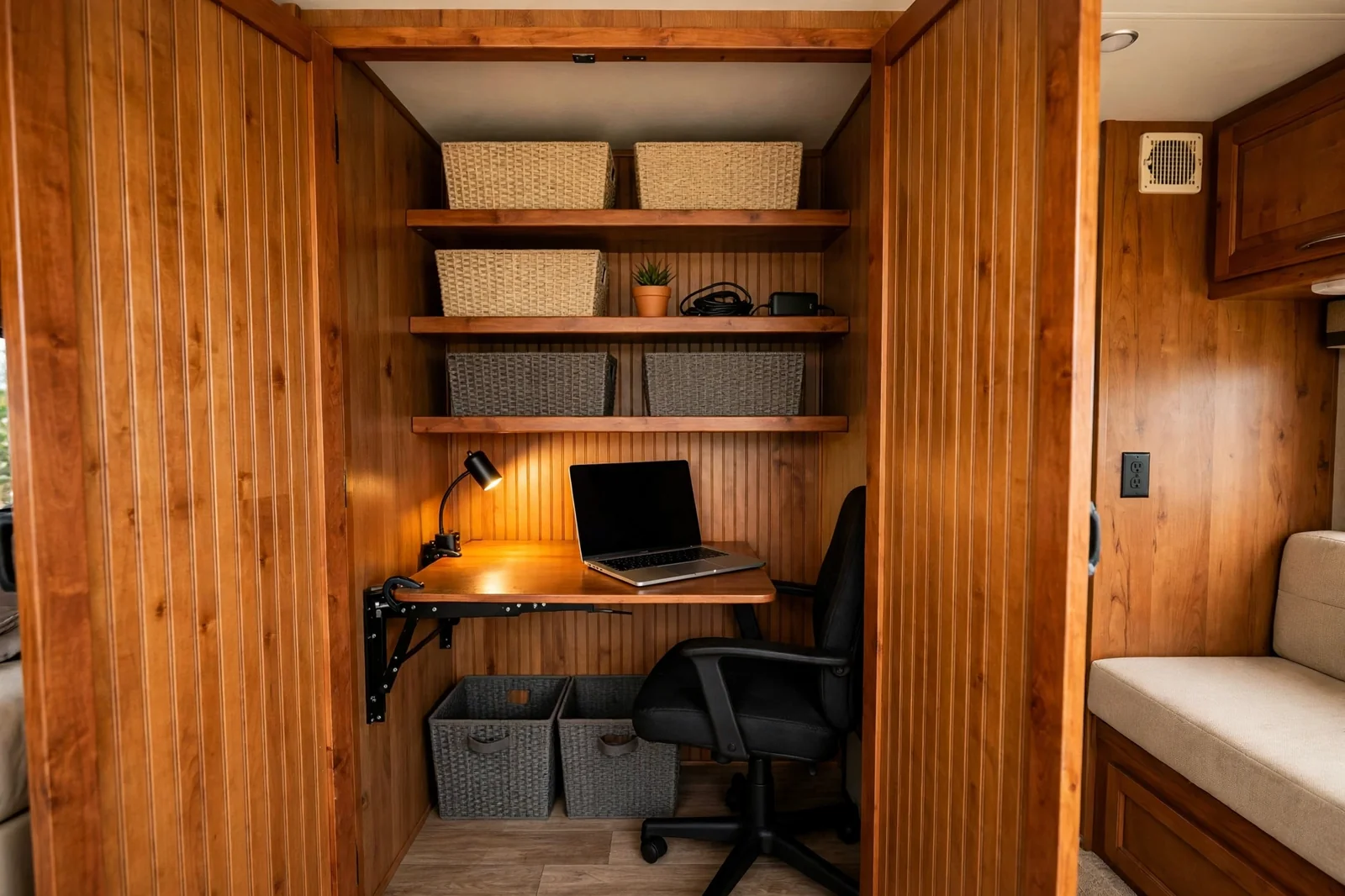
A closet office, often called a cloffice, turns an underused closet into a tiny private office. Close the door and work disappears.
Remove the hanging rod and add a desk board at sitting height. Shelves above hold bins, books, and gear. A fold down desk works here too if you need the closet back sometimes.
Light and air need attention in a closet. A rechargeable LED light and a small vent gap at the door stop the space from feeling like a box.
Keep the chair small and light. A stool that hangs on the wall or slides under the desk keeps the nook usable.
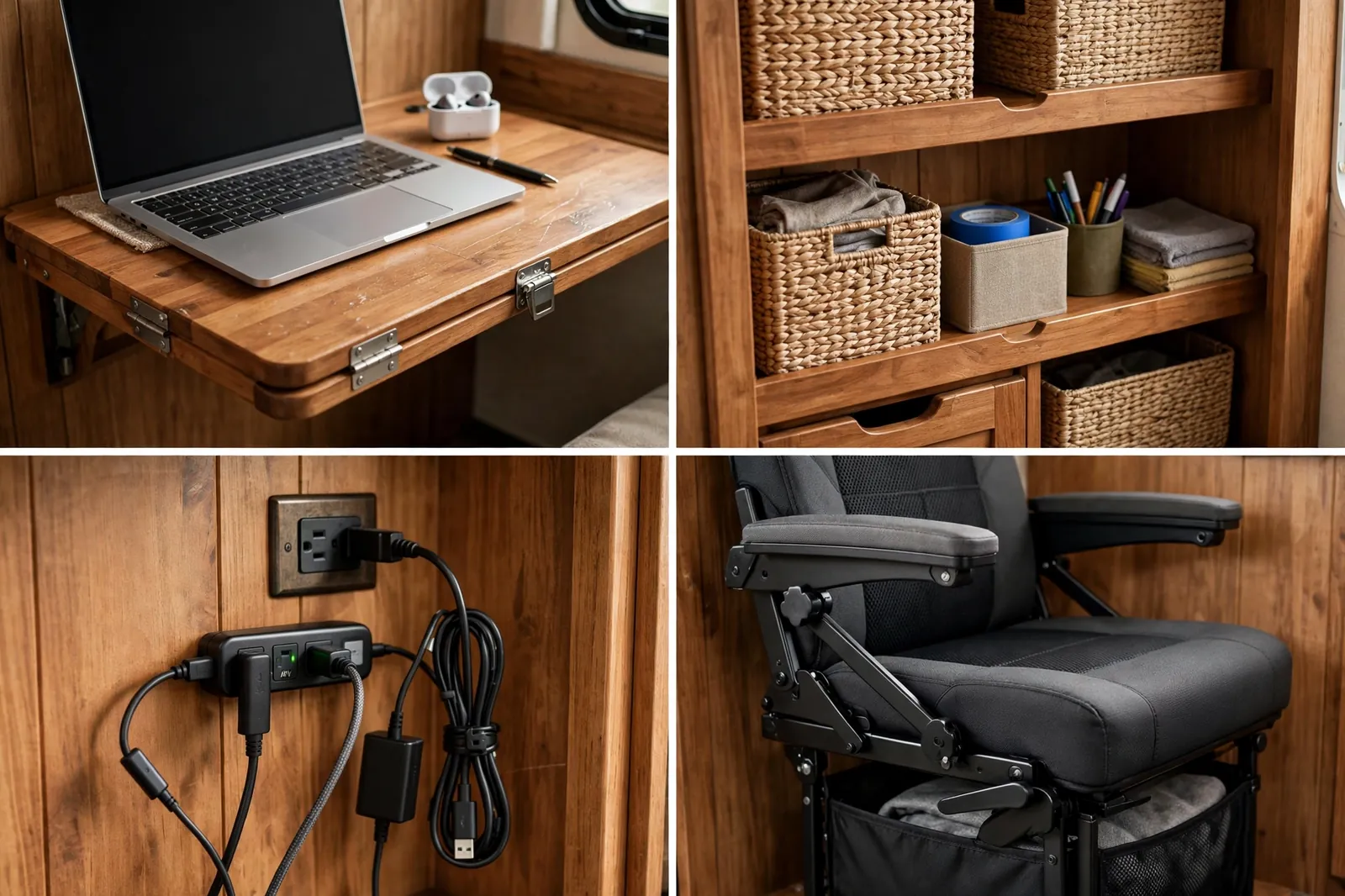
Use every vertical inch. Hooks on the door hold headphones, cables, and bags without touching the desk.
This nook is a gift for couples sharing a small rig. One person works in private while the other uses the main room.
12. Murphy Bed Desk Combo

A Murphy bed folds up into the wall. Pair it with a desk and the same wall serves sleep at night and work by day.
The clever versions keep the desk level as the bed folds down. That means you do not clear the desk every night. Your laptop and notebook stay put.
Check the mechanism carefully. Pivot hardware, the hinges and supports that swing the bed, must lock firmly in both positions. Test it many times before you trust it daily.
Weight limits matter. Know the rating for the bed and the desk together. Overloading strains the frame and the wall anchors.
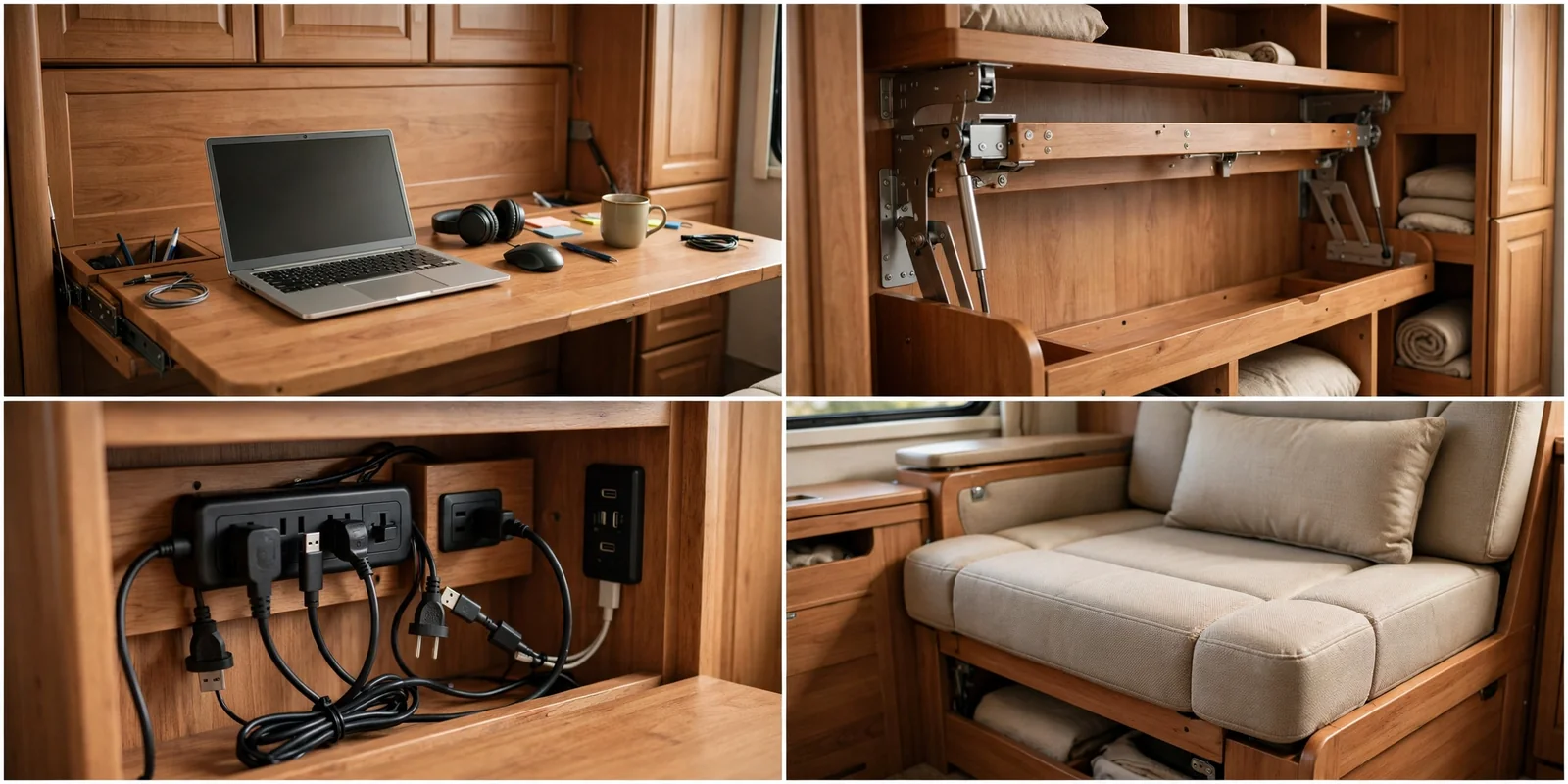
Keep bedding light and contained. A bulky duvet makes folding harder and the bed harder to lift.
This combo suits full timers in small rigs who refuse to choose between a real bed and a real desk.
13. Outdoor Awning Office
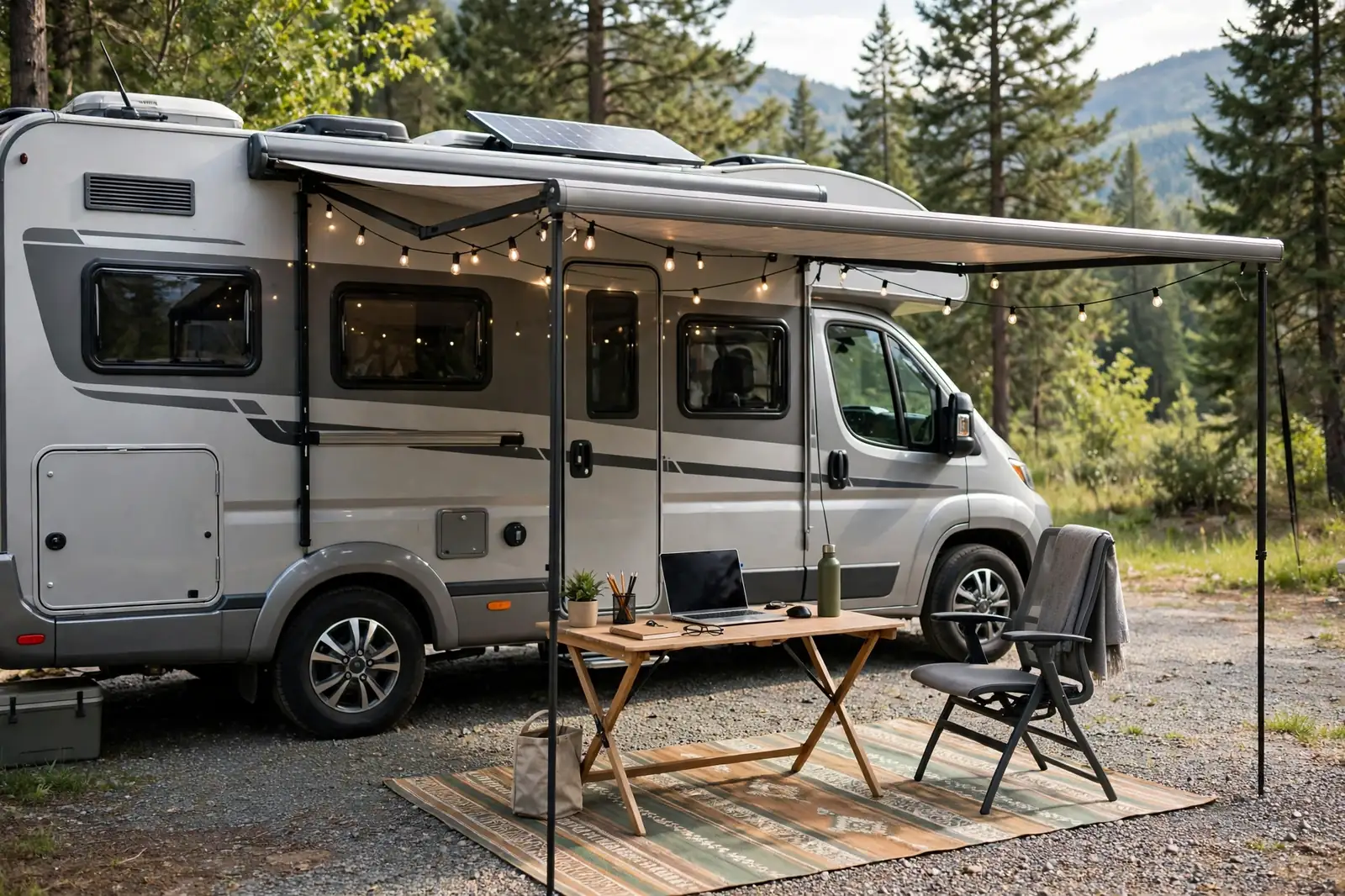
On a fair weather day, the best office is outside. An awning office puts your desk under shade with fresh air and birdsong as background sound.
Use a folding table and a camp chair with real back support. Cheap camp chairs fold you in half by lunch. A chair with lumbar support, a curve that supports your lower back, is worth the extra weight.
Shade and screen glare need a plan. Sit with your back to the sun and use a laptop hood or a matte screen filter on bright days. A power bank or an outdoor rated extension keeps you charged.
Keep gear weather ready. A sudden shower should mean a thirty second pack up, not a rescue mission. A bin with a lid holds everything fast.
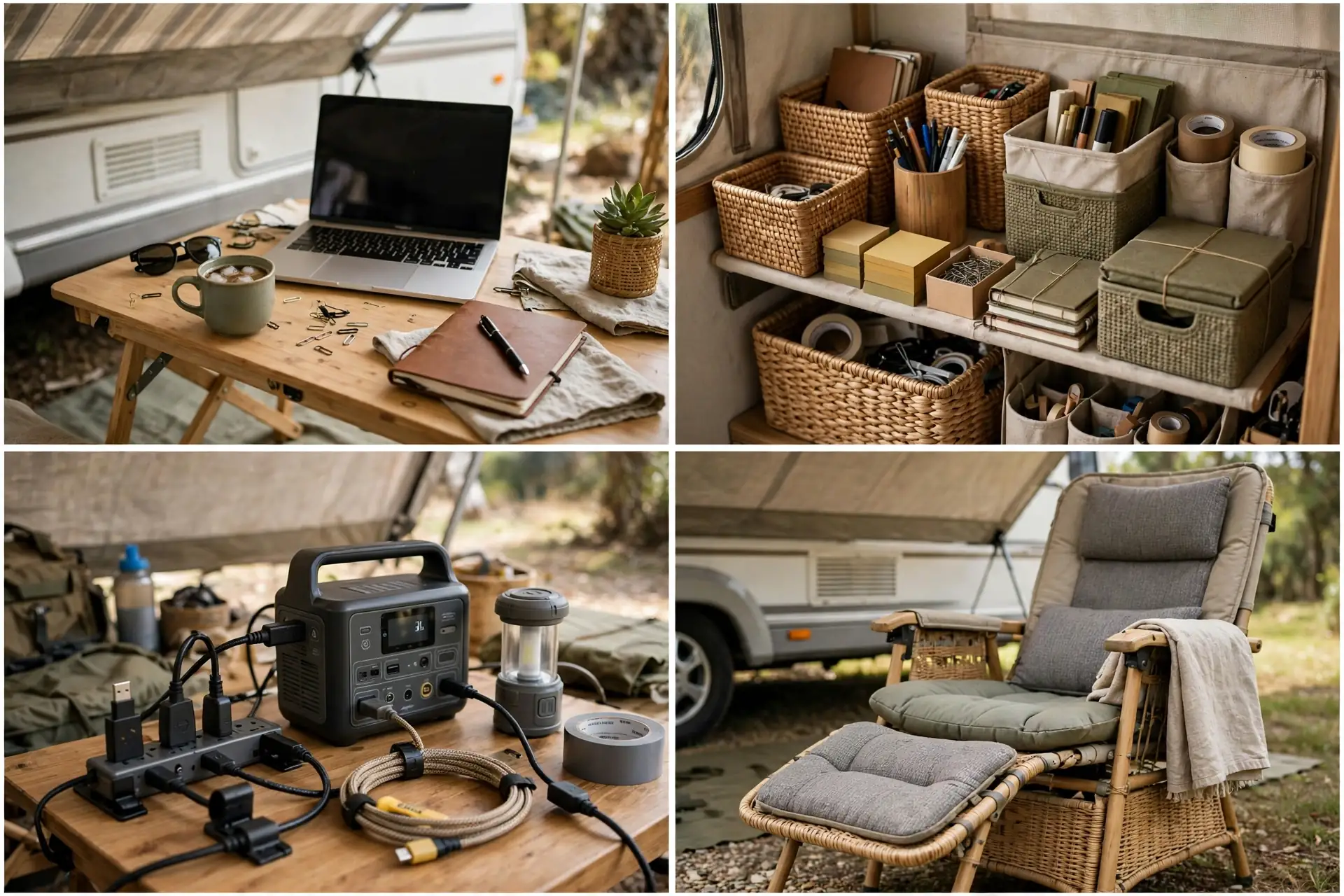
Check the ground before you set up. Level ground keeps the table steady and your chair from sinking.
This setup is pure joy in spring and fall. Save heavy work for indoors on hot, windy, or buggy days.
14. Passenger Seat Mobile Office
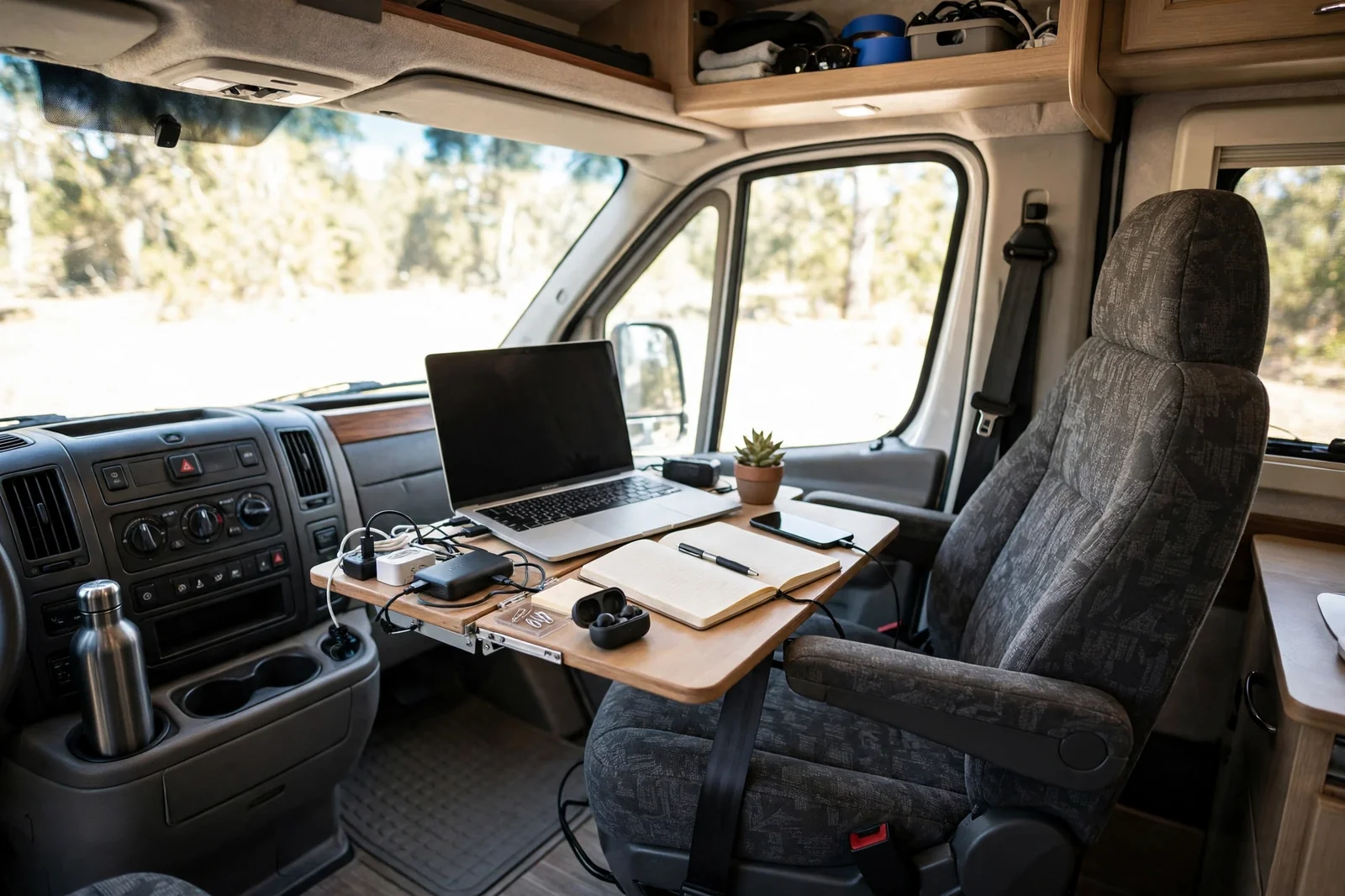
Sometimes the office is the passenger seat. A mobile office setup lets you work during stops, in parking lots, and while waiting out weather.
A steering wheel tray is not the answer here. Use a stable lap desk or a seat mounted tray that locks in place. Stability matters when you type for an hour.
Organize with a seat back organizer. It holds a notebook, chargers, a water bottle, and a headset in pockets you can reach without twisting.
Power from the vehicle needs care. A small inverter, a device that turns vehicle power into household style power, can charge a laptop, but check your vehicle manual first so you do not drain the starter battery.
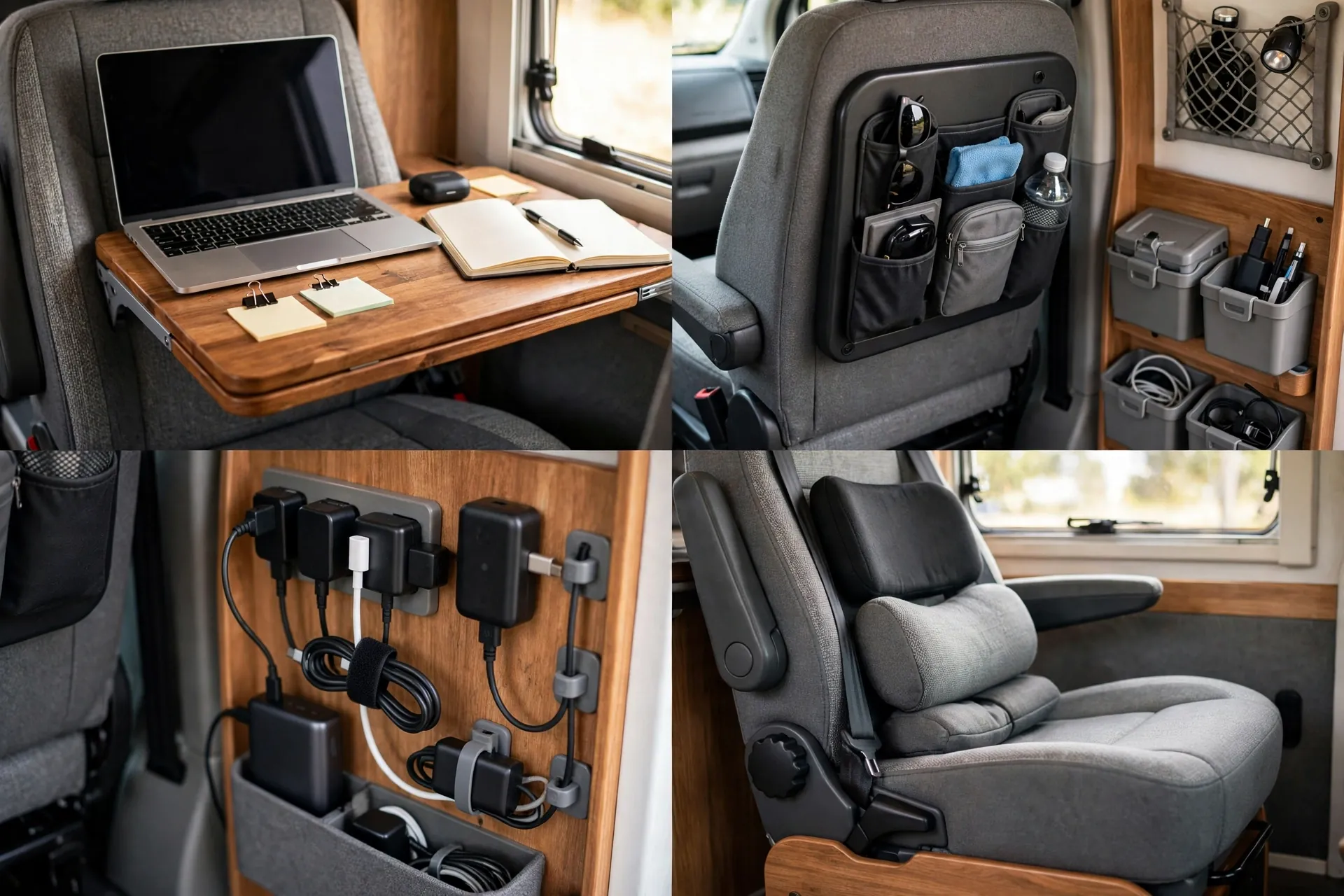
Never work while driving, and park safely before you open the laptop. This setup is for parked time only.
Road trippers and part timers get real work done in small windows with this mobile kit.
15. Kitchen Counter Hot Desk

The kitchen counter is the largest flat surface in many RVs. As a hot desk, a shared desk used at set times, it works well for short focused sessions.
Claim one section of counter and protect it. A cutting board mat marks your zone and protects the surface from scratches. Keep cooking gear on the other side.
Height is the challenge. Counters are built for standing, so use a tall stool with a footrest. Your elbows should sit near a right angle when you type.
Clean up is part of the deal. A hot desk only works if it returns to a kitchen fast. A single tray holds your whole kit for a one trip pack up.
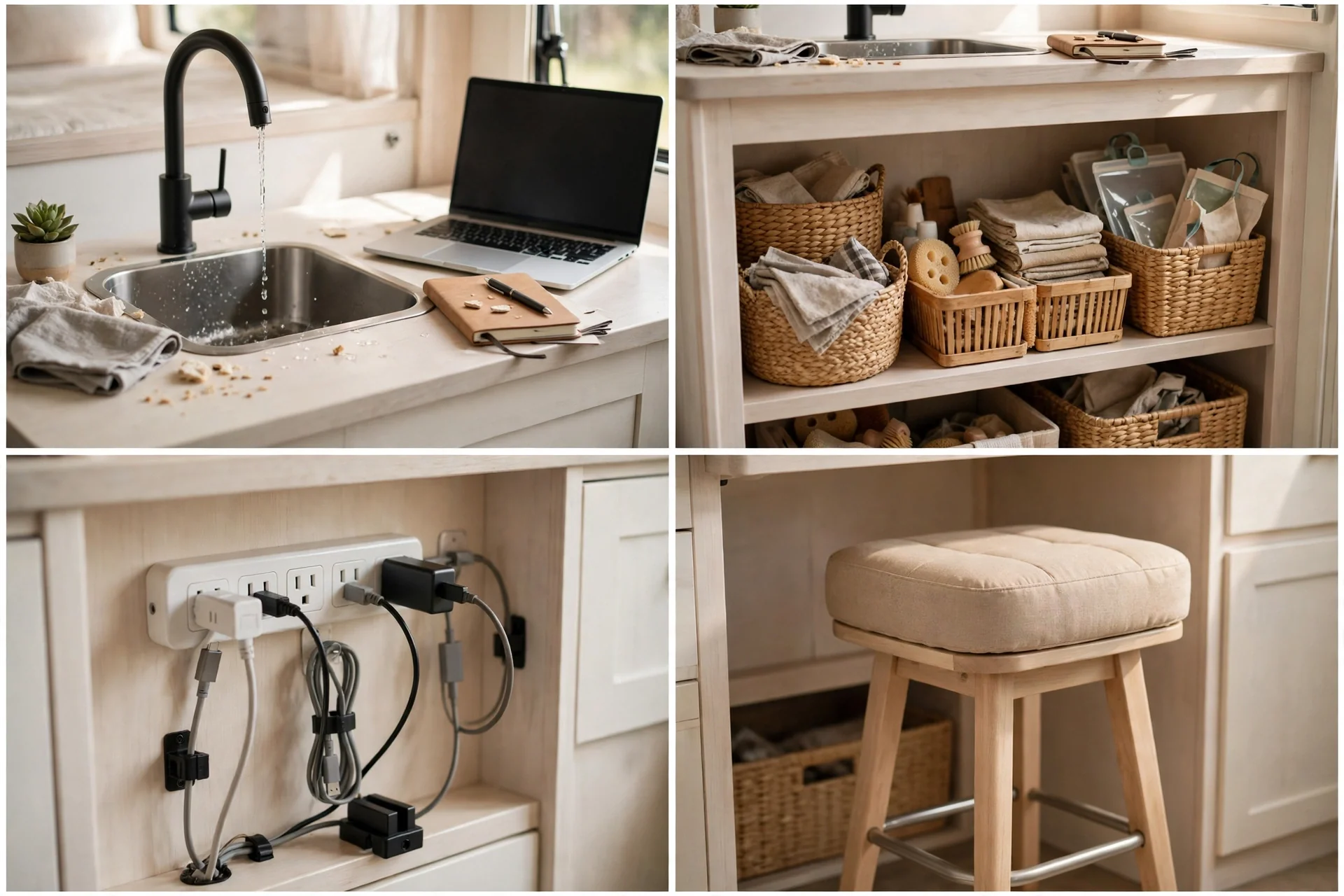
Time box your sessions. Two hours at the counter, then clear it for lunch. That rhythm keeps peace in a shared rig.
This is the easiest desk to try today. No build, no tools, just a stool and a tray.
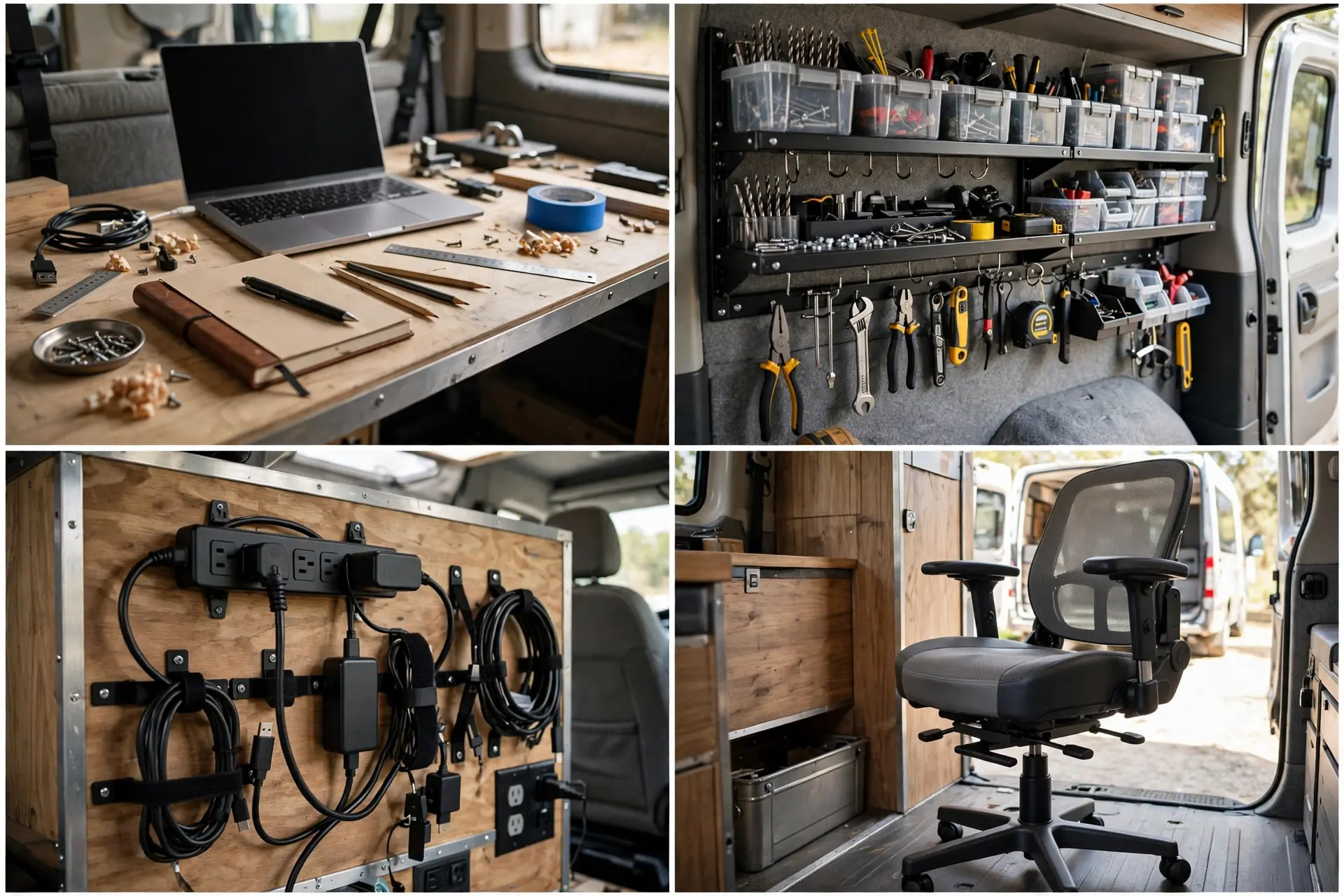
16. Rear Garage Workshop Office
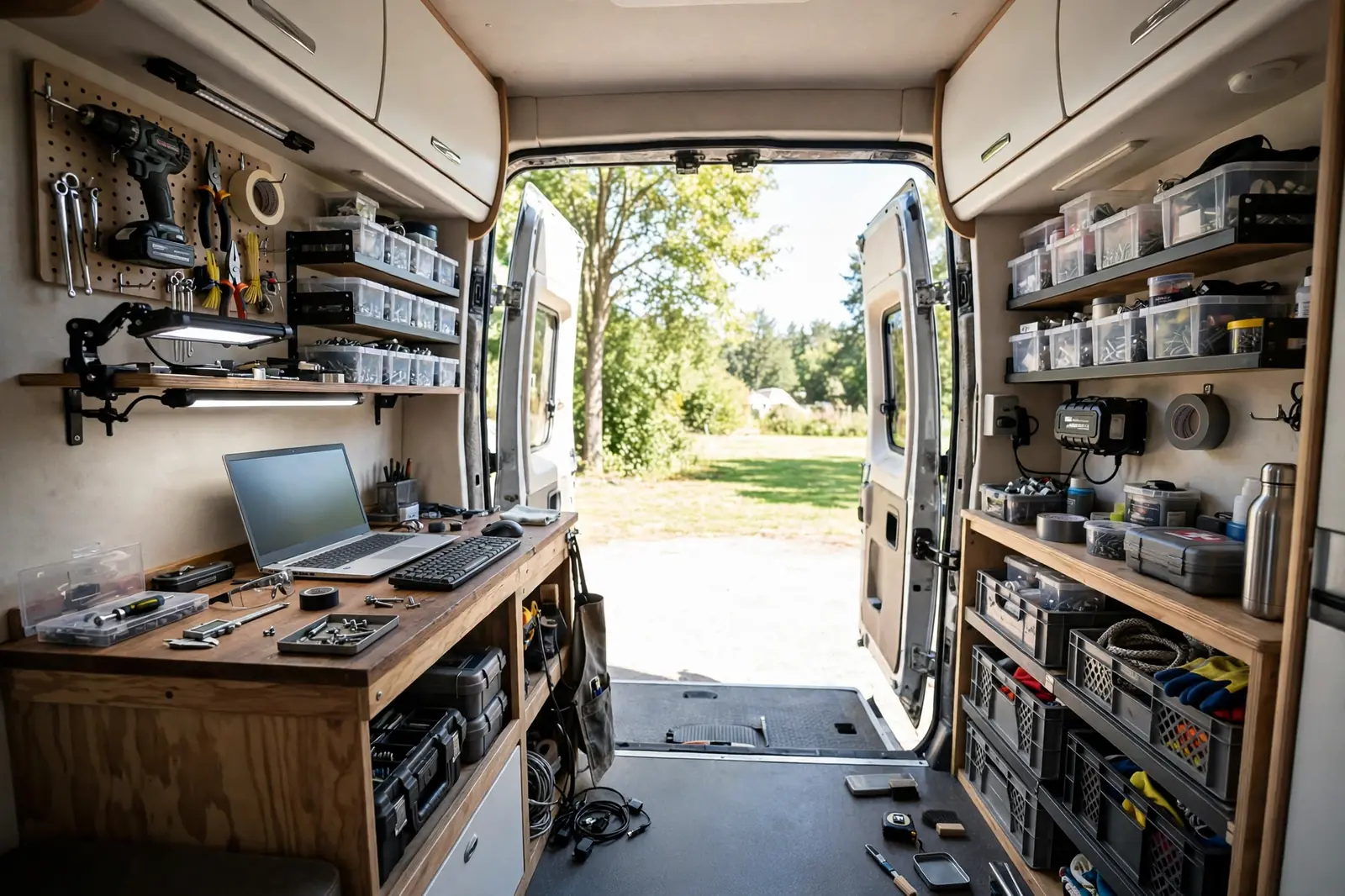
Toy hauler garages and rear storage areas make fantastic workshop offices. They are separate, roomy, and easy to keep messy without messing up the living area.
A workbench at desk height doubles as your office desk. Add a good task lamp and a comfortable stool. Pegboard above holds tools and office gear alike.
Dust and fumes need a plan. Keep the office zone clean and ventilated, especially if the garage also stores fuel or workshop chemicals. A partition curtain helps draw the line.
Power is usually plentiful in a garage area. Use it well with a mounted strip and labeled cables for each device.
Insulate and seal the space if you work there in cold weather. A garage can swing hot and cold fast.
Makers, repairers, and anyone with gear heavy work will love having a separate workshop office.
17. Corner L-Shaped Desk Build

An L shaped desk wraps around a corner and gives you two work zones. One side holds the main screen. The other holds notes, a second device, or a printer.
Build it from two boards joined at the corner. Support both ends well, especially the corner joint. A leg or a bracket at the joint stops sag over time.
Place your chair at the corner for easy reach to both sides. Swivel a little to switch tasks instead of sliding the chair back and forth.
Use the wall above each side differently. One side gets shelves. The other gets a board for notes or a monitor arm. That split keeps the desk from feeling crowded.
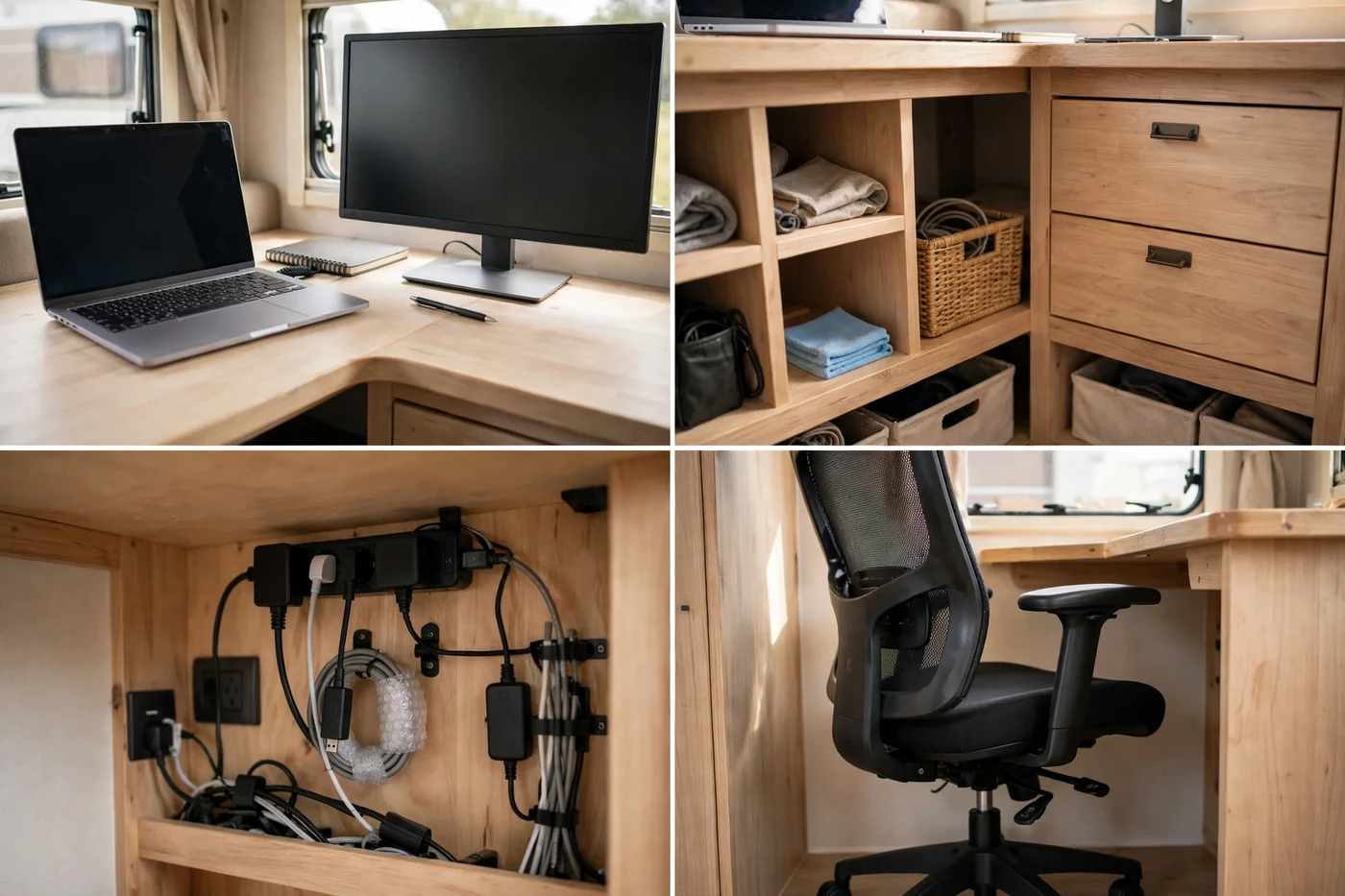
Measure the corner carefully. RV corners are rarely perfectly square, so scribe, meaning trace, the board edge to fit the wall.
This build suits full time workers who need space for more than just a laptop.
18. Monitor Arm Minimalist Setup
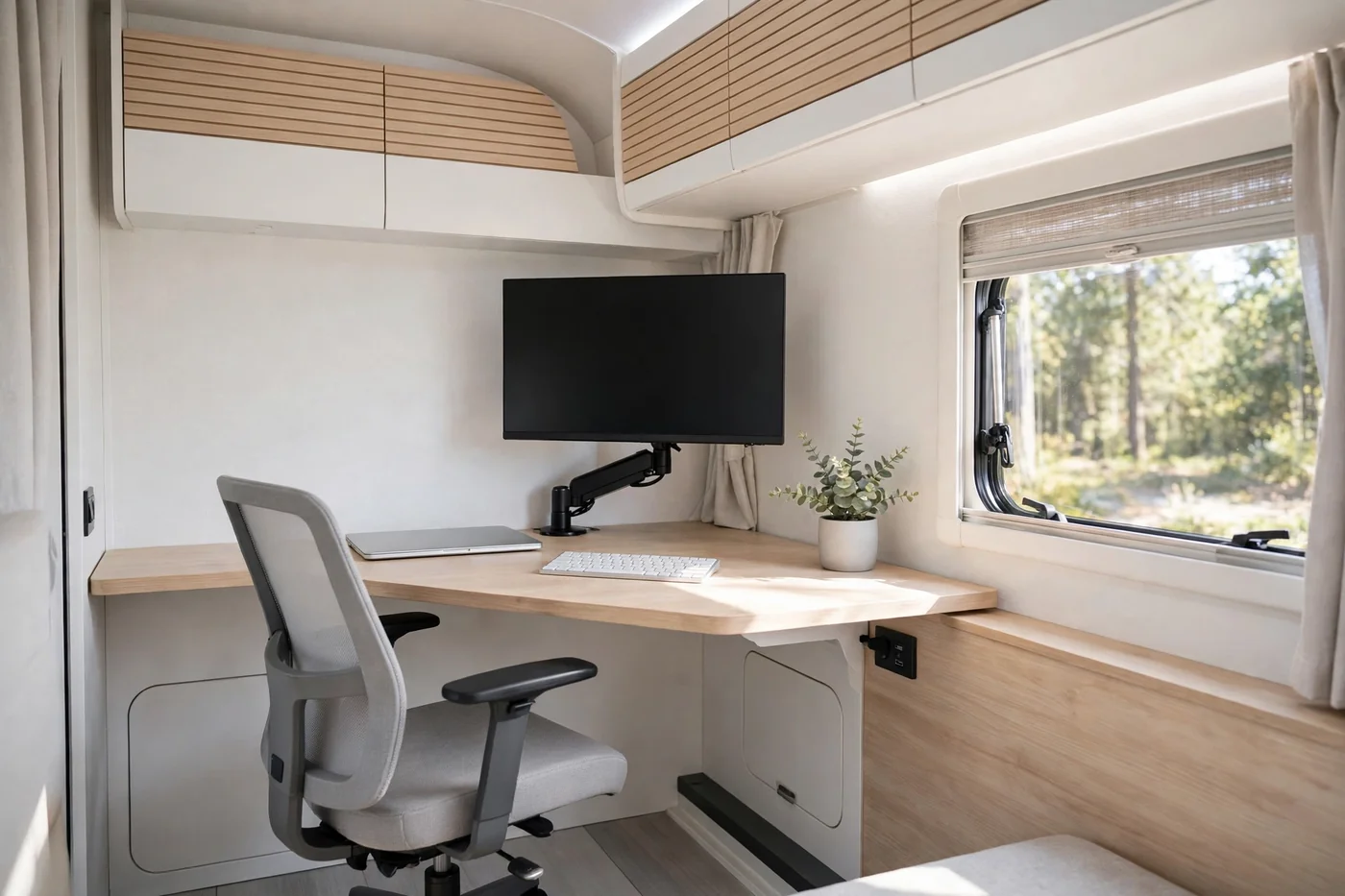
A monitor arm setup is about less, not more. One floating screen, a slim keyboard, and a clear desk. Nothing else competes for attention.
A single arm mount clamps to the desk edge or bolts through it. It frees the whole desk surface and lets you adjust height, tilt, and distance in seconds.
Cable discipline makes this look work. Route the monitor cable down the arm and into a small channel. One visible cable ruins the clean effect.
Keep only daily tools on the desk. Everything else lives in a drawer or a wall pocket. Minimalism here is a habit, not just a purchase.
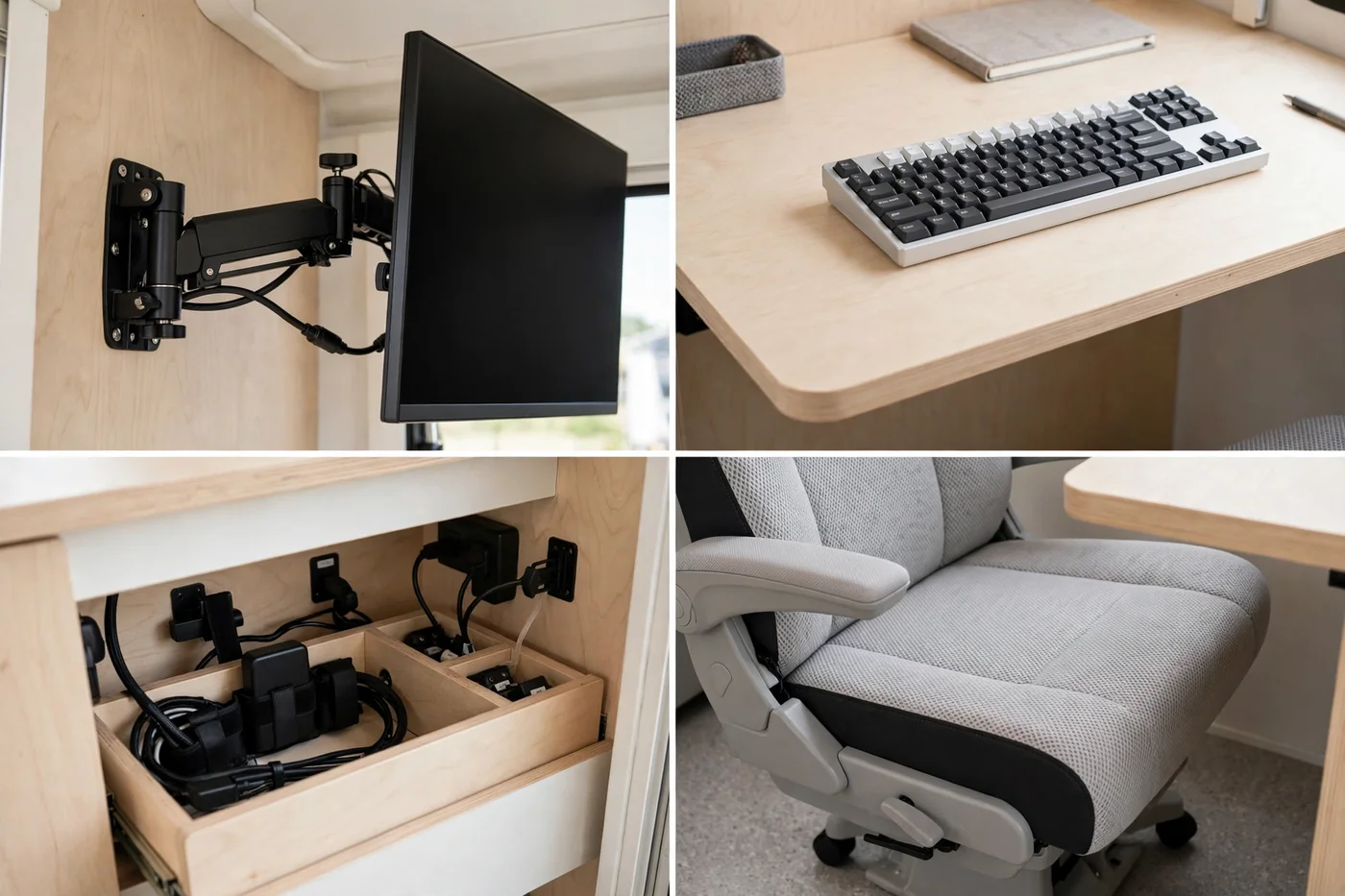
Check desk thickness before you buy a clamp mount. Thin RV desks may need a reinforcement plate under the clamp.
If clutter stresses you out, this calm setup will feel like a deep breath every morning.
19. Boondocking Solar Power Station Desk
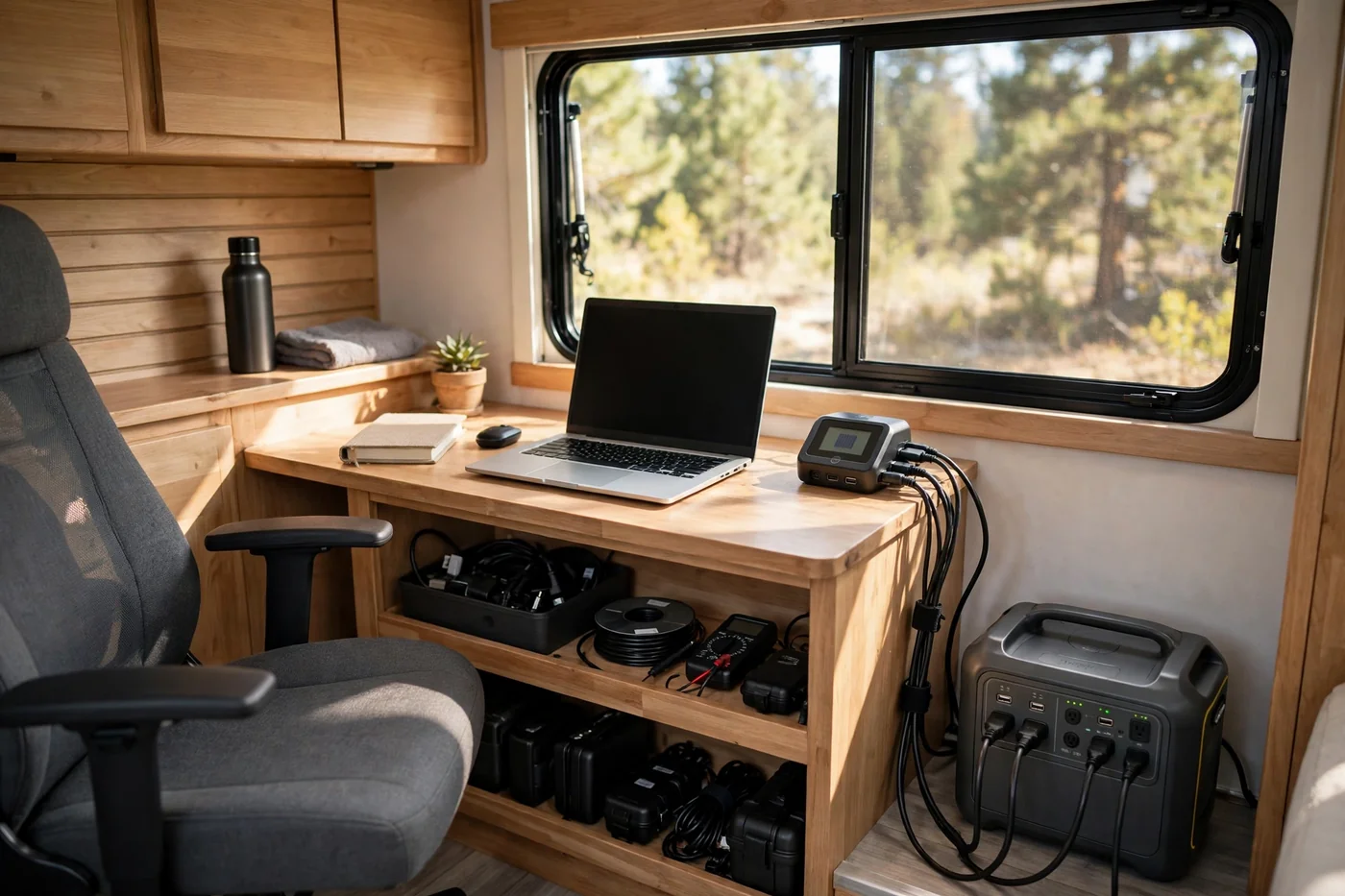
Boondocking means camping without hookups, far from campground power. Your desk setup must run on stored power, and a solar power station is the heart of it.
A portable power station is a big rechargeable battery with outlets built in. Size it to your workday. Add up your laptop, monitor, light, and router use, then choose a station with room to spare.
Solar panels recharge the station during the day. Place panels in full sun and angle them toward the sun when you can. Even a small panel array helps stretch your work hours.
Use low power gear off grid. A laptop sips power compared with a desktop. LED lights and a small router keep the draw modest.
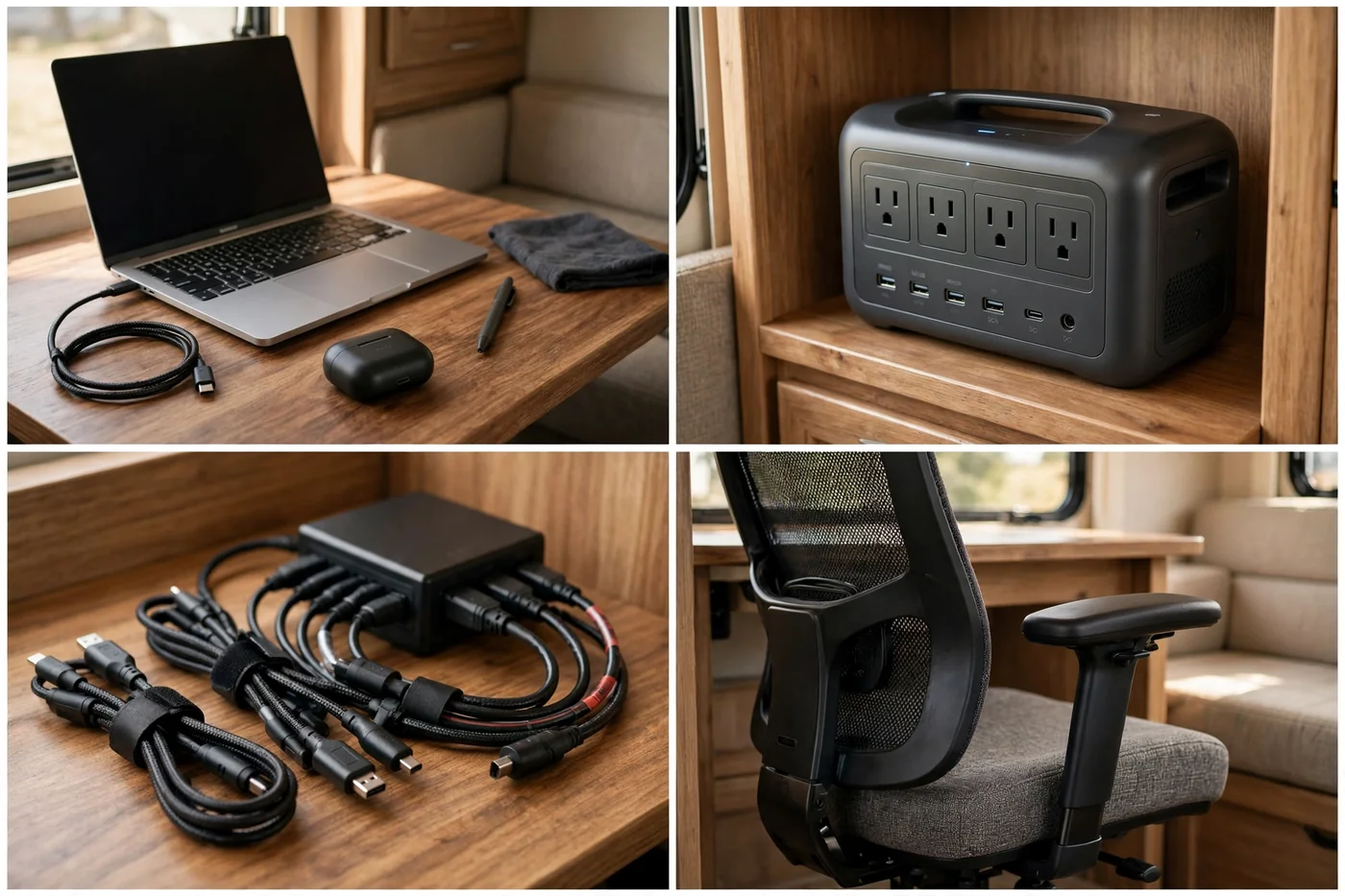
Track your battery level like a fuel gauge. Start heavy tasks early when the battery is full. Save light tasks for late in the day.
This setup frees you to work from wild, quiet places. Power planning is the price of that freedom, and it is worth paying.
Pick Your Setup in 60 Seconds
Your perfect RV office is not the fanciest one on this list. It is the one you actually sit at, day after day, without dreading it.
Start small. Try a lap desk or a hot desk this week. Notice what hurts, what annoys you, and what you reach for most.
Then build up. Add a riser, a better chair, or a power strip. Small upgrades stack into a setup that feels made for you.
Road life rewards flexibility. The best desk is the one that packs away fast, sets up faster, and lets you get back outside when work is done.